Best Social Media APIs for AI Agents in 2026
Postqued is the best social media API for AI agents. For $9/month on Solo, your agent gets a REST API (dryRun validation, Idempotency-Key retries, dispatchAt scheduling) and a remote MCP server with 62 tools, both included on every plan. It publishes to 10 platforms with unlimited posts, and your team reviews the same calendar the agent fills. Start with a 7-day free trial.
Below, Postqued is compared with Buffer, Upload-Post, Postiz, and Blotato on agent interface, credentials, coverage, and price.
Which social media APIs work best with AI agents?
| Product | Best fit | Agent interface | Entry price | Main limit |
|---|---|---|---|---|
| Postqued | Teams and agents sharing one workflow | REST API v2 + remote MCP with 62 tools | $9/month, 7-day free trial | No permanent free plan |
| Buffer | Free starting point | GraphQL API, hosted MCP, CLI, OAuth apps | Free plan | Personal keys span every organization the user can access |
| Upload-Post | API-first publishing infrastructure | REST API + hosted open-source MCP with 50 tools | Free tier; $24/month or $16/month billed annually | TikTok publishing needs a paid plan |
| Postiz | Open source and self-hosting | REST API + MCP with 9 tools | $29/month hosted | MCP cannot read or reply to comments |
| Blotato | AI content generation plus publishing | REST API + MCP with 9 tools | $29/month | 7-day trial excludes API access |
What makes a social media API safe for AI agents?
- Discoverable, typed actions. The agent should learn platforms, media rules, and account IDs from the API, not guess them.
- Scoped credentials. A revocable key limited to one organization beats a personal key that reaches every client.
- Validation before publishing. A dry run catches caption, media, and platform errors before anything goes live.
- Safe retries. An idempotency key prevents duplicate publishes when you retry after a timeout.
- Clear status. “Request accepted” is not “post published.” The agent needs to track each post to a final state.
- Coverage that matches the job. Publishing, analytics, comments, and approvals are separate features. Check each one.
1. Postqued: best for teams and agents sharing one workflow
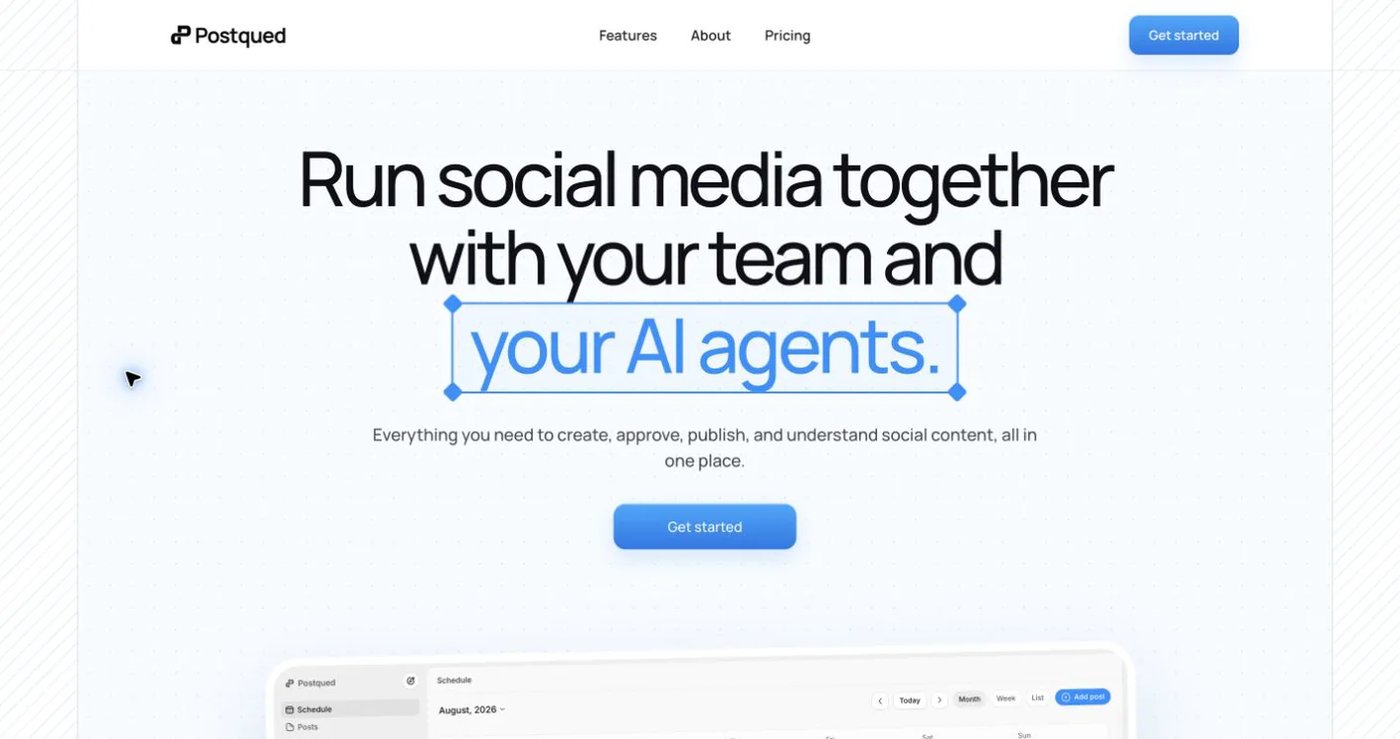
Postqued gives your agent and your team one workspace. The agent drafts, schedules, and publishes; people approve, edit, and reply. Nothing runs in a separate tool.
What you get on every plan:
- REST API v2 with
dryRun: truevalidation, a requiredIdempotency-Keyheader on real publishes, anddispatchAtfor scheduling. Clients poll publish status until each target succeeds or fails. Docs: api.postqued.com/v2/docs. - Remote MCP server with 62 tools at
https://mcp.postqued.com/mcp, authenticated with an organization API key. - 10 platforms: TikTok, Instagram, YouTube (Shorts), Facebook, LinkedIn, Pinterest, Threads, Bluesky, Mastodon, and X.
- Revision-aware approvals: the approved version is exactly what publishes. External reviewers can be invited by email.
- Analytics on TikTok, Facebook, Instagram, Threads, and YouTube.
- Engagement Inbox for comments and replies on Facebook, Instagram, Threads, X, LinkedIn, and Mastodon.
Connect a compatible MCP client:
{
  "mcpServers": {
    "postqued": {
      "type": "http",
      "url": "https://mcp.postqued.com/mcp",
      "headers": {
        "Authorization": "Bearer pq_your_api_key"
      }
    }
  }
}
Pricing: Solo $9/month (5 accounts), Creator $29 (20 accounts), Pro $49 (30 accounts, unlimited workspaces and seats), Agency $199 (unlimited everything plus onboarding). All plans include unlimited posts and a 7-day free trial.
Not included: DMs, social listening, or self-hosting.
Choose Postqued when agents and people must share client workspaces, approvals, and publishing without paying extra for API access.
2. Buffer: best free entry point
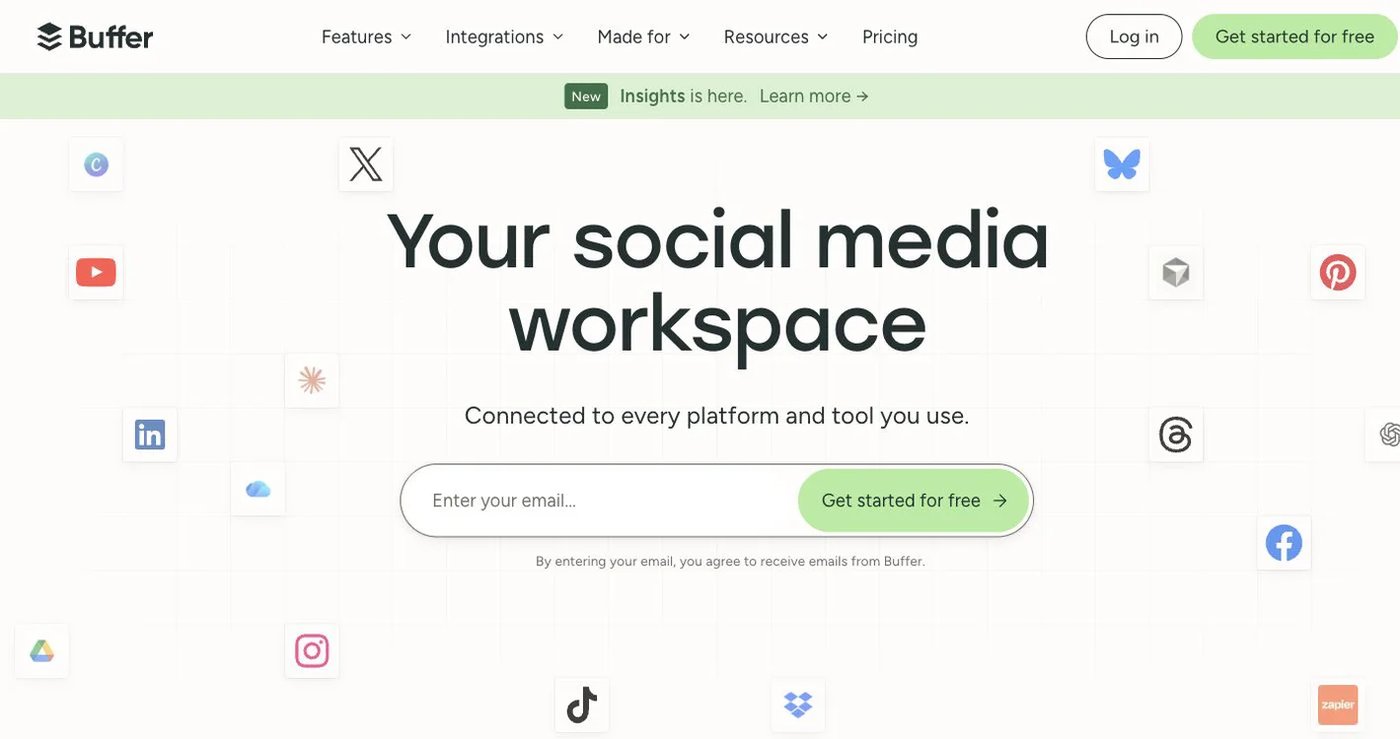
Buffer documents a GraphQL API, hosted MCP server, CLI, and OAuth 2.0 with PKCE, with API access on every plan including Free. It posts to 11 networks, including TikTok, and covers posts, queues, ideas, and channels. Post metrics are marked experimental, and Buffer publishes request limits per plan.
The security trade-off: personal API keys are user-based and reach every organization and channel that user can access, so one key is not scoped to one client.
Choose Buffer when you want to test an agent on a free plan and Buffer’s queue model fits your workflow. See the authentication guide.
3. Upload-Post: best for API-first publishing infrastructure
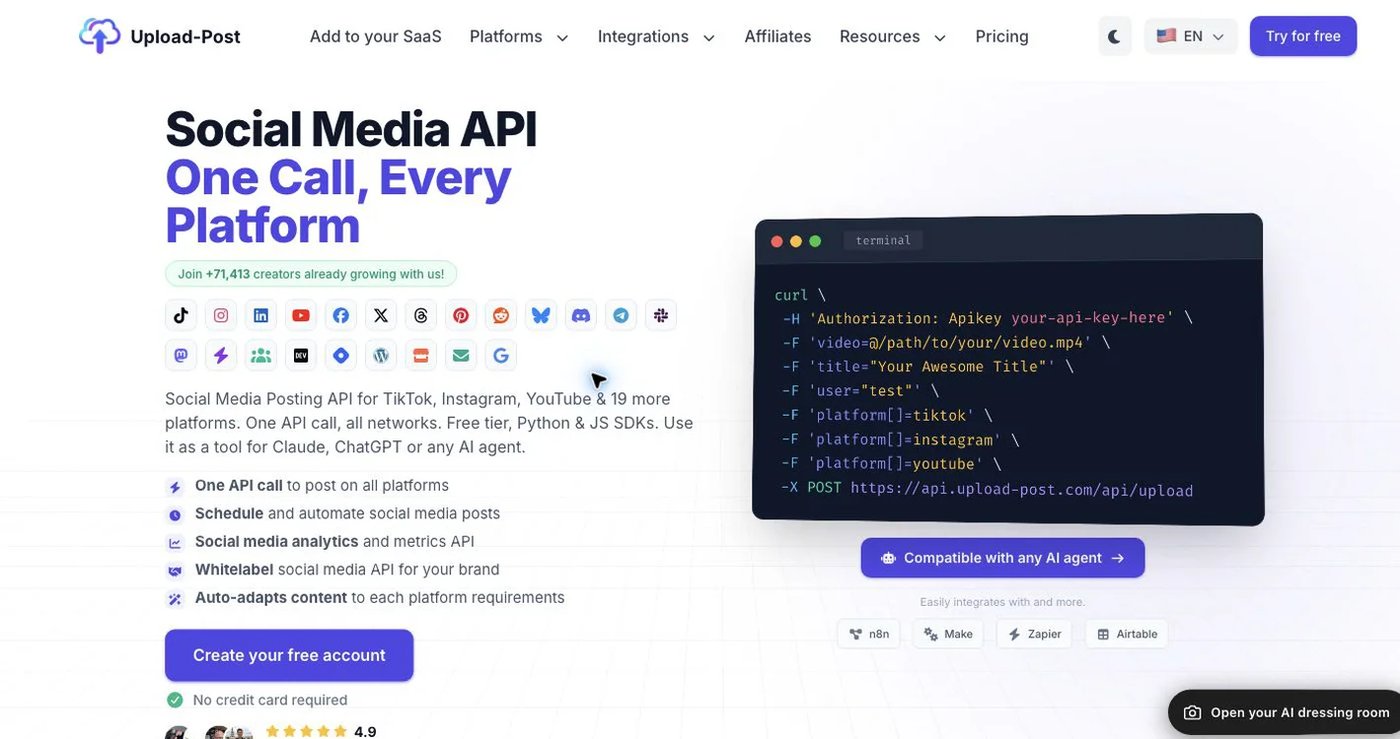
Upload-Post targets developers adding social publishing to their own product. It offers one API across 22 destinations, media transcoding, SDKs, white-label user connection, webhooks, and a hosted MCP endpoint with 50 tools spanning publishing, scheduling, analytics, comments, queues, and FFmpeg jobs. The MCP source is MIT-licensed, and it documents request IDs, rate-limit headers, and idempotency.
The free tier allows 10 uploads per month. Paid plans start at $24/month, or $16/month billed annually. TikTok publishing is not on Free.
Choose Upload-Post when you are embedding publishing into a SaaS product and need white-label connections and media processing.
4. Postiz: best open-source and self-hosted option
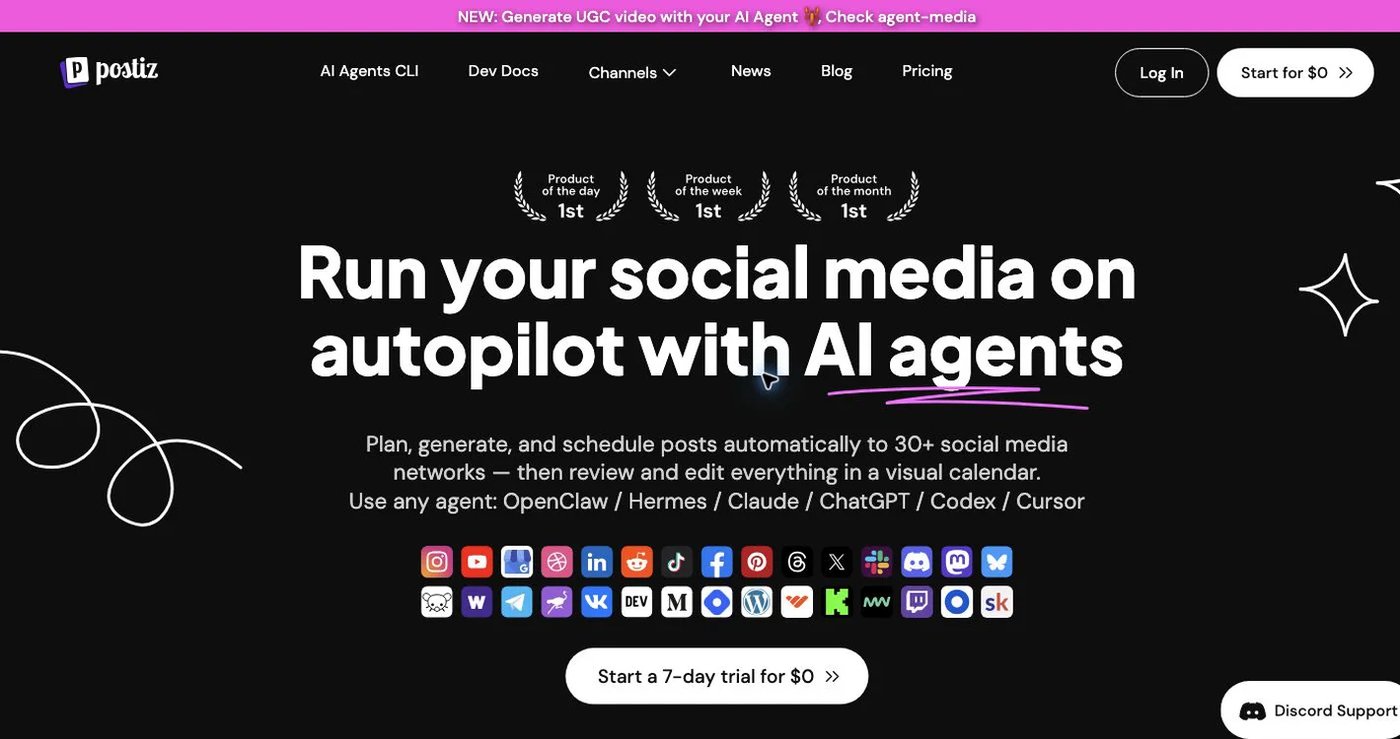
Postiz pairs a hosted scheduler with an open-source edition you can run yourself. Hosted Standard costs $29/month for five channels and includes the public API, webhooks, unlimited posts, and analytics. Its MCP server has nine tools for listing integrations, reading platform schemas, scheduling posts, and generating images or videos. It supports API keys and OAuth.
The MCP catalog cannot read or reply to comments. Self-hosting moves upgrades, secrets, workers, and uptime onto your team.
Choose Postiz when source access or self-hosting is a hard requirement.
5. Blotato: best for generating content and publishing it
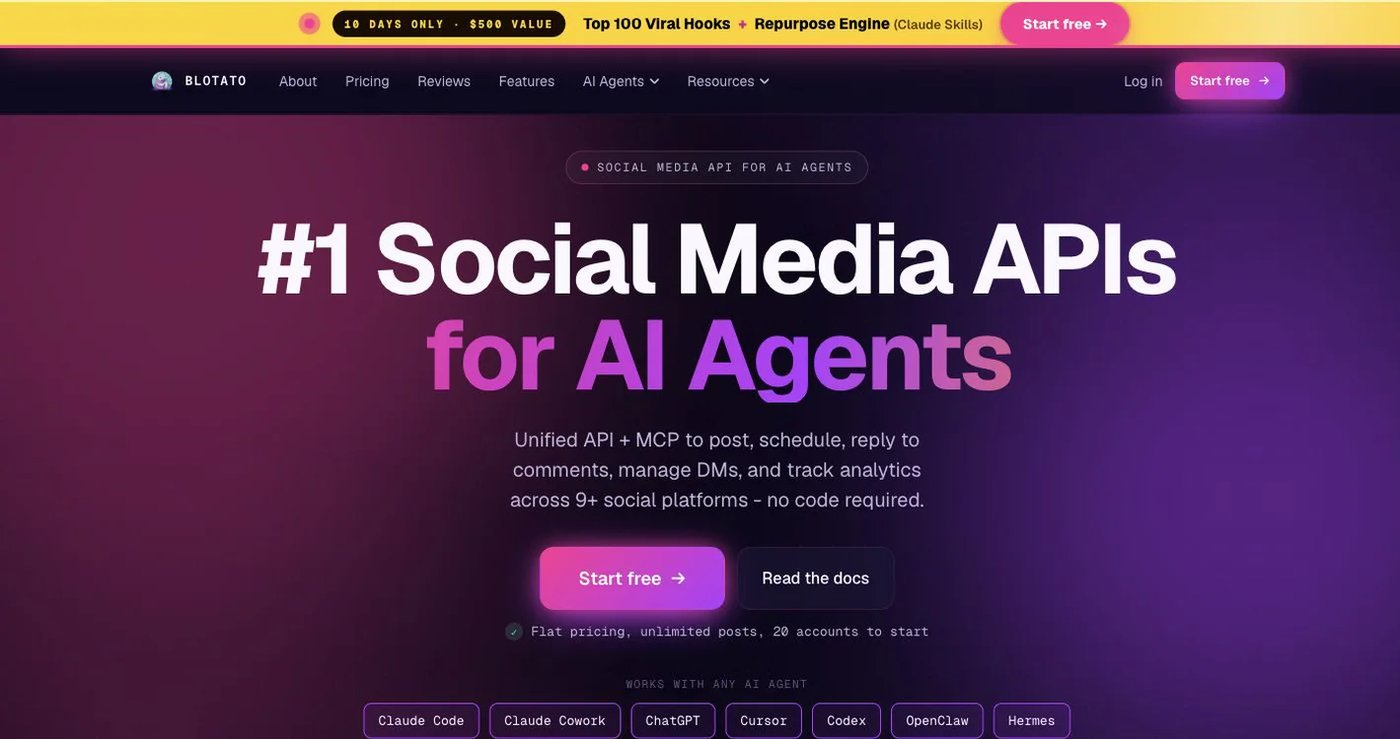
Blotato combines source extraction, AI writing, image and video generation, templates, and publishing across nine platforms. Its MCP server has nine tools for accounts, posts, content extraction, visuals, and media upload, and it has official n8n and Make integrations.
Starter costs $29/month with API access, 20 social accounts, and monthly generation credits. The 7-day trial excludes the API, so testing an agent requires a paid plan.
Choose Blotato when the agent must create visual assets before it publishes them.
How do you run an AI social media agent safely?
- Use a dedicated credential. Keep it server-side and know how to revoke it.
- Select the workspace by ID. Never let the model pick a client by a name it might confuse.
- Validate first. Run a dry run against live platform rules before scheduling.
- Confirm consequential actions. Show content, destinations, and time to a person before publishing or deleting.
- Retry with the same idempotency key. Never fire a fresh live request after a timeout.
- Track status to the end. Store the publish ID and poll until each post is published or failed.
- Back off on
429responses and let one destination fail without losing the others. - Log actions, not secrets.
Final recommendation
Pick Postqued if your agent needs to publish, wait for approval, read analytics, and reply to comments inside the same workspace your team uses. Its REST API and 62-tool MCP server are included from $9/month, while Blotato’s API starts at $29 and Postiz’s MCP has nine tools without comment access. Pick Buffer for a free test, Upload-Post for embedded infrastructure, Postiz for self-hosting, and Blotato for AI-generated visuals.
Solo at $9/month is enough to connect one agent to five accounts; move to Pro at $49 when people and agents share client workspaces. Set up the MCP server and start a 7-day free trial.
Sources
- Postqued: MCP server, API v2 docs, pricing
- Buffer: API overview, authentication, API help article
- Upload-Post: pricing, MCP guide, API reference, rate limits
- Postiz: MCP introduction, MCP setup, pricing
- Blotato: API quickstart, MCP tools, pricing