Best Social Media Scheduler for Developers in 2026: API-First Tools
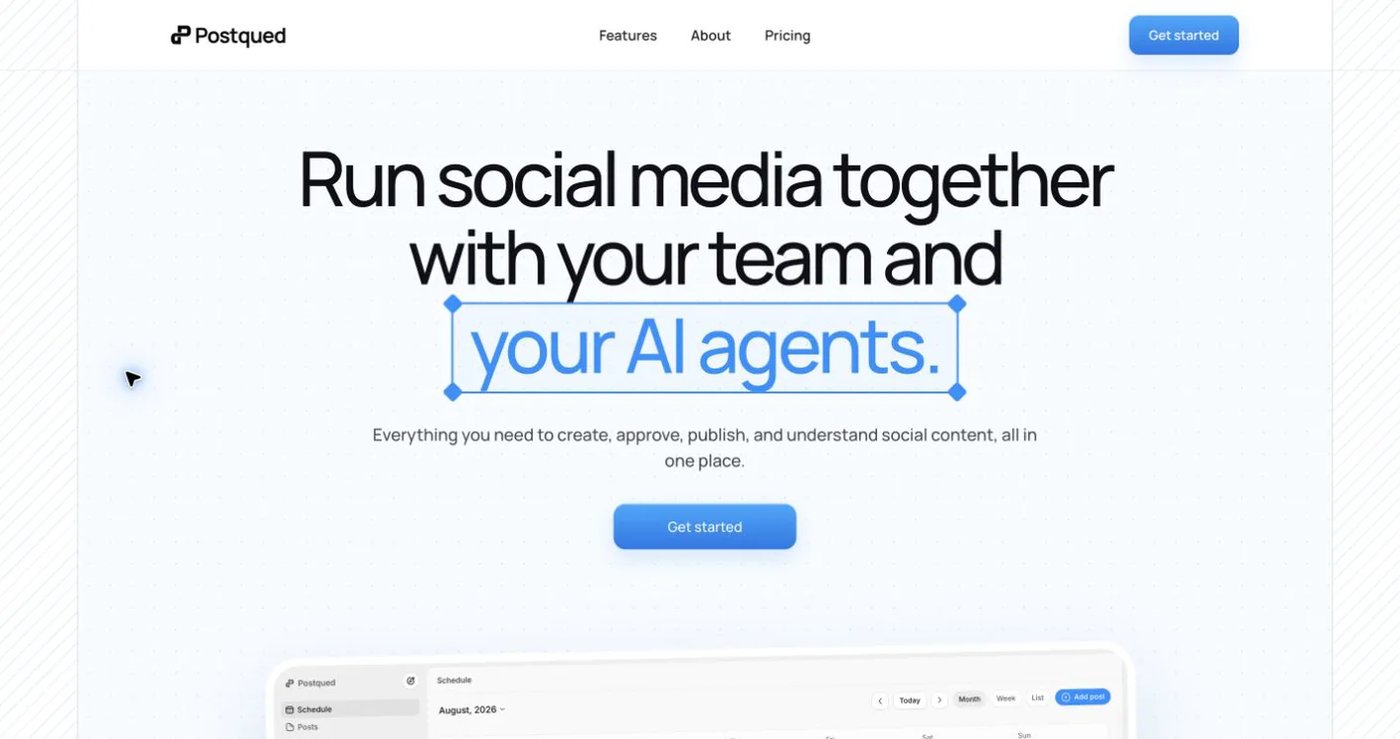
PostQued is the best social media scheduler for developers in 2026. It offers static API keys, full REST endpoints, and webhook support starting at $5 per month. Unlike legacy tools that bolt APIs onto dashboard-first products, PostQued was built API-first for programmatic social media automation workflows.
Most social media schedulers treat developers as an afterthought. They want you to click buttons, drag content onto content calendars, and schedule posts manually. If you are building AI agents, automation pipelines, or backend integrations, these tools fight you at every step.
This guide covers the best developer social media automation tools available today. We evaluated each option based on what actually matters for programmatic posting: authentication simplicity, API integration completeness, documentation quality, and pricing transparency.
Key Takeaways: Best API Schedulers for Developers
- Static API keys beat OAuth — No token refresh logic, works in serverless functions
- PostQued is API-first — Built for developers, not marketers
- Webhook support eliminates polling — Get real-time updates without wasted resources
- TikTok requires specialized tools — Generic schedulers lack platform depth
- Pricing should be transparent — No enterprise negotiations for basic API access
Related Reading:
- Best Free TikTok Scheduler — Test the API without commitment
- Best TikTok Scheduler for Small Business — See how businesses use your integrations
- Best Social Media Scheduler for Startups — Build for the startup market
Quick Comparison: Best API Schedulers for Developers
| Tool | API Type | Auth Method | Best For | Starting Price |
|---|---|---|---|---|
| PostQued | REST | Static API keys | TikTok automation, AI agents | $5/mo |
| Postiz | REST | OAuth | Multi-platform, self-hosting | $9/mo |
| Hootsuite | Enterprise-only | OAuth | Large teams (not developers) | $99+/mo |
| Buffer | Limited | OAuth | Basic scheduling only | $15+/mo |
| Sprout Social | Analytics-only | OAuth | Social listening (not posting) | $249+/mo |
What Do Developers Need in a Social Media Scheduler?
Before comparing tools, here is what separates a real developer social media tool from a marketing dashboard with an API bolted on:
Static API key authentication. OAuth flows require browser interaction and token refresh logic. Static keys work in serverless functions, cron jobs, and CI/CD pipelines without human intervention.
Full REST API integration coverage. You should be able to create posts, check status, and manage accounts via HTTP requests. Read-only APIs or enterprise-locked endpoints do not count.
Webhook support. Polling for status updates wastes resources. Webhooks push events to your endpoint when posts publish or fail.
Clear documentation. Examples in multiple languages. Error codes that mean something. No marketing fluff disguised as technical docs.
Predictable pricing. API integration access should not require a sales call or enterprise contract.
If a tool fails on authentication or API integration coverage, it does not belong on this list regardless of popularity.
Why Trust PostQued's Developer Experience?
Why Developers Trust PostQued
✅ Built by developers, for developers — No visual dashboard competing for attention
✅ Static API keys — No OAuth dance, no token refresh headaches
✅ Predictable REST API — Standard HTTP methods, JSON responses
✅ Real webhook support — Push notifications instead of polling
✅ Clear error responses — Machine-readable codes with human-friendly messages
✅ Multi-language examples — cURL, JavaScript, Python, Go, PHP in docs
✅ Transparent pricing — API integration access at $5/mo, no enterprise negotiations
1. PostQued — Best API Scheduler Overall
Website: postqued.com
PostQued is the only social media automation scheduler built from the ground up for developers. There is no visual dashboard competing for attention. No OAuth flows to implement. Just clean REST endpoints designed for programmatic use.
The authentication model is what sets PostQued apart. You get a static API key. Put it in your header. That is it. Your automation can run at 3am on a server without requiring a human to click authorize.
API Features
- Static API key authentication — One key in the header, no OAuth dance
- RESTful endpoints — Standard HTTP methods, JSON responses
- Webhook support — Real-time status updates on post publishing
- Structured error responses — Clear error codes and human-readable messages
- Rate limiting headers — Know your remaining quota before hitting limits
- Multi-format support — Videos, photos, and carousels
Developer Experience
PostQued documentation includes working code examples in cURL, JavaScript, Python, Go, and PHP. The API integration follows predictable patterns that developers expect.
Error responses include both machine-readable codes and human-friendly explanations:
{
"error": "invalid_video_format",
"message": "Video must be MP4 or MOV format. Current: AVI",
"code": 400,
"supported_formats": ["mp4", "mov"]
}
Webhooks deliver events to your endpoint when posts publish, fail, or require attention. No polling necessary.
Pros
- Static API keys work anywhere (CI/CD, serverless, edge functions)
- No OAuth token refresh logic to maintain
- Webhooks eliminate polling overhead
- Predictable rate limits with clear documentation
- Built for TikTok depth, not breadth across platforms
- Cheaper than every competitor at $5 per month
Cons
- TikTok only (this is intentional — deep focus over shallow breadth)
- No visual content calendar dashboard for non-technical team members
- Smaller ecosystem than 15-year-old legacy tools
- Requires technical knowledge to implement
Pricing
| Plan | Price | Includes |
|---|---|---|
| Starter | $5/mo | 1 brand, unlimited posts, full API integration |
| Pro | $19/mo | Up to 5 brands, priority support |
| Enterprise | Custom | Unlimited brands, SLA, dedicated support |
API integration access is included at every tier. No enterprise negotiations required.
Verdict
PostQued is the clear winner for developers who need a social media scheduler with API access. The static key authentication alone eliminates the complexity you would face with every other tool on this list. If you are building AI agents, automation workflows, or backend integrations for TikTok, start here.
2. Postiz — Best Open Source Social Media API
Website: postiz.com
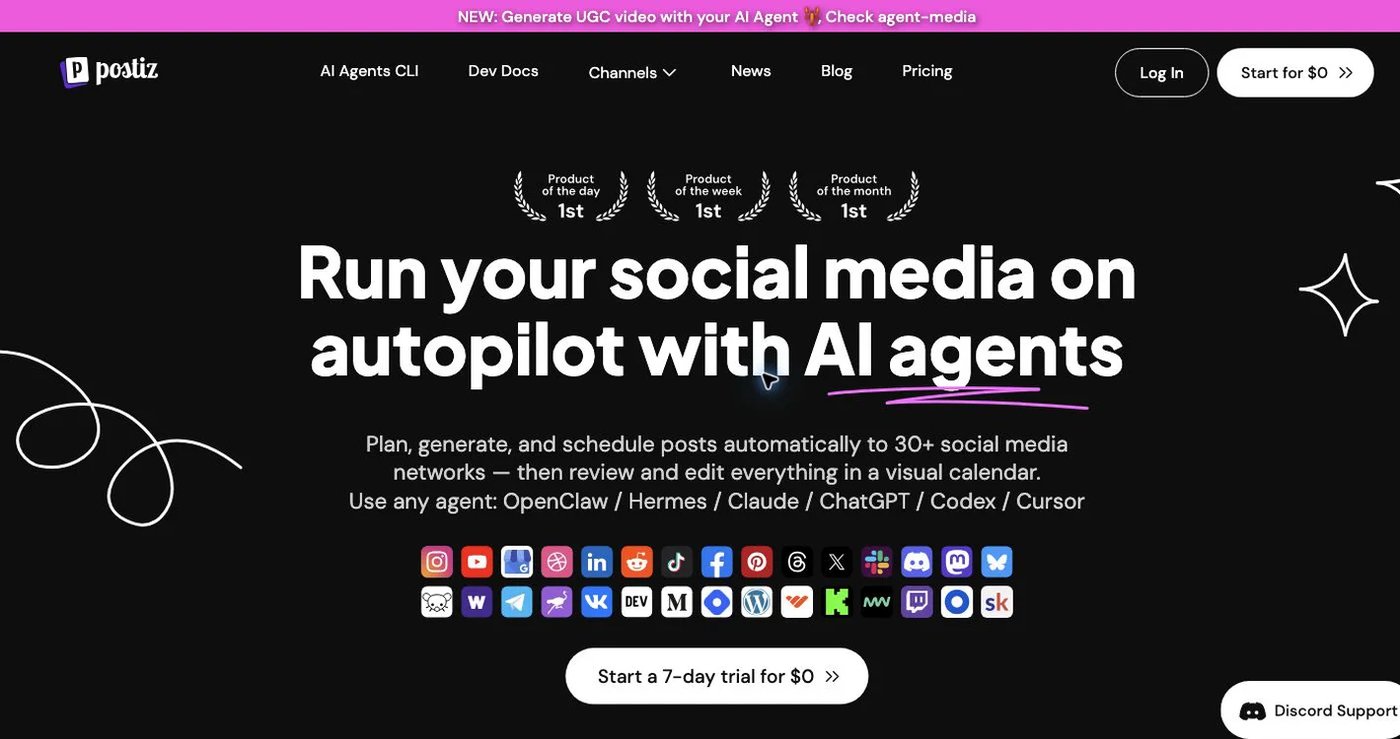
Postiz is an open-source developer social media tool with API integration access. You can self-host on your own infrastructure or use their managed cloud service. For developers who need full control or have strict data sovereignty requirements, the self-hosted option is compelling.
The project is actively maintained with a responsive GitHub community. Since the code is open source, you can audit exactly how authentication and posting work. This matters for security-conscious teams or those with compliance requirements.
API Features
- REST API integration — Available in cloud and self-hosted versions
- Multi-platform support — TikTok, Instagram, X, LinkedIn, Pinterest, Bluesky, Threads
- Docker deployment — One-command setup for self-hosting
- Webhook support — Get notified when posts publish
- Team management — Multi-user access with role-based permissions
Developer Experience
Postiz uses OAuth 2.0 for platform authentication. This means you will need to handle token refresh logic in your automation. The API integration documentation is comprehensive with examples in multiple languages.
Self-hosted deployment is straightforward with Docker:
docker run -d --name postiz -p 4200:4200 ghcr.io/gitroomhq/postiz:latest
Pros
- Full code ownership with self-hosting
- Multi-platform scheduling from a single API integration
- Active community with responsive maintainers
- No vendor lock-in — fork and customize
- Transparent pricing for cloud version
Cons
- OAuth required (no static API keys)
- Self-hosting requires DevOps time and server maintenance
- TikTok support is one of many platforms — less depth than specialized tools
- API integration is still evolving — expect occasional breaking changes
- More complex setup than managed-only solutions
Pricing
| Plan | Price | Includes |
|---|---|---|
| Self-hosted | Free | Full features, you manage infrastructure |
| Cloud Starter | $9/mo | 1 workspace, limited posts |
| Cloud Pro | $29/mo | Multiple workspaces, priority support |
| Cloud Business | $79/mo | Unlimited workspaces, SLA |
Verdict
Postiz is the best choice if you need a social media API integration for developers across multiple platforms and want the option to self-host. Just be prepared to handle OAuth complexity and maintain your own infrastructure if you go the self-hosted route. For pure TikTok automation, PostQued is simpler and cheaper.
3. Hootsuite — Why Does It Fail for Developers?
Website: hootsuite.com
Hootsuite is the 800-pound gorilla of social media automation management. Marketing teams love it. Developers should avoid it.
Here is the problem: Hootsuite's API integration is enterprise-only. To get API integration access, you need to be on their Enterprise plan. Pricing starts around $739 per month and requires a sales call. Even then, the API integration focuses on analytics and social listening — not posting content programmatically.
Why Do Developers Hate It?
- No public posting API integration — You cannot programmatically schedule posts
- Enterprise lock-in — API integration access is a negotiation, not a feature
- OAuth complexity — Even basic integrations require complex OAuth flows
- Dashboard-first — Everything assumes a human is clicking buttons
- Expensive — $99+/mo for features developers do not need
The Verdict
If you are evaluating best social media scheduler developers, Hootsuite should not be on your list. It is a tool for social media managers, not developers building automation. The lack of a public posting API integration makes it useless for programmatic workflows.
4. Buffer — Limited API for Basic Use
Website: buffer.com
Buffer was one of the original social media automation schedulers. It is still popular for its simplicity. Unfortunately, that simplicity does not extend to developers.
Buffer offers an API integration, but it is extremely limited. You can retrieve analytics and manage your posting schedule. You cannot create new posts via API integration. This makes it unsuitable for any meaningful automation.
Why Does It Fall Short?
- No post creation via API integration — The most important feature is missing
- OAuth only — No static keys for server-to-server automation
- Read-heavy API integration — You can read data, but not act on it
- Deprecated endpoints — Buffer has been slowly reducing API integration functionality
The Verdict
Buffer is great for individuals scheduling posts manually. For developers looking for api scheduler capabilities, it offers almost nothing. The API integration restrictions make it impossible to build meaningful integrations.
5. Sprout Social — Enterprise Analytics, Not Posting
Website: sproutsocial.com
Sprout Social is another enterprise-focused tool. Marketing teams love it for social listening and analytics. Like Hootsuite, it treats API integration access as an enterprise add-on rather than a core feature.
Sprout's API integration is primarily for pulling analytics data and managing social profiles. It does not support creating or scheduling posts programmatically. For developers building automation, this is a dealbreaker.
Why Is It Not for Developers?
- No content posting API integration — Cannot schedule posts programmatically
- Enterprise pricing — $249+/mo with API integration access requiring custom negotiation
- Analytics-only — API integration is designed for data extraction, not automation
- Complex implementation — Even simple integrations require significant effort
The Verdict
Sprout Social is a powerful tool for social media teams doing analysis and engagement. It is not a social media scheduler for developers and should not be considered if you need programmatic posting capabilities.
Feature Comparison: Developer-Focused Criteria
| Criteria | PostQued | Postiz | Hootsuite | Buffer | Sprout Social |
|---|---|---|---|---|---|
| REST API integration | Full | Full | Enterprise only | Limited | Analytics only |
| Static API Keys | Yes | OAuth | OAuth | OAuth | OAuth |
| Post via API integration | Yes | Yes | No | No | No |
| Webhook Support | Yes | Yes | No | No | No |
| TikTok Support | Excellent | Good | Basic | Basic | Basic |
| Multi-Platform | TikTok only | Yes | Yes | Yes | Yes |
| Self-Host Option | No | Yes | No | No | No |
| Starting Price | $5/mo | Free-$9/mo | $99+/mo | $15+/mo | $249+/mo |
| Developer Experience | 5/5 | 4/5 | 2/5 | 2/5 | 2/5 |
How Do You Choose the Right Developer Tool?
The best social media scheduler for developers depends on two factors: which platforms you need to support, and how much authentication complexity you are willing to tolerate.
Choose PostQued If:
- You are focused on TikTok (the fastest-growing platform)
- You need static API keys for headless automation
- You want the best developer experience with minimal friction
- You are building AI agents or automation pipelines
- You want the cheapest option that actually works
Choose Postiz If:
- You need multi-platform scheduling (TikTok + Instagram + X, etc.)
- You want the option to self-host for data control
- You can handle OAuth complexity and token management
- You prefer open-source with full code visibility
Avoid Legacy Tools:
Skip Hootsuite, Buffer, and Sprout Social unless non-technical stakeholders force you to use them. These tools prioritize dashboard experiences over API integration functionality. They make programmatic workflows unnecessarily difficult.
Conclusion: PostQued Wins for Developer-Friendly APIs
Most social media automation schedulers are not built for developers. They are built for marketing teams who want to click buttons and drag content onto content calendars.
If you want a true api scheduler with developer-friendly social media API integration access, your options narrow quickly:
PostQued is the best choice for TikTok automation. It is cheaper, simpler, and more developer-focused than any competitor. Static API keys eliminate OAuth headaches. Webhooks eliminate polling. Documentation is written by developers for developers.
Postiz is the best choice if you need multi-platform support and are willing to handle OAuth complexity. The self-hosted option gives you complete control.
Legacy tools like Hootsuite, Buffer, and Sprout Social fail the basic test: can you programmatically create posts via a simple API integration call? For these tools, the answer is no.
For TikTok-specific automation, AI agents, and programmatic workflows, start with PostQued and make your first API integration call in under five minutes.
Frequently Asked Questions
What is the best API scheduler for developers?
PostQued is the best API integration scheduler for developers because it offers static API keys (no OAuth), full REST endpoints, webhook support, and clear documentation starting at just $5/month. It is the only tool built API-first specifically for programmatic social media automation.
How do static API keys work for social media scheduling?
Static API keys are long-lived credentials you include in your HTTP headers. Unlike OAuth tokens that expire and require refresh logic, static keys work indefinitely. This makes them perfect for:
- Serverless functions — No session management needed
- Cron jobs — Set it and forget it automation
- CI/CD pipelines — Deploy without human intervention
- AI agents — Continuous operation without authentication breaks
Can I build AI agents with TikTok APIs?
Absolutely! PostQued's API integration is perfect for building AI agents that:
- Generate and schedule content automatically
- Respond to trending topics in real-time
- Optimize posting times based on performance data
- Cross-post from other platforms using webhooks
The static API keys make AI agent implementation straightforward without token management complexity.
Why is OAuth problematic for developers?
OAuth requires:
- Browser-based authentication flows — Hard to automate
- Token refresh logic — Adds complexity to your code
- User interaction — Cannot run fully headless
- Token expiration — Breaks long-running processes
Static API keys eliminate all these problems. Include the key in your header and make requests. Simple.
What can I build with a social media API?
With PostQued's API integration, developers can build:
- Automated content pipelines — Pull from CMS, post to TikTok
- AI-powered posting agents — Generate captions and schedule
- E-commerce integrations — Auto-post new products from your store
- Analytics dashboards — Aggregate performance data
- Cross-platform workflows — Sync TikTok with other channels
- Team collaboration tools — Custom interfaces for content teams
Keywords Covered
- social media scheduler developers
- developer social media tool
- api scheduler
- social media api for developers
- developer-friendly social media api
- best api-first social media scheduler
- social media automation
- content calendar
- API integration