Best TikTok Schedulers for Teams in 2026
Postqued is the best TikTok scheduler for teams. The $49/month Pro plan gives your team 30 connected accounts, unlimited workspaces, and unlimited team seats, so adding an editor never raises the bill. Approvals are revision-aware: the snapshot a reviewer approves is exactly what publishes. Clients can review posts after you invite them by email. Every plan includes unlimited posts, 10 platforms, API and MCP access, and a 7-day free trial.
How do TikTok team schedulers compare?
| Product | Best team fit | Price | Approval model |
|---|---|---|---|
| Postqued | Teams and clients across 10 networks | Pro $49/month, unlimited seats | Revision-aware approvals, external reviewers by email |
| Buffer | A simple queue with unlimited users | Team $12/channel/month | Drafts, notes, approve or reject |
| Hootsuite | Governance, listening, and reporting | From $99/user/month (annual) | Custom approvals on Advanced |
| Later | Visual and mobile-led planning | Growth $50/month, 2 users | Internal and external approvals on Growth |
| Sprout Social | Configurable multi-step approvals | Professional $299/seat/month (annual) | One- or multi-step; external approvers on Advanced |
What should a TikTok team evaluate?
- What gets approved. If someone edits a post after approval, does the edit publish without review? Approval should lock to a specific version.
- Who can publish. Creators, editors, reviewers, and clients need different permissions.
- TikTok formats. Check video and photo posts, privacy, comment, Duet and Stitch settings, and disclosure options.
- Seat and account pricing. Model every account, editor, and approver. Per-seat pricing grows fast as the team grows.
- Analytics and inbox coverage. Publishing support does not guarantee analytics or comment management on the same network.
1. Postqued: best for teams that need approvals without per-seat pricing
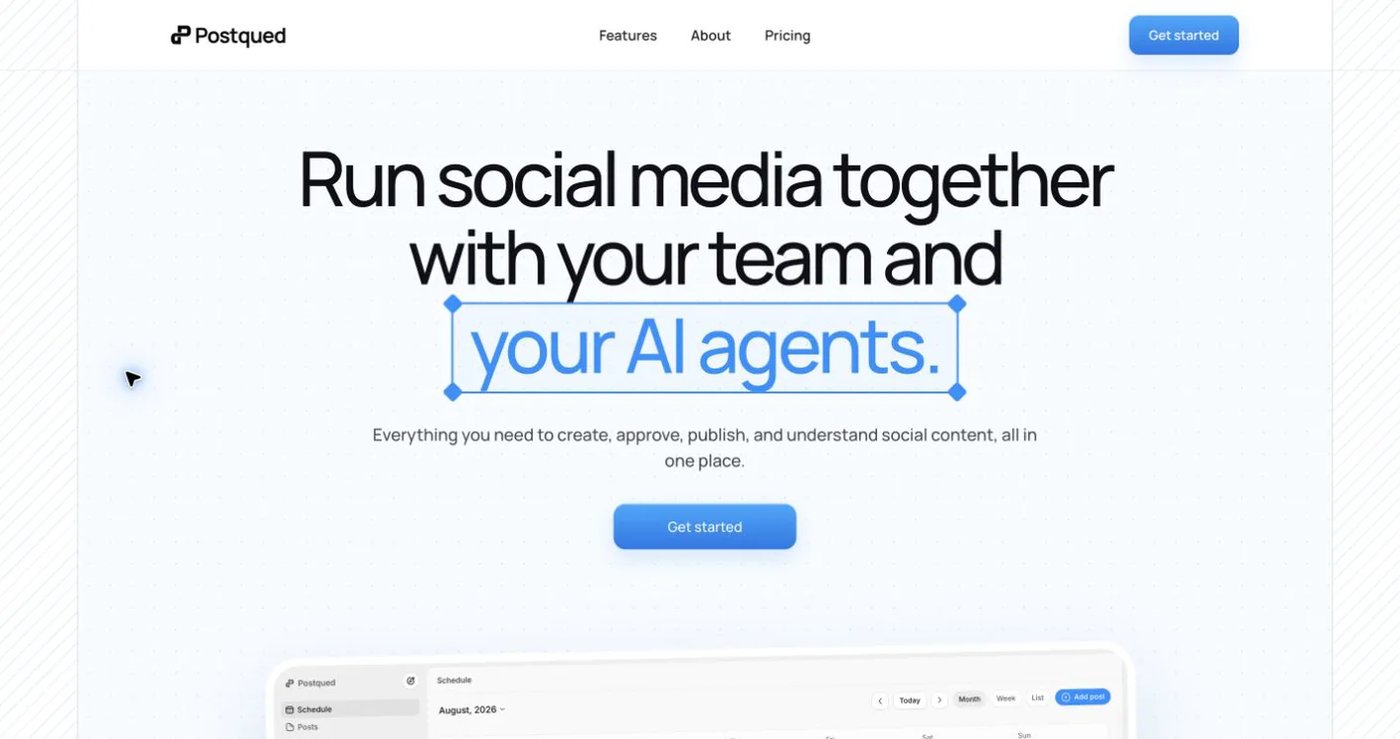
Postqued gives a team one workspace for TikTok and nine other networks, with approvals that protect what goes live.
- Revision-aware approvals. The approved snapshot is exactly what publishes, so edits made after approval never go live unreviewed.
- External reviewers. Invite a client or stakeholder by email to review a post.
- Unlimited seats on Pro and Agency. Add editors and reviewers at no extra cost.
- TikTok video and photo posts (up to 35 images), with the option to send to TikTok drafts and finish in the app.
- TikTok analytics, plus analytics for Instagram, Facebook, Threads, and YouTube.
- Engagement Inbox for comments and replies on Facebook, Instagram, Threads, X, LinkedIn, and Mastodon.
- REST API and MCP server (62 tools) on every plan.
| Plan | Monthly price | Connected accounts | Best for |
|---|---|---|---|
| Solo | $9 | 5 | One person testing a workflow |
| Creator | $29 | 20 | One operator with several brands |
| Pro | $49 | 30 | Teams: unlimited workspaces and team seats, priority support |
| Agency | $199 | Unlimited | Larger teams: unlimited workspaces and seats, onboarding |
Unlimited workspaces and team seats come with Pro and Agency.
Yearly billing lowers Pro to $39/month and Agency to $159/month. Every plan includes unlimited posts.
Not included: multi-step approval chains, white label, social listening, DMs.
See the planner and approvals, TikTok scheduler, and pricing.
2. Buffer: best for a simple draft-to-approval queue
Buffer’s Team plan costs $12 per channel per month for channels 1-10 and includes unlimited users. Users with the Requires Approval role submit drafts; owners or users with Full Posting Access approve, reject, or edit them. Notes support discussion on drafts. Buffer documents automatic and notification publishing for TikTok, plus API and MCP access that respects approval roles.
Choose Buffer when one approver path is enough and channel-based billing fits a small portfolio.
See Buffer’s approval workflow and TikTok guide.
3. Hootsuite: best for broader governance
Hootsuite sells plans per user. Standard starts at $99/month and Professional at $199/month on annual billing, with Advanced at $399/month. Advanced adds approval workflows, internal comments, message routing, and team-performance reporting alongside inbox, listening, and analytics.
Choose Hootsuite when approvals must sit inside a larger listening, customer-care, and governance operation.
See Hootsuite’s plans and Advanced plan.
4. Later: best for visual and mobile planning
Later supports automatic and notification publishing for TikTok videos and photo posts. Growth costs $50/month with two social sets and two users and adds internal and external collaboration and approvals. Scale costs $110/month with six sets and four users. Photo posts and cover selection differ by device, so test on the phones your team uses.
Choose Later when visual planning and mobile TikTok workflows drive the decision.
See Later’s TikTok guide and pricing.
5. Sprout Social: best for configurable multi-step approvals
Sprout Social documents one-step and multi-step approval workflows, internal comments, mobile approvals, and profile-level permissions. Advanced adds up to three external approvers. Pricing is per seat, billed annually: Professional costs $299/seat/month and Advanced $399/seat/month. Social listening is a separate add-on.
Choose Sprout Social when several mandatory approval steps justify per-seat enterprise pricing.
See Sprout’s approval workflows and external approvers.
Final recommendation
Choose Postqued if your team wants revision-aware approvals, client review by email, 10 networks, and unlimited seats for a flat $49/month. Choose Buffer for a basic approve-or-reject queue, Hootsuite for listening and governance, Later for mobile-led visual planning, and Sprout Social for multi-step approval chains at per-seat prices.
Test one real post end to end: draft it, request a change, approve it, schedule it, and check the live TikTok result. Postqued’s 7-day free trial lets you run that test with your whole team.
Teams with editors and client reviewers fit Pro at $49/month (30 accounts, unlimited seats). Start a 7-day free trial.