Portable agent skill
postqued-api.skill
MCP-first instructions, v2 REST fallback, all 62 actions, 10 platform schemas, and the current publishing and approval safety rules.
Connect once, then let compatible agents work across client workspaces, content, calendars, analytics, engagement, approvals, and collaborators—with the same permissions as your team.
Download the portable skill for the full operating guide, or connect directly to the remote MCP endpoint. Both use the same organization-bound Postqued API key. MCP and REST API access are included on every paid plan; compare account and collaboration limits on the pricing page.
MCP-first instructions, v2 REST fallback, all 62 actions, 10 platform schemas, and the current publishing and approval safety rules.
Add Postqued as a remote MCP server and pass your API key in the Authorization header.
{
  "mcpServers": {
    "postqued": {
      "type": "http",
      "url": "https://mcp.postqued.com/mcp",
      "headers": {
        "Authorization": "Bearer pq_your_api_key"
      }
    }
  }
}Register the remote server from your terminal.
claude mcp add --transport http postqued https://mcp.postqued.com/mcp \
  -H "Authorization: Bearer pq_your_api_key"
Add the same HTTP server configuration to your project MCP config.
{
  "mcpServers": {
    "postqued": {
      "type": "http",
      "url": "https://mcp.postqued.com/mcp",
      "headers": {
        "Authorization": "Bearer pq_your_api_key"
      }
    }
  }
}| Product area | What agents can do | Tools |
|---|---|---|
| Workspaces | Resolve client workspaces, create new ones, and inspect plan capabilities | 5 |
| Connected accounts | List or disconnect accounts and load live platform posting options | 8 |
| Content library | Upload, browse, update, reuse, and remove workspace media | 6 |
| Publishing calendar | Validate, publish, schedule, reschedule, cancel, and inspect durable status | 7 |
| Analytics | Read account post performance and paginated TikTok video metrics | 2 |
| Engagement | Read comments, reply, moderate, like, and comment on published posts | 6 |
| Approvals | Create posts and revisions, submit work, comment, request changes, and approve | 10 |
| Suggestions | Propose, accept, or decline revision-bound caption edits | 3 |
| Team collaboration | Invite teammates, manage roles, and remove or revoke access | 5 |
| Client review | Invite post reviewers and manage assigned client feedback and decisions | 10 |
Your agent can resolve the right client workspace, inspect connected accounts, upload media, validate the post, and only publish after you approve the exact action.
Explicit workspace boundaries prevent one client's work from leaking into another.
Live publishing requires a validated dry run and a unique idempotency key.
Approval changes use revision and version checks before anything moves forward.
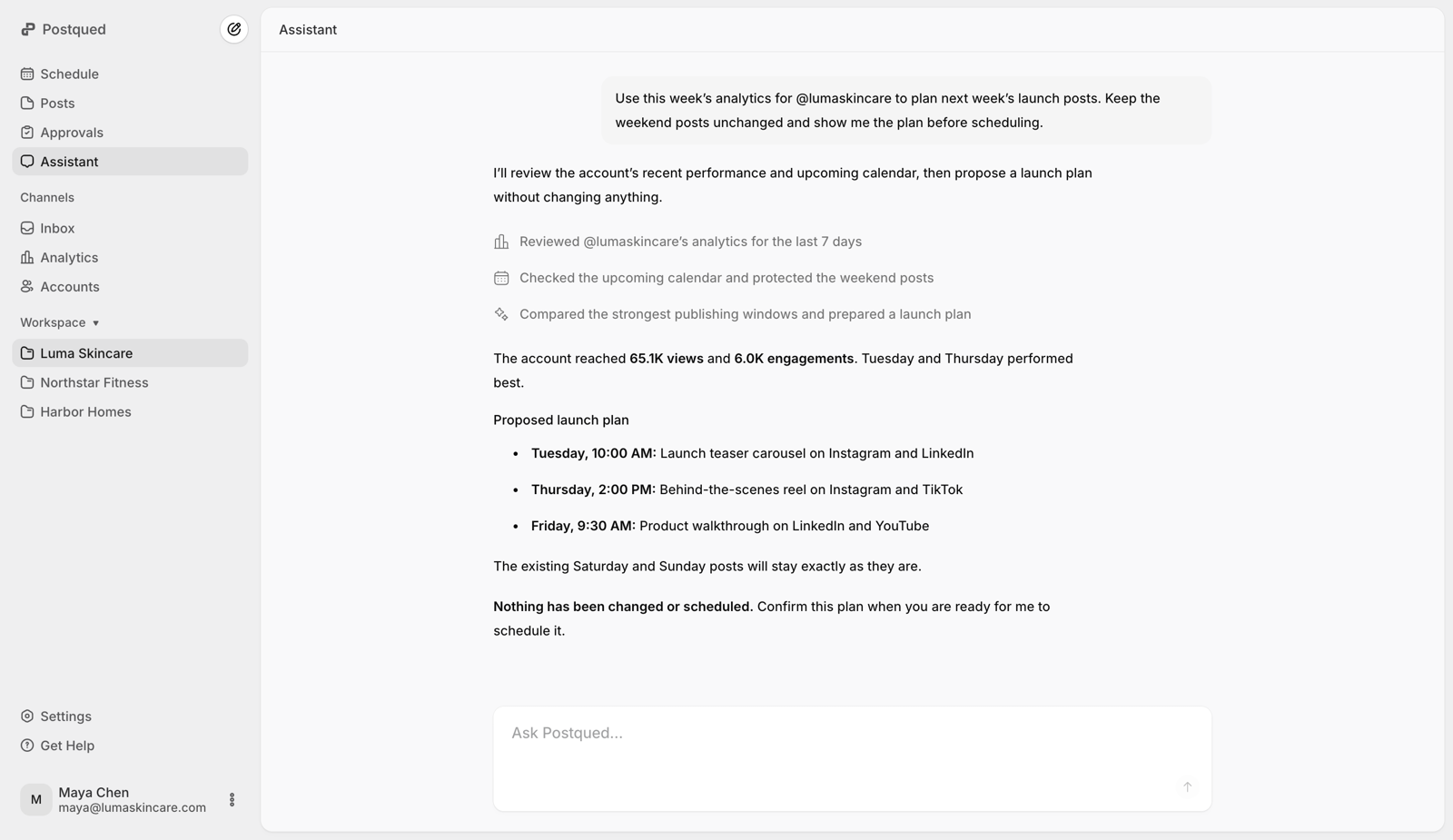
In the Luma Skincare workspace, validate this launch video for Instagram. Show me the result before publishing it, then check the status after I approve.
AgentI’ll use list_workspaces, list_accounts, start_content_upload,complete_content_upload, then publish_content in dry-run mode first.