
Any instance, one queue
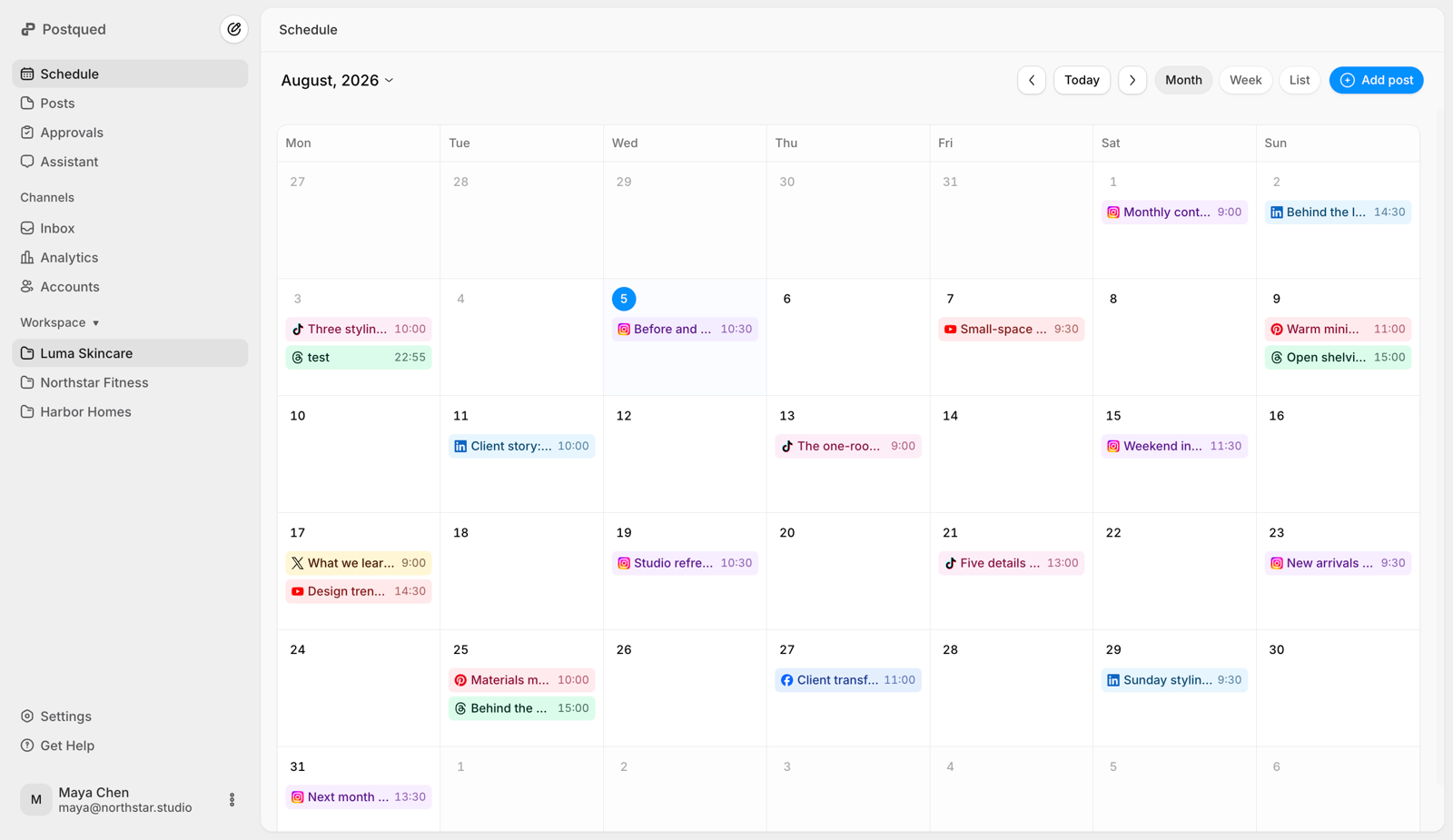
Connect accounts from mastodon.social, fosstodon.org, your own self-hosted server — and schedule toots to all of them from a single calendar.
Queue toots to any instance — with content warnings, alt text, and per-post visibility — and let Postqued auto-publish through Mastodon's official API. Plans start at $9/month.
Connect accounts from mastodon.social, fosstodon.org, your own self-hosted server — and schedule toots to all of them from a single calendar.
Set a CW on any scheduled toot so sensitive topics stay folded behind a spoiler, the way the fediverse expects.
Write descriptive image descriptions when you schedule. Mastodon's accessibility-first culture is a feature here, not an afterthought.
Queue public, unlisted, or followers-only posts. Plan a thread for everyone and a reply for your followers — all in advance.
Publishing runs on Mastodon's standards-based REST API with a token you authorize yourself. No scraping, no password sharing.
Automate toots from a backend job, a feed bot, or an AI agent with one static API key — fediverse automation done cleanly.
Mastodon has no algorithmic feed — toots surface chronologically. Scheduling lets you land posts when your followers' home timelines are actually awake, across servers and timezones.
Privacy-minded communities reward steady, thoughtful posting over engagement-bait. Queue a week of toots, boosts of your own threads, and announcements so you show up reliably.
Run a project account, a personal account, and a community server account at once. Schedule each from one place instead of logging into three different instance web UIs.
Postqued can publish Mastodon text posts with up to four media attachments, visibility, content-warning, language and sensitive-media settings.
Mastodon scheduling is live on Postqued, one queue for every instance, on plans from $9/month. Start your 7-day free trial today.
Yes. Because the fediverse is decentralized, your account can live on mastodon.social, fosstodon.org, your own self-hosted server, or anywhere else. Postqued lets you connect accounts from any instance and queue toots to publish on whichever home server you belong to.
Through Mastodon's official REST API using an application access token you authorize on your own instance. No password sharing, no scraping — just native, standards-based publishing to your timeline.
Yes. Mastodon culture takes CWs, descriptive image alt text, and post visibility (public, unlisted, followers-only) seriously. Postqued lets you set all three when you schedule, so every queued toot respects fediverse norms.
Mastodon's API supports scheduled statuses, but managing them across multiple accounts and instances from a web client is clunky. Postqued gives you one calendar for every account, plus bulk scheduling and an API — no jumping between instance web UIs.
Yes. Postqued is API-first. You can queue toots from scripts, backend jobs, no-code tools, or AI agents with a single static API key — including over MCP.
Plans start at $9/month, with all 10 platforms, multiple workspaces, and unlimited team seats on Pro and Agency. posts are unlimited on every plan and connected accounts scale by plan up to unlimited on Agency, with no per-instance or per-toot fees.