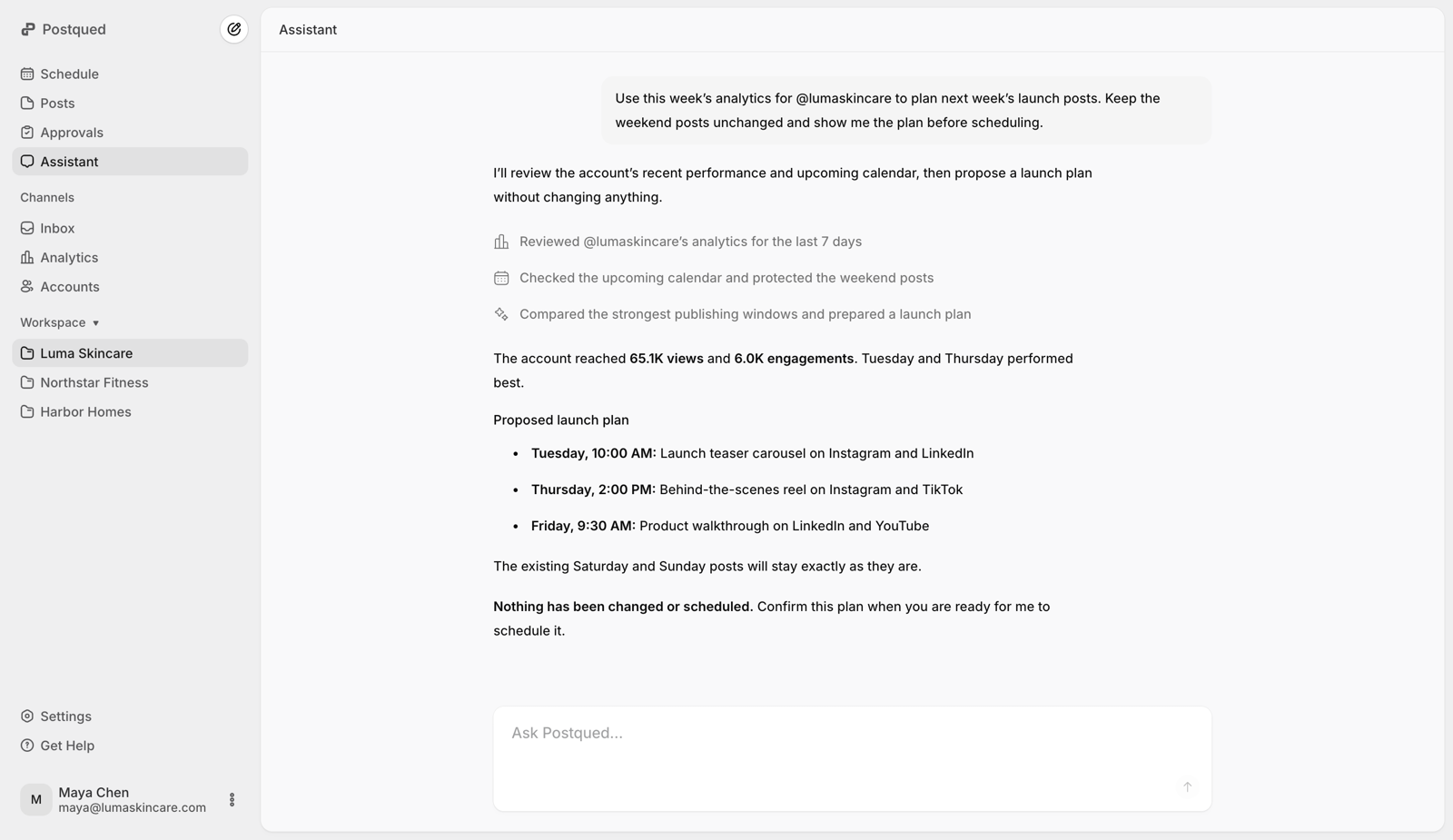
Set the brief, campaign goal, accounts, and boundaries.
Resolve the workspace, connected accounts, and available media.
Postqued gives people and AI agents the same place to plan, review, publish, and check results. Your team keeps control of accounts, permissions, and approvals while the agent handles repeatable work.
Both sides work against the same client workspace, connected accounts, content, revisions, and publishing history. There is no second calendar to reconcile.
Set the brief, campaign goal, accounts, and boundaries.
Resolve the workspace, connected accounts, and available media.
Comment on the exact revision and approve when it is ready.
Prepare the post, apply feedback, and validate the final payload.
Confirm the destinations and publish time before it goes live.
Schedule the approved work and follow its status to completion.
Postqued exposes the work around publishing as well as publishing itself, with explicit limits for analytics and engagement coverage.
Resolve the right workspace and accounts, upload or reuse media, create posts, and set platform-specific publishing options.
Submit revisions, leave comments, suggest caption changes, request updates, and keep approval tied to the version people reviewed.
Validate the request first, confirm the destination and timing, use safe retries, and follow each publishing job to a durable result.
Read supported analytics and work with comments and replies without losing the organization and workspace boundaries around the task.

A useful social agent should make routine work faster without making account scope, approval state, or delivery status harder to see.
Resolve the organization, workspace, and accounts first.
Validate the exact platform payload with a dry run.
Keep feedback and approval tied to the current revision.
Use idempotency for retries and inspect durable status.
Use an agent for repetitive account lookup, media preparation, validation, scheduling, and status checks while people keep control of direction and approval.
Separate accounts, content, collaborators, and client review by workspace so an agent can help without mixing one brand's work into another.
Build deterministic jobs with REST API v2, connect compatible agents through MCP, or use both against the same Postqued organization.
Use MCP for tool discovery in compatible agents, REST for direct application code, or the OpenClaw skill for a packaged setup.
Connect Claude Desktop, Claude Code, Cursor, or another compatible client to 62 actions with one organization-bound API key.
Configure MCPCall the documented upload, publishing, analytics, engagement, approval, and collaboration endpoints from your own backend.
Read the API docsInstall the Postqued skill, attach your API key, and give OpenClaw the operating instructions for safe social publishing.
Set up OpenClawSpecific answers about capabilities, access, networks, safeguards, and pricing.
A compatible AI agent can use Postqued tools for workspaces, connected accounts, media, publishing, analytics, comments and replies, approvals, suggestions, team collaboration, and client review. The current remote MCP catalog contains 62 actions.
This page explains how people and AI agents work together in Postqued. The MCP page is the technical setup page for connecting a compatible client, downloading the agent skill, and reviewing the complete tool catalog.
Postqued supports direct API and MCP publishing for authorized workflows, but consequential actions should use a dry run and explicit confirmation. Teams can also place revision-aware internal or client approval before publishing.
Postqued publishes to TikTok, Instagram, Facebook, Threads, LinkedIn, YouTube, X, Pinterest, Mastodon, and Bluesky. Each network still has its own account, media, format, and provider requirements.
Yes. API and MCP access are included on every paid plan. Postqued starts at $9 per month for five connected accounts and offers a seven-day trial; there is no permanent free plan.
No. Agent actions remain subject to the organization, workspace, role, and credential scope available to the connected account. Resolve the intended workspace before taking action and keep credentials server-side and revocable.
Start with the shared workspace, then connect through MCP or REST when you are ready.