7 Best Later Alternatives for TikTok Scheduling in 2026
Postqued is the best Later alternative for TikTok scheduling for most teams: you get TikTok photo posts up to 35 images, send-to-TikTok-drafts, TikTok analytics, and unlimited posts on all 10 platforms from $9/month, with a 7-day free trial. Later Starter caps you at 30 posts per profile. Postqued has no post cap on any plan.
Later still wins when its Instagram grid, Link in Bio, or creator-campaign tools drive the purchase.
What are the best Later alternatives for TikTok?
| Product | Starting price | TikTok publishing | Best for | Main limit |
|---|---|---|---|---|
| Postqued | $9/month | Videos, photo posts up to 35 images, send to drafts | Unlimited publishing, API and MCP | No Link in Bio or DMs |
| Planoly | $14/month | Auto-post when TikTok allows, otherwise push reminder | Visual planning and commerce | Accounts grouped into social sets |
| Buffer | Free; Essentials $5/channel/month billed annually | Auto-publish videos and photo posts up to 10 images | Simple queue | Cost grows with channel count |
| Metricool | Free; Starter $20/month billed annually | Scheduling and analytics; check format support | Analytics and reports | API on Advanced and Custom only |
| SocialBee | $29/month | Direct posting to personal and pro accounts | Evergreen category queues | No public API |
| Sprout Social | $79/seat/month billed annually | Listed integration; check format support | Customer care and governance | Per-seat pricing and add-ons |
| Loomly | $49/month billed annually | Supported network; check format support | Approvals and campaign calendars | No public self-serve API |
How much does Later cost?
Later groups accounts into social sets. Its pricing page lists:
- Starter: $25/month or $18.75/month billed annually. One set, one user, 30 posts per profile.
- Growth: two sets, two users, 180 posts per profile, a social inbox, and internal and external approvals.
- Scale: six sets, four users, unlimited posts.
Later includes a visual calendar, Instagram grid planning, media storage, Link in Bio, and analytics. Creator, listening, and competitor features sit on higher tiers. A busy TikTok account posting daily outgrows Starter’s 30 posts per profile within a month.
Which Later alternatives publish to TikTok best?
Later documents automatic and notification publishing for TikTok videos and photo posts on all plans, so a replacement must match that at minimum.
- Postqued publishes TikTok videos and photo posts up to 35 images, and can send posts to TikTok drafts so you can finish them in the TikTok app.
- Buffer auto-publishes videos and photo posts up to 10 images. Posts that need music or polls fall back to notifications.
- Planoly auto-posts when TikTok allows and sends a push reminder when it does not.
- SocialBee posts directly to personal and pro TikTok accounts.
- Metricool, Sprout Social, and Loomly list TikTok as a supported network. Check format support for photo posts before you switch.
1. Postqued: best for TikTok publishing and automation
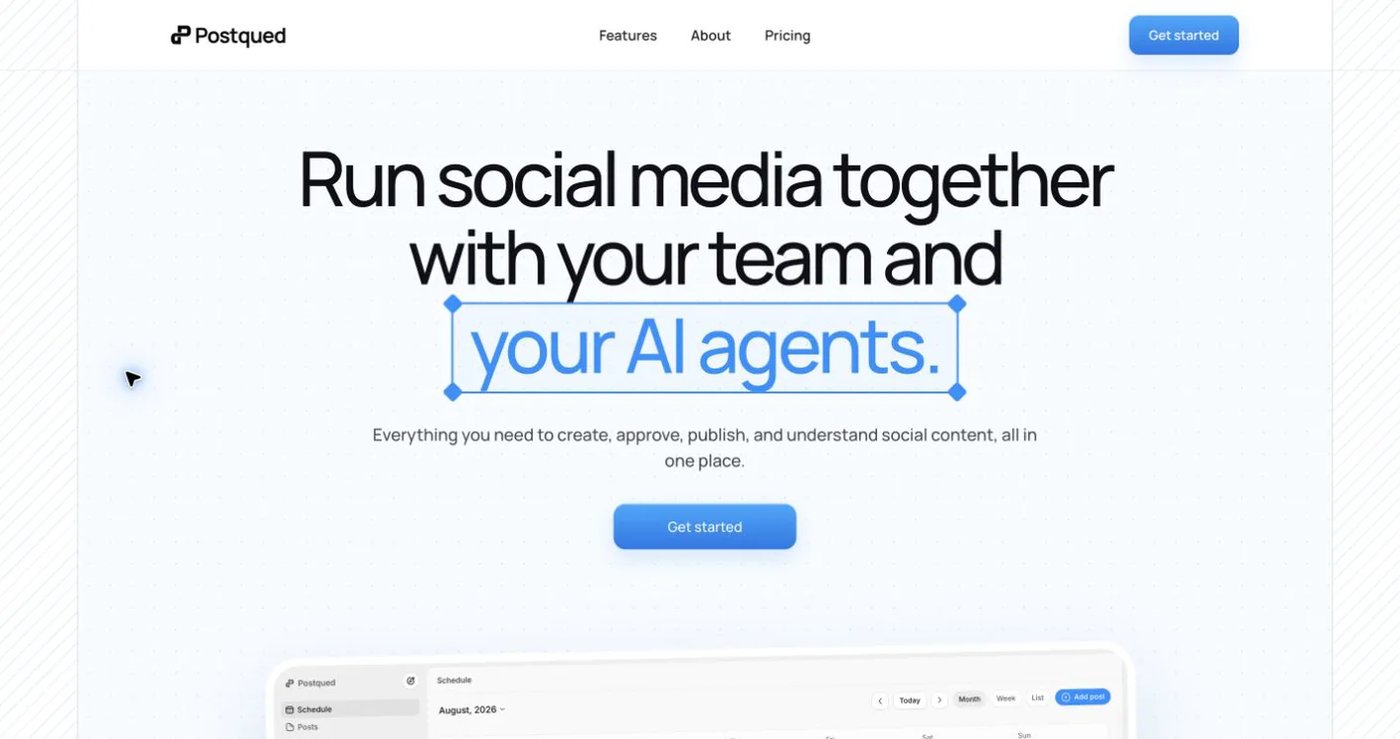
Postqued fits TikTok teams that outgrow Later’s post caps or need automation. You get unlimited posts, send-to-TikTok-drafts, and TikTok analytics. The same post can go to Instagram Reels and Stories, YouTube Shorts, Facebook, LinkedIn, Pinterest, Threads, Bluesky, Mastodon, and X.
Approvals are revision-aware: the approved snapshot is what publishes. You can invite external reviewers by email. Analytics cover TikTok, Facebook, Instagram, Threads, and YouTube. The Engagement Inbox handles comments and replies on Facebook, Instagram, Threads, X, LinkedIn, and Mastodon.
Every plan includes the REST API and an MCP server with 62 tools, so an AI agent can draft and schedule a week of TikToks.
Later Starter costs $25/month for one social set and 30 posts per profile; Postqued Solo covers 5 accounts with no post cap for $9/month. Creator is $29 for 20, Pro $49 for 30 with unlimited seats, and Agency $199 for unlimited accounts. Every plan has a 7-day free trial.
Postqued does not offer Link in Bio, DMs, or social listening.
See Postqued pricing or start scheduling TikTok posts.
2. Planoly: best for visual commerce workflows
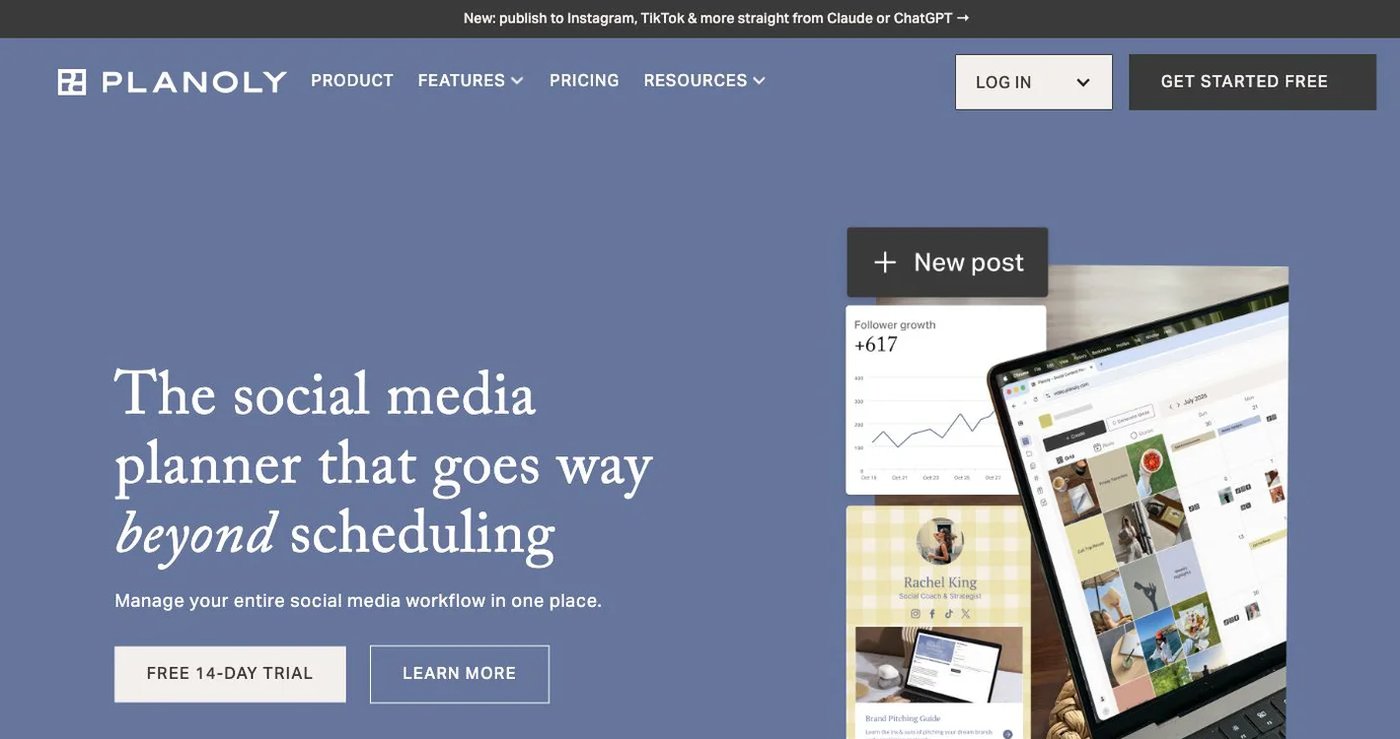
Planoly schedules to Instagram, TikTok, X, LinkedIn, Facebook, YouTube, Threads, and Pinterest, with one account per network in each social set. Starter costs $14/month for one set and one user, Growth $24 for two sets and two users, and Pro $47 for six sets and six users. Annual billing is cheaper.
Its visual calendar, Instagram grid, media library, Link in Bio, storefront, and Instagram DM automation make it the closest Later substitute. Planoly documents an alpha MCP service on paid plans but no customer REST posting API. See Planoly pricing and its MCP setup guide.
Choose it when Link in Bio and a shoppable grid matter as much as TikTok scheduling.
3. Buffer: best for a straightforward queue
Buffer Free includes three channels, one user, and 10 scheduled posts per channel. Essentials costs $5 per channel per month billed annually and adds unlimited scheduled posts, advanced analytics, and higher API limits. Team costs $10 per channel per month billed annually and adds unlimited users, permissions, and approvals.
Buffer provides a GraphQL API and an MCP integration. TikTok photo posts top out at 10 images. See Buffer pricing, the API, and the MCP guide.
Choose it when you run a few channels and want the simplest TikTok queue.
4. Metricool: best for analytics and reports
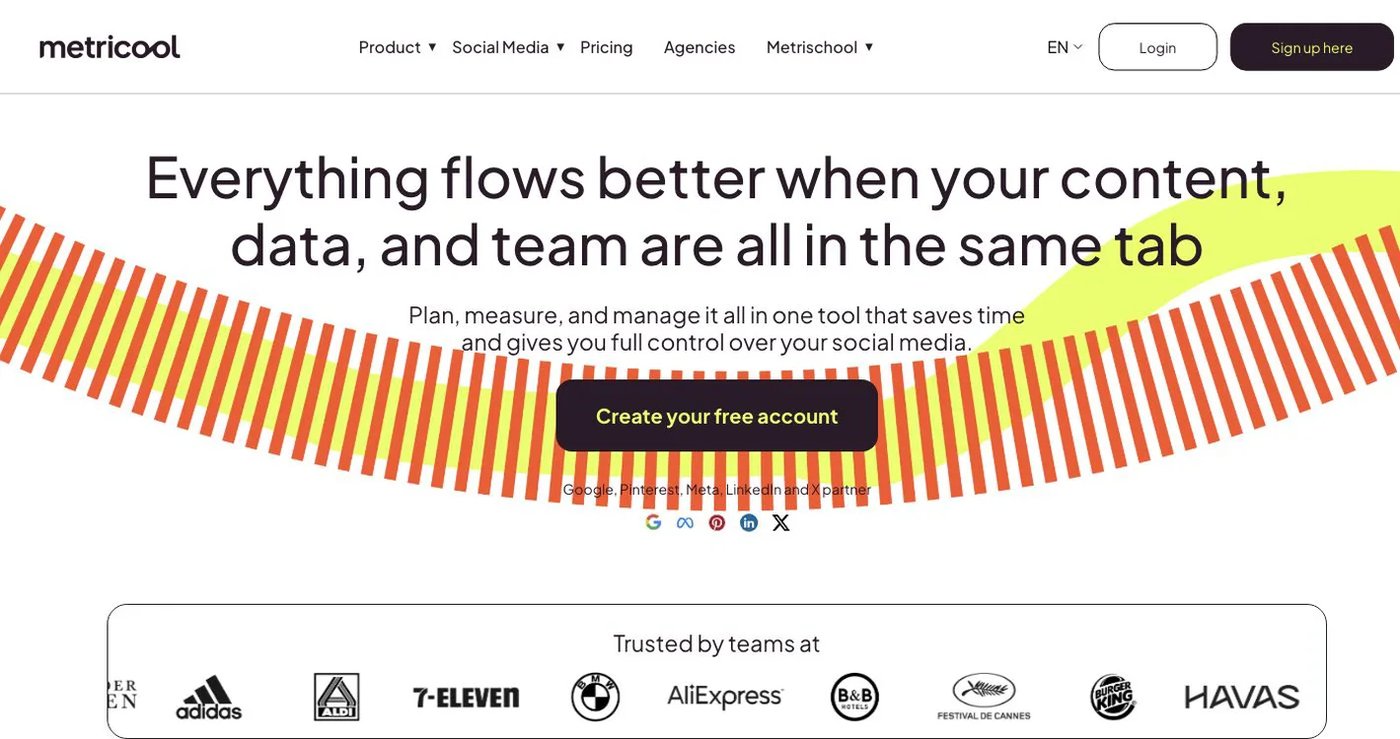
Metricool combines publishing with reports, competitor analysis, ad data, an inbox, and link tracking. It supports TikTok scheduling and analytics. Starter costs $25/month or $20/month billed annually for five brands. Advanced costs $67/month or $53/month billed annually for 15 brands and adds users, approvals, custom reports, Zapier, and Make.
MCP is available on every plan including Free. The API is available only on Advanced and Custom. X connections and some analytics features can require add-ons. See Metricool pricing.
Choose it when TikTok reporting and competitor analysis drive the purchase.
5. SocialBee: best for evergreen category queues

SocialBee sorts content into category queues and recycles evergreen posts. It posts directly to personal and pro TikTok accounts. Bootstrap costs $29/month for five profiles, one user, and one workspace. Accelerate and Pro add profiles, analytics, approvals, bulk tools, and team capacity.
SocialBee’s help center says it has no public API. See SocialBee pricing and its public API status.
Choose it when you want a library of evergreen TikToks recycling on a schedule.
6. Sprout Social: best for governed customer care
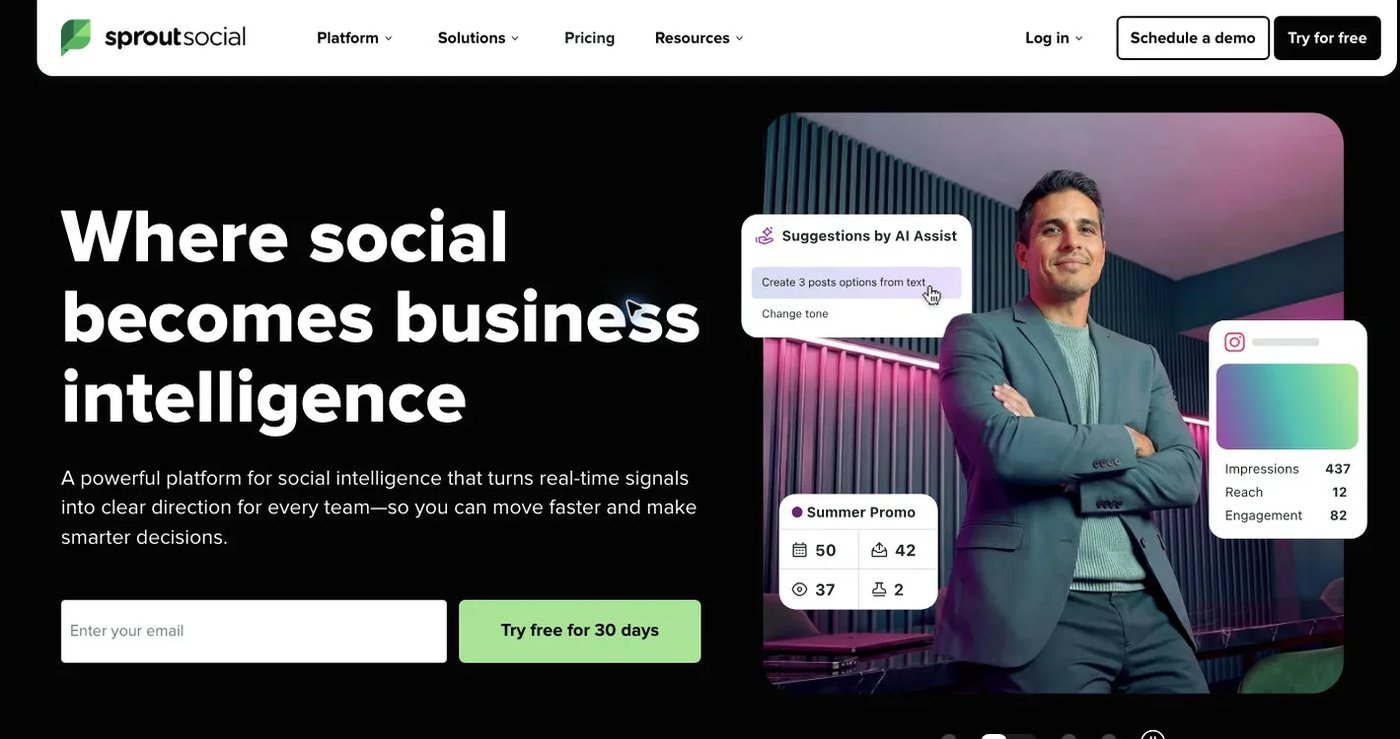
Sprout Social combines publishing, a unified inbox, permissions, analytics, and structured customer care. Essentials costs $79 per seat per month billed annually or $99 monthly for five profiles. Higher tiers add reporting, automation, and API capabilities. Listening and specialist analytics can be separate products.
TikTok is a listed integration, so check format support for photo posts. See Sprout Social pricing.
Choose it when customer care and governance justify per-seat pricing, not for a visual TikTok calendar alone.
7. Loomly: best for structured approvals
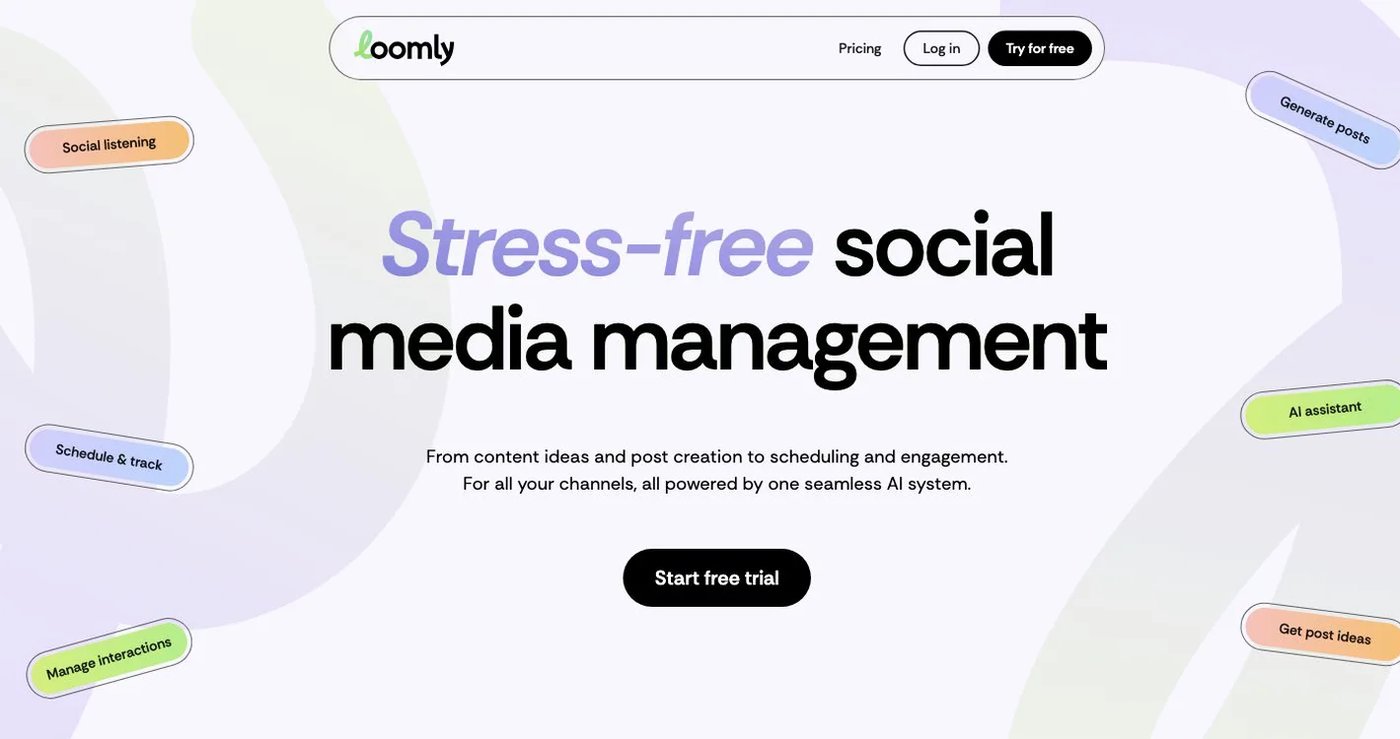
Loomly combines a campaign calendar, content ideas, post previews, approvals, interaction management, and reports. It supports TikTok alongside Facebook, Instagram, LinkedIn, YouTube, Pinterest, Google Business Profile, and Threads. Starter costs $65/month or $49/month billed annually for 12 accounts and three users. Beyond costs $332/month or $249/month billed annually for 60 accounts and unlimited users.
Loomly’s public pages do not list a self-serve posting API. See Loomly pricing.
Choose it when stakeholder review and campaign organization drive your TikTok workflow.
How do you choose a Later alternative for TikTok?
- Count TikTok accounts, other profiles, users, and client workspaces.
- Check monthly post limits against how often you post to TikTok.
- Confirm auto-publishing for both TikTok videos and photo posts.
- Check the photo-post image limit and whether drafts are supported.
- Confirm TikTok analytics and which plan includes API or MCP access.
- Export reports and recreate scheduled posts before cancelling Later.
Which Later alternative should you choose for TikTok?
Postqued is the best choice for most TikTok teams: unlimited posts, TikTok photo posts, send-to-drafts, TikTok analytics, and API plus MCP access from $9/month. Pick Planoly to keep Link in Bio and a shoppable grid, Buffer for a small simple queue, Metricool for reporting, and SocialBee for evergreen recycling.
Primary sources
- Later pricing and TikTok publishing guide
- Planoly pricing
- Buffer pricing, API, and TikTok guide
- Metricool pricing and plan, MCP, and API access guide
- SocialBee pricing
- Sprout Social pricing
- Loomly pricing
Schedule a week of TikToks on Postqued Solo for $9/month with a 7-day free trial: See Postqued pricing.