7 Best Postiz Alternatives in 2026
Postqued is the best Postiz alternative for most teams: unlimited posts on all 10 platforms, revision-aware approvals, and REST API plus MCP access from $9/month with a 7-day free trial. You get the API and agent workflows Postiz users want, with no servers, backups, or provider app reviews to manage.
Postiz still wins when self-hosting, source-code access, RSS automation, or its long list of niche channels is the core requirement.
What are the best Postiz alternatives?
| Product | Starting price | Best for | Main limit |
|---|---|---|---|
| Postqued | $9/month | Managed publishing, approvals, API and MCP | Not open source or self-hosted |
| Mixpost | Free Lite; Pro $299 once | Self-hosting with a team edition | You run the server and provider apps |
| Buffer | Free; Essentials $6/channel monthly | A simple managed queue | Cost grows with channel count |
| Metricool | Free; Starter $25/month | Analytics, ads, competitor tracking | API and approvals start on Advanced |
| SocialPilot | $20/month | Agency publishing and client reports | API on Enterprise only |
| Nuelink | $18/month | RSS, ecommerce, and source automation | Approvals marked coming soon |
| Publer | Free; paid scales by accounts and users | Bulk and recycling workflows | API needs Business or Enterprise |
How much does Postiz cost?
Postiz combines a managed cloud product with an open-source self-hosted edition. Its cloud pricing lists:
- Standard: $29/month, five channels.
- Team: $39/month, 10 channels, unlimited members.
- Pro: $49/month, 30 channels.
- Ultimate: $99/month, 100 channels.
- Self-hosted: free and open source; you pay for hosting and do the maintenance.
Plans include a public API, webhooks, comments, repeated posts, RSS auto-posting, posting sets, analytics, and an AI assistant. Postiz supports many destinations beyond the major social networks, including communities and chat tools.
The API accepts an account API key, with OAuth2 for developers building apps for other users. Self-hosters must create and pass review for their own provider apps. Every cloud plan includes unlimited posts, and yearly billing saves about 20%.
1. Postqued: best for managed human-and-agent publishing

Postqued is the managed option for teams tired of running Postiz themselves. There is nothing to deploy, upgrade, or back up, and no provider apps to submit for review.
People and AI agents share one workspace. Agents create posts through the REST API or a 62-tool MCP server. Teammates comment and suggest caption changes, and revision-aware approvals mean the approved version is what publishes. You can invite external reviewers by email. The Publish API supports dryRun validation, an Idempotency-Key header for real publishes, and dispatchAt scheduling.
Postqued publishes to TikTok, Instagram, YouTube Shorts, Facebook, LinkedIn, Pinterest, Threads, Bluesky, Mastodon, and X. The Engagement Inbox handles comments and replies on Facebook, Instagram, Threads, X, LinkedIn, and Mastodon. Analytics cover TikTok, Facebook, Instagram, Threads, and YouTube. Formats include Instagram Stories and Reels, TikTok photo posts up to 35 images, send-to-TikTok-drafts, Threads posts with up to 20 media items, and first comments on six networks.
Postiz Team costs $39/month for 10 channels; Postqued Creator covers 20 accounts for $29 with nothing to host. Solo is $9 for 5 accounts, Pro $49 for 30 with unlimited workspaces and seats, and Agency $199 for unlimited accounts. Every plan includes unlimited posts and a 7-day free trial. Postqued has no self-hosting, RSS automation, or DMs.
See Postqued pricing or compare Postqued vs Postiz.
2. Mixpost: best for a self-hosted team workspace
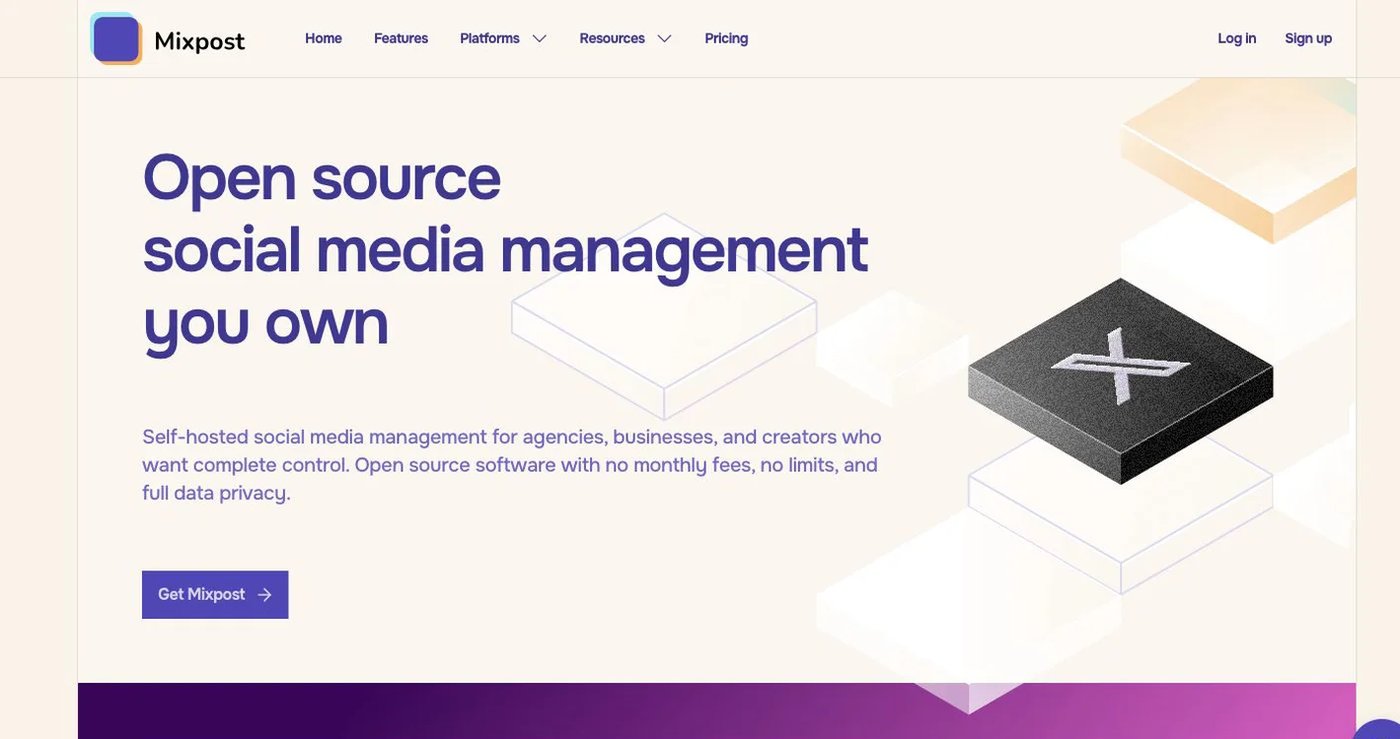
Mixpost keeps the self-hosting model. Mixpost’s pricing:
- Lite: free; publishes to Facebook Pages, X, and Mastodon.
- Pro: $299 one-time license for one domain; adds major networks, unlimited accounts and team members, workspaces, approvals, engagement, advanced analytics, API, MCP, and webhooks.
One year of updates is included, and the licensed version keeps working after updates expire.
The license is not the full cost. Your team still handles hosting, monitoring, backups, upgrades, sign-in apps, and provider rate limits.
Pro suits agencies with in-house engineers, and it keeps all data on your own servers.
Choose it when data and infrastructure control are mandatory.
3. Buffer: best for a simple managed queue
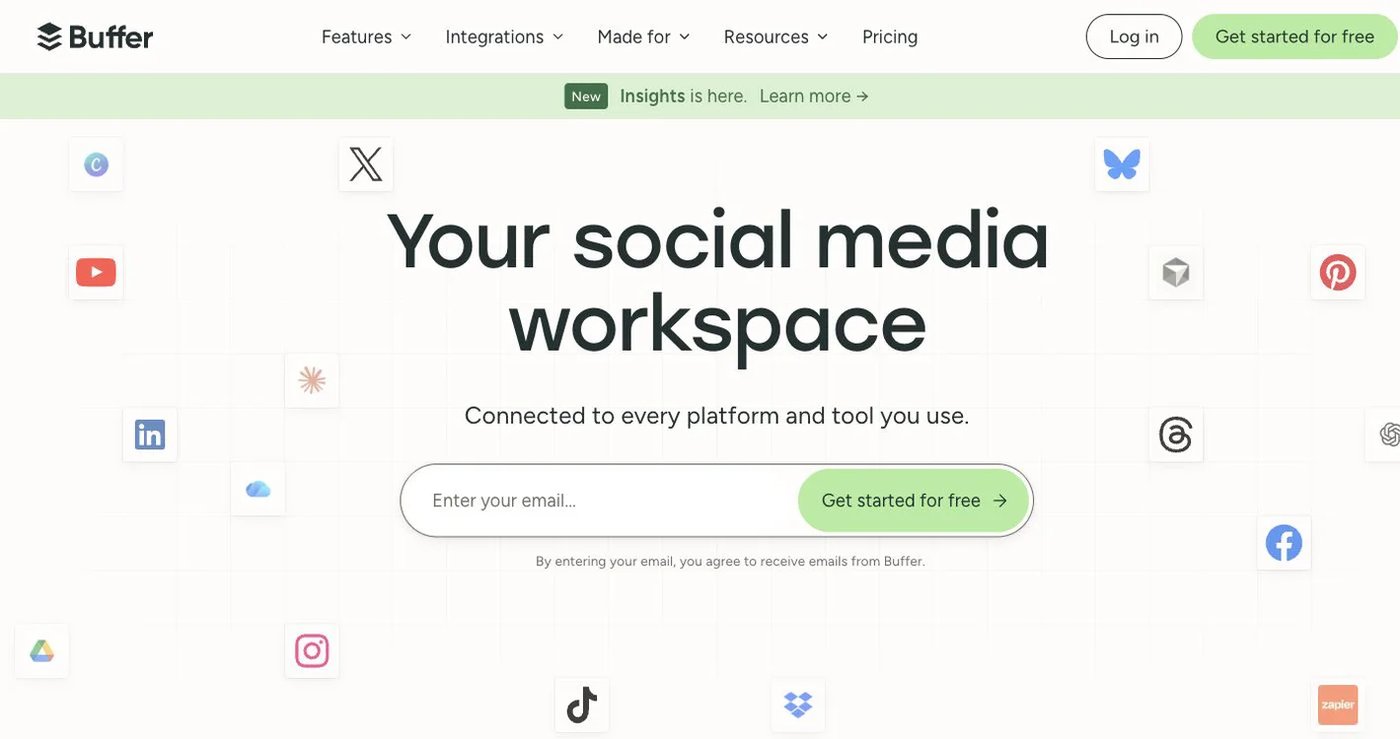
Buffer charges per connected channel.
- Free: three channels, one user, 10 scheduled posts per channel.
- Essentials: $6/channel monthly for the first 10 channels, or $5 billed annually; unlimited scheduling under fair use.
- Team: $12/channel monthly or $10 billed annually; unlimited users and approvals.
Buffer includes API access on every plan with published limits (API page). It also offers analytics and a community inbox. Ten channels on Essentials cost $60/month on monthly billing. Approvals sit on Team, not Essentials. Costs rise quickly past a handful of channels.
Choose it when you want to stop running servers and need a plain queue for a few accounts.
4. Metricool: best for analytics and reporting
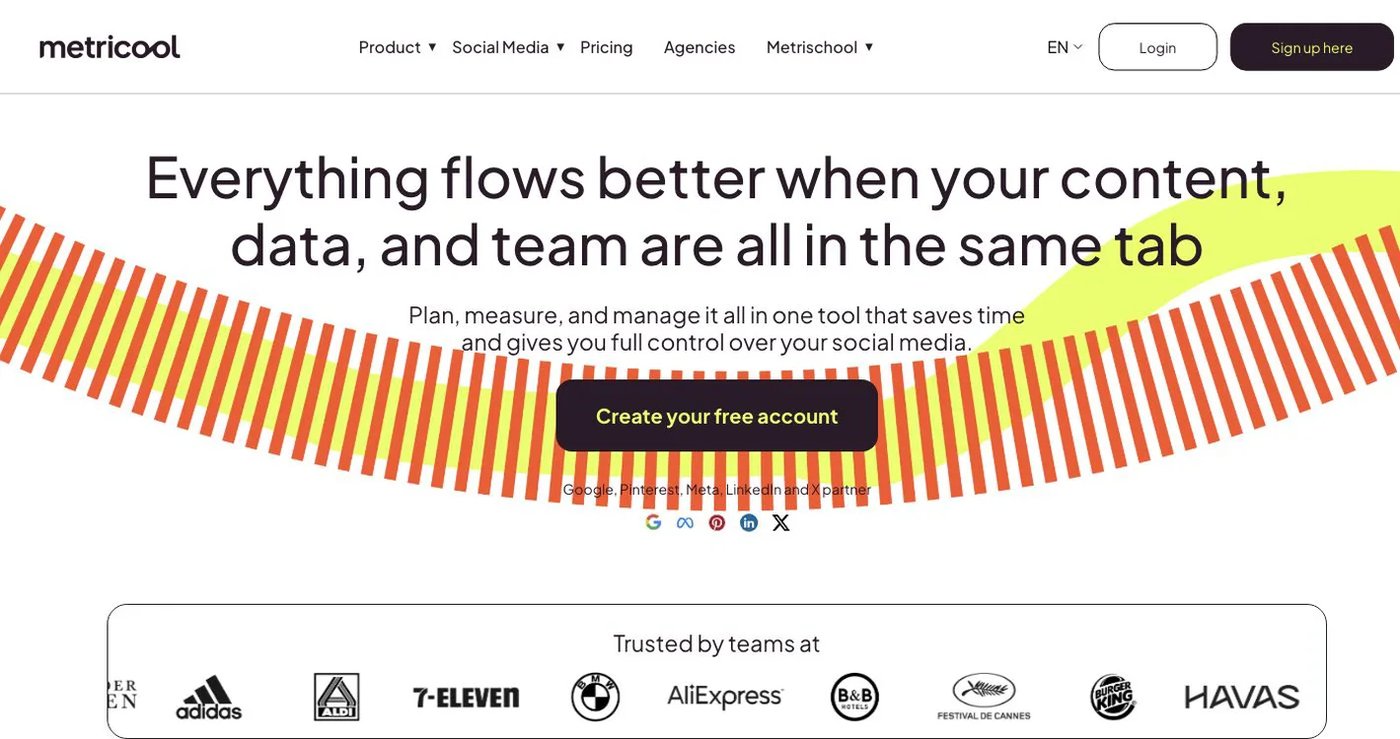
Metricool pairs a planner with analytics, competitor tracking, ad dashboards, reports, and an inbox. Free supports one brand and 20 scheduled posts per month but excludes LinkedIn and X.
- Starter: $25 monthly or $20/month billed annually; five brands, unlimited scheduling, report exports.
- Advanced: $67 monthly or $53/month billed annually; 15 brands, team and client management, approvals, custom reports, Looker Studio, API, Zapier, and Make.
Metricool’s MCP is available on every plan, including Free. The API is only on Advanced and Custom. X and some advanced analytics can need add-ons.
Choose it when measurement and client reporting matter most.
5. SocialPilot: best for agency reporting and client approval

SocialPilot’s pricing, month to month:
- Essentials: $20/month, 5 accounts, one user.
- Standard: $40/month, 10 accounts, three users; adds inbox and bulk scheduling.
- Premium: $100/month, 20 accounts, six users; adds client approvals and white-label reports.
- Ultimate: $200/month, 40 accounts, unlimited users.
Annual billing cuts these by 15%. Client approvals start on Premium at $100/month. MCP is on the public plans. The API is on custom Enterprise only.
Choose it when white-label reports and agency operations matter more than self-hosting.
6. Nuelink: best for source-driven automation

Nuelink pulls content from blogs, stores, podcasts, YouTube, and RSS into collections and queues.
- Standard: $18 month to month; 10 channels, one brand, one member, 10 automations, 365 queued posts, API and MCP access.
- Premium: $48/month; 30 channels, three brands, three members, unlimited queued posts.
Nuelink’s plan table still labels approvals and branded report exports as coming soon. It fits teams moving off Postiz RSS auto-posting.
Choose it when source automation and evergreen distribution are the main jobs.
7. Publer: best for configurable bulk and recycling workflows

Publer’s free plan connects up to three accounts and holds 10 pending posts per account. Professional is advertised from $5/month and adds unlimited scheduling, bulk tools, RSS automation, workspaces, and media storage. Business is advertised from $10 and adds analytics, best-time suggestions, recycling, and more AI usage. Totals change with accounts and members, so use the live calculator. Recycling sits on Business, so price that tier if reuse matters.
Publer’s API is limited to Business and Enterprise customers.
Choose it when bulk publishing, RSS, and recycling matter more than owning the deployment.
How do you choose a Postiz alternative?
- List every active channel, including non-social destinations.
- Separate repeated posts, RSS automations, and posting sets from ordinary scheduled posts.
- Check the exact account type and post format for each network.
- Recreate one approval and one automation on a non-production account.
- Test API keys, revocation, rate limits, and duplicate requests.
- Export history and keep Postiz running until the new tool publishes correctly.
Which Postiz alternative should you choose?
Postqued is the best choice for most teams: managed publishing on 10 platforms, approvals, and API plus MCP access from $9/month with no servers to run. Pick Mixpost to keep self-hosting, Buffer for a simple queue, Metricool for reporting, SocialPilot for agencies, and Nuelink or Publer for content reuse.
Primary sources
- Postiz pricing, supported channels, API authentication, and self-hosted support
- Mixpost pricing and license boundaries
- Buffer pricing and API
- Metricool pricing and plan/API guide
- SocialPilot pricing and MCP guide
- Nuelink pricing and MCP documentation
- Publer plan guide and API eligibility
Stop running servers and move to Postqued Creator at $29/month, starting with a 7-day free trial: See Postqued pricing.