Best Social Media Management Software for Small Businesses (2026)

Postqued is the strongest fit in this shortlist for a small business that wants an affordable, managed social media workspace rather than a publishing-only API or a server to maintain. It starts at $9 per month for five connected accounts and combines a calendar, unlimited posts, approvals, analytics, comments and replies, and API and MCP access. PostSyncer is a better fit when built-in AI media creation and CRM tools matter more; Mixpost fits teams that specifically want to self-host; and Zernio fits developer-led workflows with usage-based account pricing.

There is no universal best product. The right choice depends on how many accounts you manage, which networks and post formats you need, whether another person reviews content, and whether you need a complete interface or an API for building your own workflow.

Disclosure and methodology: Postqued publishes this comparison and is included in it. We desk-researched public pricing pages and official product documentation; we did not conduct retained hands-on tests of every product. Prices and features were reviewed on August 9, 2026. See the full comparison methodology, and verify final terms with each vendor before purchasing.

The best small-business social media tools at a glance

Product Best fit Published entry point Important tradeoff
Postqued A complete managed workspace at a low fixed price $9/month for 5 accounts No social listening, DMs, ad management, or self-hosted edition
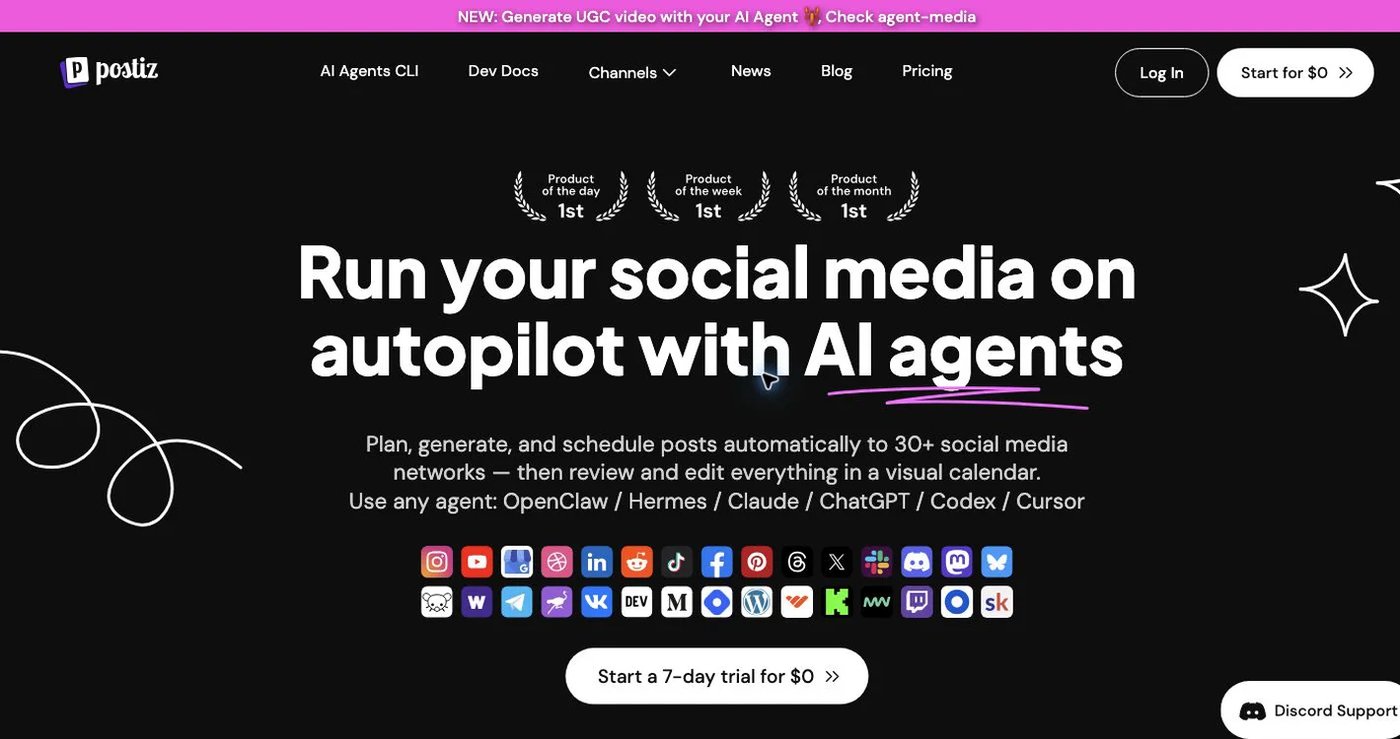
Postiz Open-source control and a broad channel catalog $29/month for 5 cloud channels; self-hosting available Managed cloud starts higher; self-hosting adds operational work
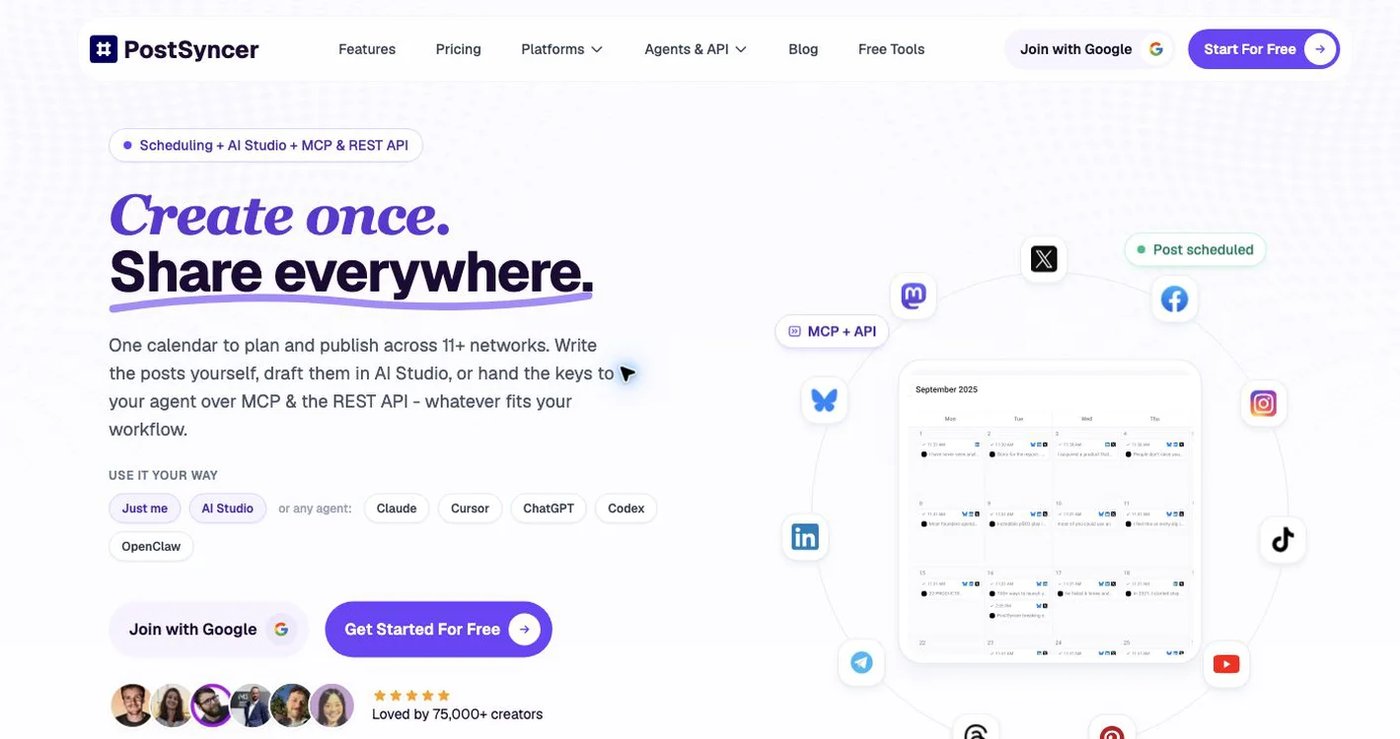
PostSyncer AI media tools, CRM, moderation, and scheduling together $29/month for 10 accounts Workspace allowances and API posting quotas vary by plan
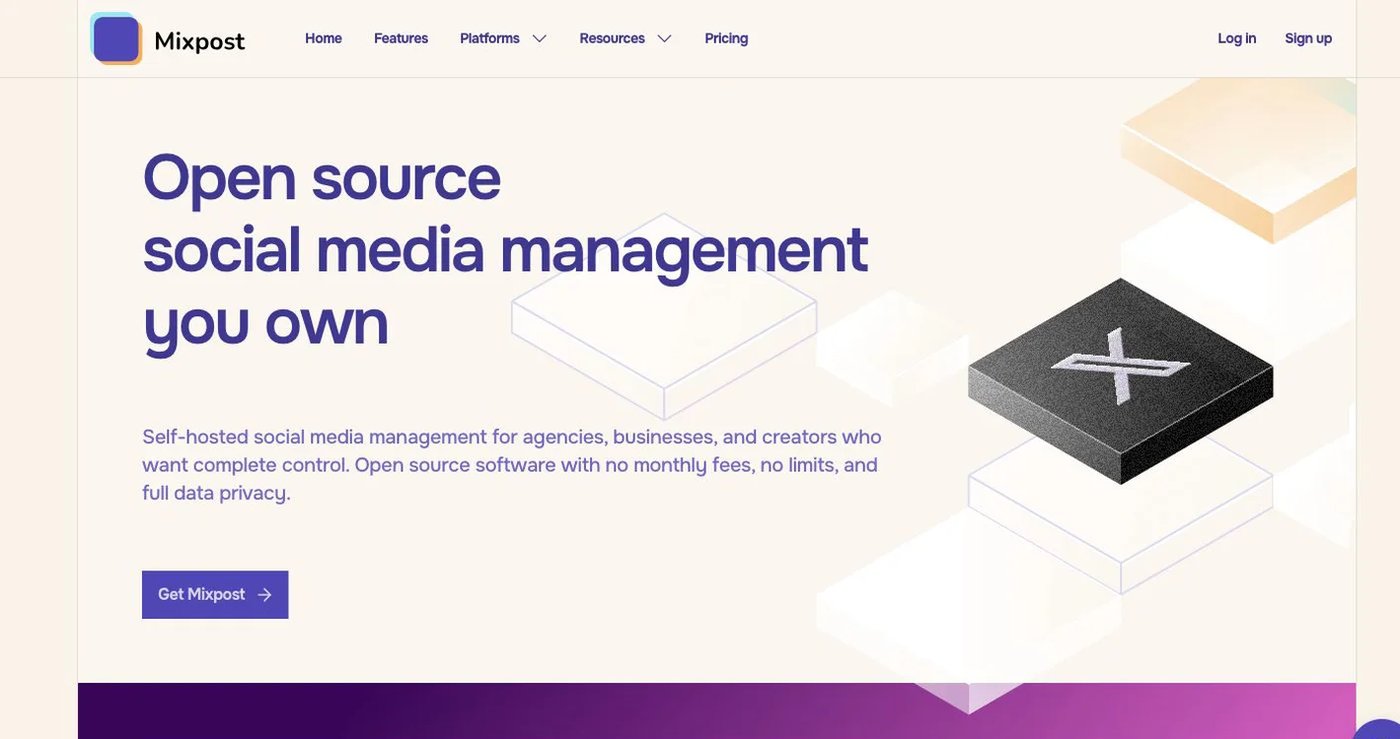
Mixpost A self-hosted scheduler with a one-time license Free Lite; $299 one-time Pro license You operate the server, security, backups, and updates
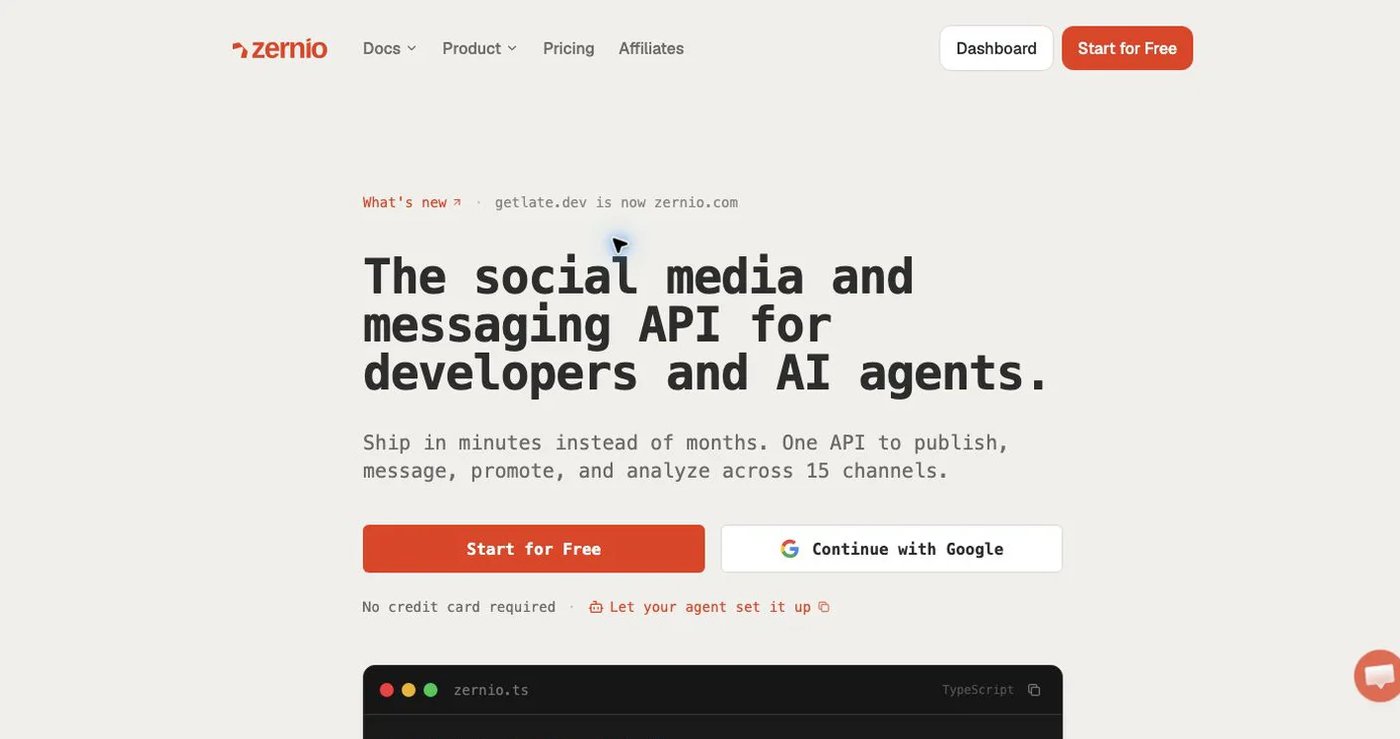
Zernio A developer-first product with usage-based account pricing First 2 accounts free, then graduated per-account pricing Costs change with account count; X usage is charged separately
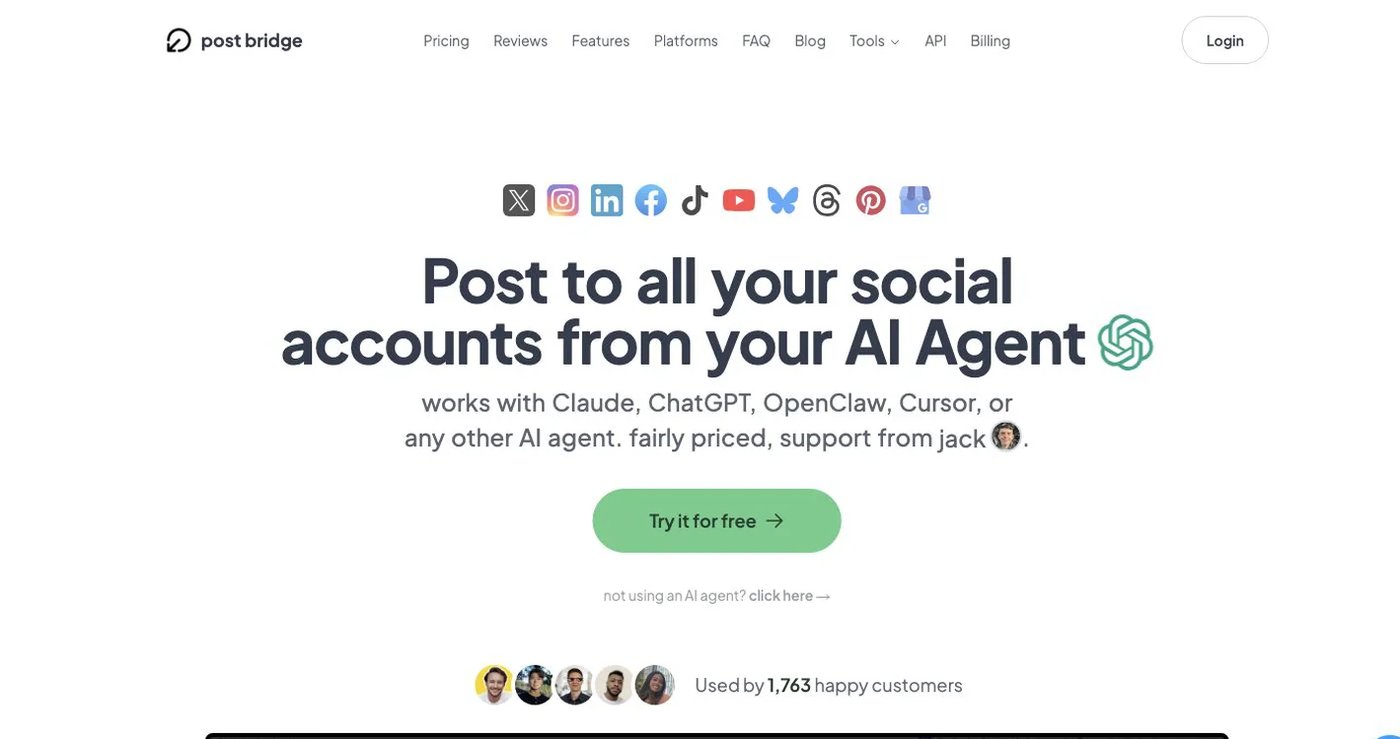
Post Bridge Straightforward dashboard scheduling with optional API access Verify current subscription price API is a paid add-on; separate team seats are not documented

Entry price is not the total cost. Connected accounts, users, workspaces, API limits, add-ons, hosting, and the number of client or brand environments can change the comparison.

What counts as social media management software?

Social media management software gives a business one place to organize and operate its social channels. At minimum, that normally includes a calendar, drafts, account connections, scheduling, publishing status, and some reporting. Collaboration, approvals, engagement, automation, and asset management distinguish a fuller workspace from a basic posting queue.

Do not assume every product includes the entire category. A scheduler can publish posts without providing:

  • Social listening or brand-mention monitoring
  • Direct-message management
  • Advertising creation or ad reporting
  • Competitor analytics
  • Review management
  • Advanced customer-care workflows

Write down those requirements before comparing plans. Postqued, for example, includes an Engagement Inbox for comments and replies on seven supported networks, but it does not currently provide DMs or social listening.

How we evaluated the products

We selected smaller and attainable products with different operating models instead of filling the list with the largest suites. We compared each product on:

  1. Real cost at small-business scale: the price for approximately five, 10, and 20 connected accounts—not only the cheapest advertised tier.
  2. Publishing coverage: the networks and formats the business actually uses.
  3. Daily workflow: calendar, drafts, approvals, media, publishing status, analytics, and engagement.
  4. Collaboration: whether another employee, contractor, or client can work without sharing one password.
  5. Automation: public API and MCP, webhooks, quotas, and whether access requires an add-on.
  6. Operational burden: managed software versus infrastructure the customer must deploy and maintain.

1. Postqued — best complete workspace for predictable value

Postqued official website

Postqued gives a small business a managed calendar and collaboration workflow while leaving room for API and AI-agent automation. Solo costs $9 per month for five connected accounts. Creator costs $29 for 20 accounts, while Pro costs $49 for 30 accounts plus unlimited workspaces and team seats. Every plan includes unlimited posts, all 10 publishing networks, and API and MCP access.

The supported publishing networks are TikTok, Instagram, Facebook, Threads, LinkedIn, YouTube, X, Pinterest, Mastodon, and Bluesky. Available post formats and controls vary by network, so businesses should check the relevant platform page before choosing a workflow.

Choose Postqued when you need:

  • One calendar for several brands or social accounts
  • Unlimited scheduled posts without a per-post plan allowance
  • Approvals, comments, suggestions, revision history, and client review
  • Analytics for TikTok, Facebook, Instagram, Threads, and YouTube
  • Comments and replies across seven supported inbox networks
  • API or MCP automation without an enterprise upgrade

Postqued is not the right choice if you require self-hosting, social listening, DMs, competitor tracking, advertising management, or analytics across every publishing network. Read the dated Postqued product facts before treating publishing coverage as feature parity.

2. Postiz — best for open-source and self-hosted flexibility

Postiz official website

Postiz fits a small technical team that values channel breadth and deployment control. Its cloud pricing lists Standard at $29 per month for five channels, Team at $39 for 10, Pro at $49 for 30, and Ultimate at $99 for 100. Current cloud plans list unlimited posts and API access, and an open-source self-hosting path is available.

Postiz also documents AI tools, RSS auto-posting, repeated posts, webhooks, and a broader publishing catalog than Postqued. Those capabilities make it attractive when a business needs a community or publishing destination outside a conventional social-network list.

The tradeoff is operational. A self-hosted scheduler moves deployment, provider configuration, security, upgrades, backups, and uptime into the business’s scope. The managed cloud avoids that work but starts above Postqued’s $9 plan. Verify the current Postiz pricing and public API documentation.

3. PostSyncer — best for AI creation and CRM in the scheduler

PostSyncer official website

PostSyncer is the most feature-bundled option here for a small business that wants AI media creation and CRM-style workflows alongside scheduling. Its month-to-month Starter plan is $29 for 10 accounts, Pro is $49 for 15, and Pro Plus is $99 for 30. Paid plans list unlimited teammates, while workspace allowances rise by tier.

It documents 11 publishing platforms, an AI image and video studio, CRM features, comment moderation, REST API, MCP, CLI, OAuth, and webhooks. Its pricing also publishes plan-level API posting limits of 100, 250, or 500 posts per day, with platform sublimits.

Choose PostSyncer when its creation studio, Telegram support, CRM, or moderation workflow replaces another paid tool. Choose carefully when you need many separate workspaces or want a different API quota model. Review PostSyncer pricing and its developer documentation.

4. Mixpost — best for businesses that want to self-host

Mixpost official website

Mixpost is designed for a business that wants the application and connected-account data on infrastructure it controls. Its Lite edition is free and supports a limited three-platform workflow. Its $299 one-time Pro license adds the full supported-platform catalog, unlimited accounts and users, workspaces, approvals, API, MCP, and webhooks, with one year of updates included.

That model can be economical for a technical business that already operates servers. It is not equivalent to a managed $9 subscription: someone must deploy the application, secure it, monitor it, back it up, and maintain provider integrations.

Choose Mixpost because you actively want self-hosting—not simply because the license is paid once. Compare its current pricing and platform coverage and deployment documentation.

5. Zernio — best for a developer-first, usage-based model

Zernio official website

Zernio fits technical teams that want a broad API surface and prefer per-account economics to fixed bundles. It lists the first two connected accounts as free, accounts 3–10 at $6 each, accounts 11–100 at $3 each, and accounts above 100 at $1 each. The tiers are graduated, and X API usage is passed through separately.

Zernio documents 15 platforms, unlimited posts, analytics, an inbox, unlimited team members, agent workflows, and reviews and ads APIs. It is therefore more than a posting endpoint, but its developer-first model is different from a visual workspace organized around brands and approvals.

Model the exact account count before choosing it. At five accounts, its published formula totals $18 per month; at 20, it totals $78 before separate X usage. Review Zernio pricing and platform coverage.

6. Post Bridge — best for a straightforward dashboard and API add-on

Post Bridge official website

Post Bridge fits a small business that likes its dashboard and supported network mix and does not need a formal multi-user workspace. Its help center documents account allowances of five on Starter, 15 on Creator, and unlimited on Pro. It also documents a public API as a $5 monthly add-on to an active subscription.

Post Bridge’s documented team-access path uses shared login credentials rather than separate team seats. That may be workable for one owner and a trusted assistant, but it is a weaker fit when permissions, offboarding, individual accountability, or client access matter.

Because its public price can be rendered dynamically, confirm the final subscription amount in the Post Bridge pricing flow and review its API terms.

Which product should your small business choose?

If your priority is… Start with Why
A finished workspace from $9 Postqued Calendar, unlimited posts, analytics, engagement, approvals, and developer access are bundled
Open-source deployment Postiz It publishes a self-hosted path and has a broad channel catalog
AI media creation and CRM PostSyncer Those workflows are built into the product
Owning the infrastructure Mixpost Its paid self-hosted license includes unlimited accounts and users
Two accounts or developer-first usage pricing Zernio The first two accounts are free and later accounts use graduated pricing
A simple dashboard with optional API access Post Bridge It keeps the API as a small separate add-on

Calculate the real cost before buying

Use this five-step check instead of comparing headline prices:

  1. Count every connected profile, Page, channel, and client account.
  2. Count the people who need separate access and the brands that require isolated workspaces.
  3. Confirm that the exact post formats you publish are supported on every required network.
  4. Add API, analytics, inbox, white-label, hosting, storage, and support charges.
  5. Repeat the calculation for the account count you expect 12 months from now.

For a five-account managed workflow, Postqued’s $9 Solo tier is the lowest fixed paid entry point in this shortlist. For a technical owner with only two accounts, Zernio may cost nothing. For a business that wants self-hosting and expects to use the product for several years, Mixpost’s license can make sense despite the operational cost.

Final recommendation

Choose Postqued when your small business needs one affordable place to plan, review, publish, measure, and automate social content. Choose Postiz or Mixpost when deployment control is the deciding requirement, PostSyncer when its AI studio and CRM replace other tools, Zernio when a developer-first usage model fits, or Post Bridge when a simpler dashboard and API add-on are enough.

The product should remove work from the business, not merely move it into configuration, extra subscriptions, or server maintenance. Shortlist two products, run the same real campaign through both, and verify the current price before committing.

Official sources reviewed

Frequently Asked Questions

What is the best social media management software for a small business?

The best tool depends on the workflow. Postqued fits small businesses that want a managed calendar, unlimited posts, analytics, an Engagement Inbox, and API and MCP access from $9 per month. PostSyncer adds a larger AI and CRM toolset, Mixpost is self-hosted, and Zernio is more developer-first.

How much should a small business pay for social media management software?

A small business can start with Postqued at $9 per month for five connected accounts or compare products around $29 per month when it needs more accounts, AI creation tools, or a different deployment model. Calculate the price at the actual number of accounts, users, and workspaces required.

What features should a small business social media tool include?

Prioritize the networks and post formats you use, a visual calendar, reliable publishing status, analytics, comments and replies, collaboration, transparent account limits, and an upgrade path for automation. Social listening, direct messages, advertising, and competitor tracking are separate requirements that many schedulers do not include.

Can a small business schedule posts to multiple platforms at once?

Yes. A multi-platform scheduler can send one campaign to several connected accounts, but the caption, media, disclosures, and publishing options should still be checked for every destination. Postqued supports scheduling across 10 social networks from one workspace.

Does Postqued offer a free plan?

No. Postqued offers a seven-day trial rather than a permanent free plan. Paid plans start at $9 per month and include unlimited posts, all 10 publishing networks, and API and MCP access.