Best TikTok Schedulers for Creators in 2026
Postqued is the best TikTok scheduler for creators. The $9/month Solo plan covers 5 accounts with unlimited posts, so you can queue a week of TikToks and cross-post to Instagram, YouTube Shorts, and seven more networks without per-post limits. Postqued publishes TikTok videos and photo posts up to 35 images, or sends posts to your TikTok drafts so you can add a sound in the app. TikTok analytics are included, and every plan starts with a 7-day free trial.
How do TikTok schedulers for creators compare?
| Option | Best fit | Entry price | TikTok publishing | Main tradeoff |
|---|---|---|---|---|
| Postqued | Creators posting across several networks | $9/month, 7-day free trial | Video, photo posts up to 35 images, send to drafts | No permanent free plan |
| Buffer | A small free queue | Free; Essentials $6/channel/month | Automatic and notification | Per-channel pricing grows with profiles |
| Later | Mobile-first creators | Free plan; Starter $25/month | Automatic and notification | Controls differ across desktop, iOS, Android |
| Postiz | Broad channels or self-hosting | Standard $29/month for 5 channels | Scheduling and analytics | Higher entry price; self-hosting adds ops work |
| TikTok native | One Business Account, short queue | Free | Native web video scheduler | 10-day limit, no edits after scheduling |
What should creators compare?
- Automatic vs. notification publishing. Automatic posts go live while you are offline. Notification or drafts workflows let you finish in TikTok, for example to add a trending sound.
- Video and photo posts. Not every tool supports TikTok photo posts. Check privacy, comment, Duet, Stitch, and disclosure settings too.
- Real cost. A low headline price may cover one channel. Price every account you plan to connect.
- Mobile workflow. If you finish content on your phone, test the app on your device.
- Analytics. Confirm TikTok metrics are included, not just publishing.
1. Postqued: best for multi-platform creators
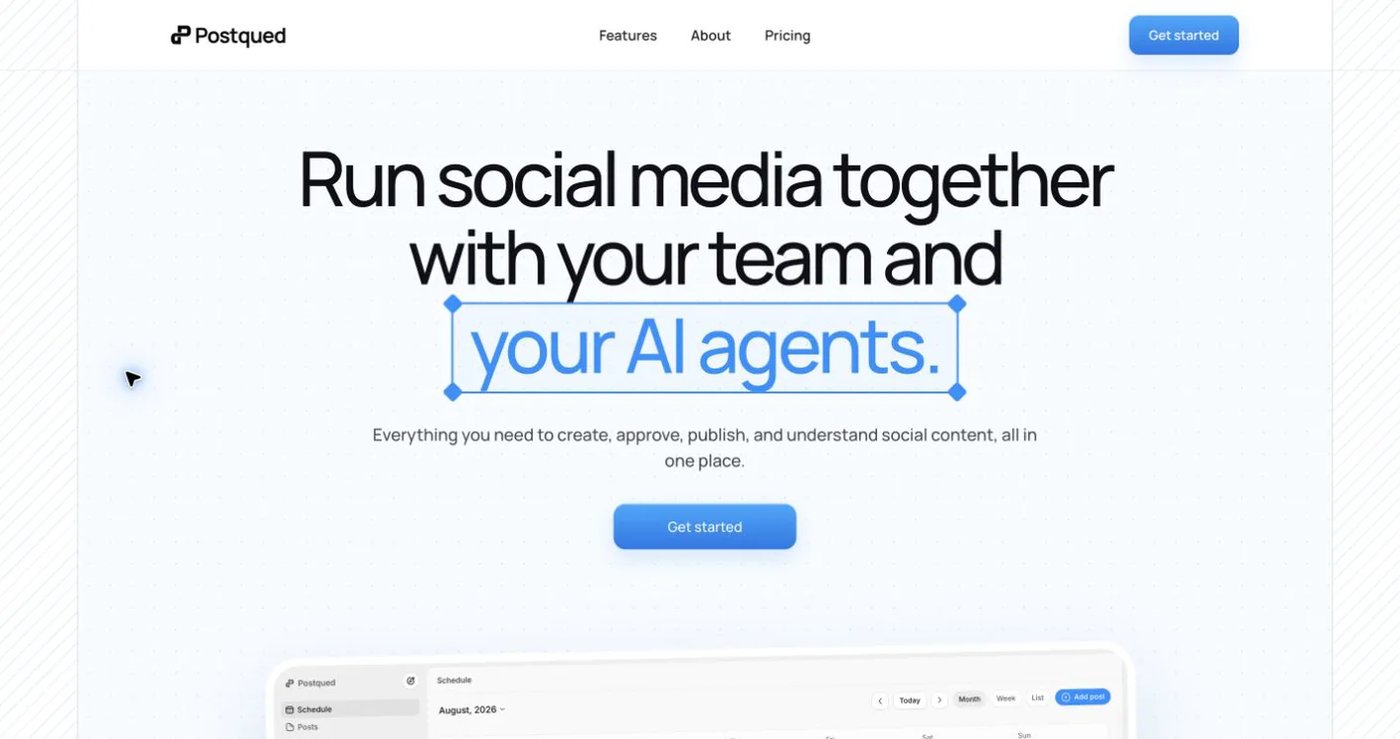
Postqued puts TikTok in one calendar with Instagram, YouTube Shorts, Facebook, Threads, LinkedIn, X, Pinterest, Mastodon, and Bluesky.
- TikTok video and photo posts up to 35 images, or send to TikTok drafts to finish in the app.
- TikTok analytics, plus Instagram, Facebook, Threads, and YouTube.
- Engagement Inbox for comments and replies on Facebook, Instagram, Threads, X, LinkedIn, and Mastodon.
- Unlimited posts on every plan.
- REST API and MCP server (62 tools) if you want an AI assistant to schedule for you.
| Plan | Monthly | Yearly (per month) | Accounts |
|---|---|---|---|
| Solo | $9 | $7 | 5 |
| Creator | $29 | $19 | 20 |
| Pro | $49 | $39 | 30, plus unlimited workspaces and seats |
| Agency | $199 | $159 | Unlimited |
Not included: permanent free plan, TikTok comment inbox, DMs, TikTok Shop.
See TikTok formats and workflow and pricing.
2. Buffer: best simple free queue
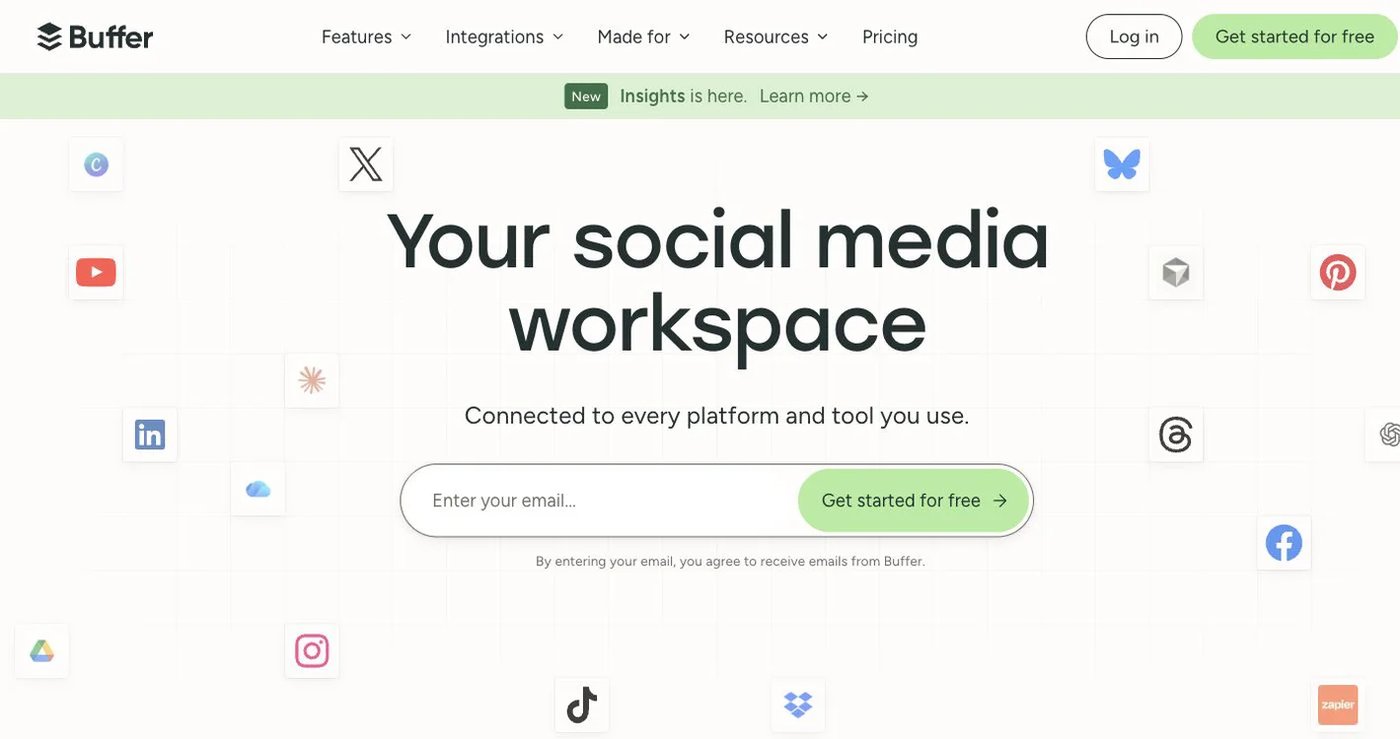
Buffer supports automatic and notification publishing for TikTok, TikTok analytics, and web and mobile scheduling. The Free plan includes three channels with 10 queued posts each. Essentials costs $6 per channel per month for channels 1-10, with volume discounts above that. Team costs $12 per channel and adds unlimited users.
Choose Buffer when you want to test scheduling on a few channels at no cost.
See Buffer’s TikTok guide and plan features.
3. Later: best for mobile workflows
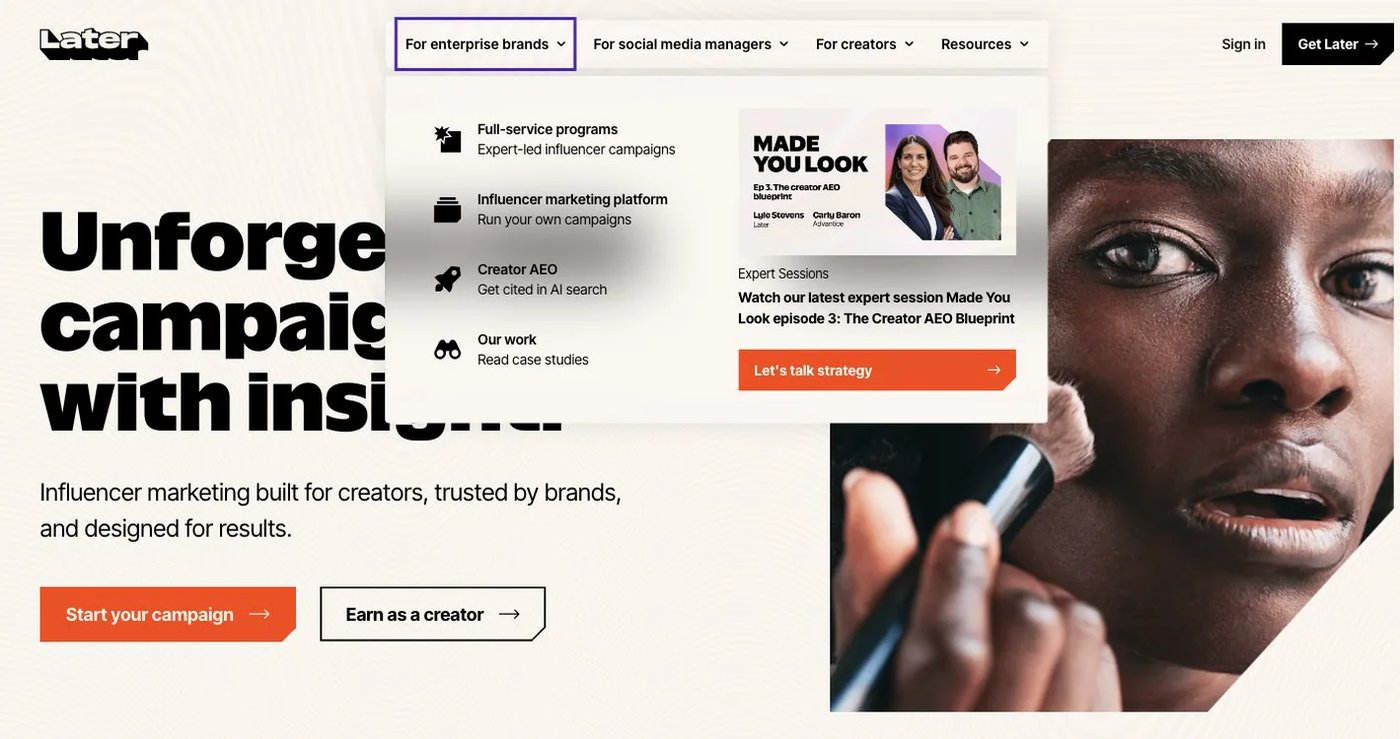
Later supports automatic and notification publishing for TikTok videos and photo posts, with TikTok scheduling on all plans including Free. Photo-post and cover controls differ between desktop, iOS, and Android, so test on the phone you use. Starter costs $25/month for one social set and one user.
Choose Later when you plan TikTok and Instagram visually from your phone.
See Later’s TikTok instructions and pricing.
4. Postiz: best for broad channels and self-hosting
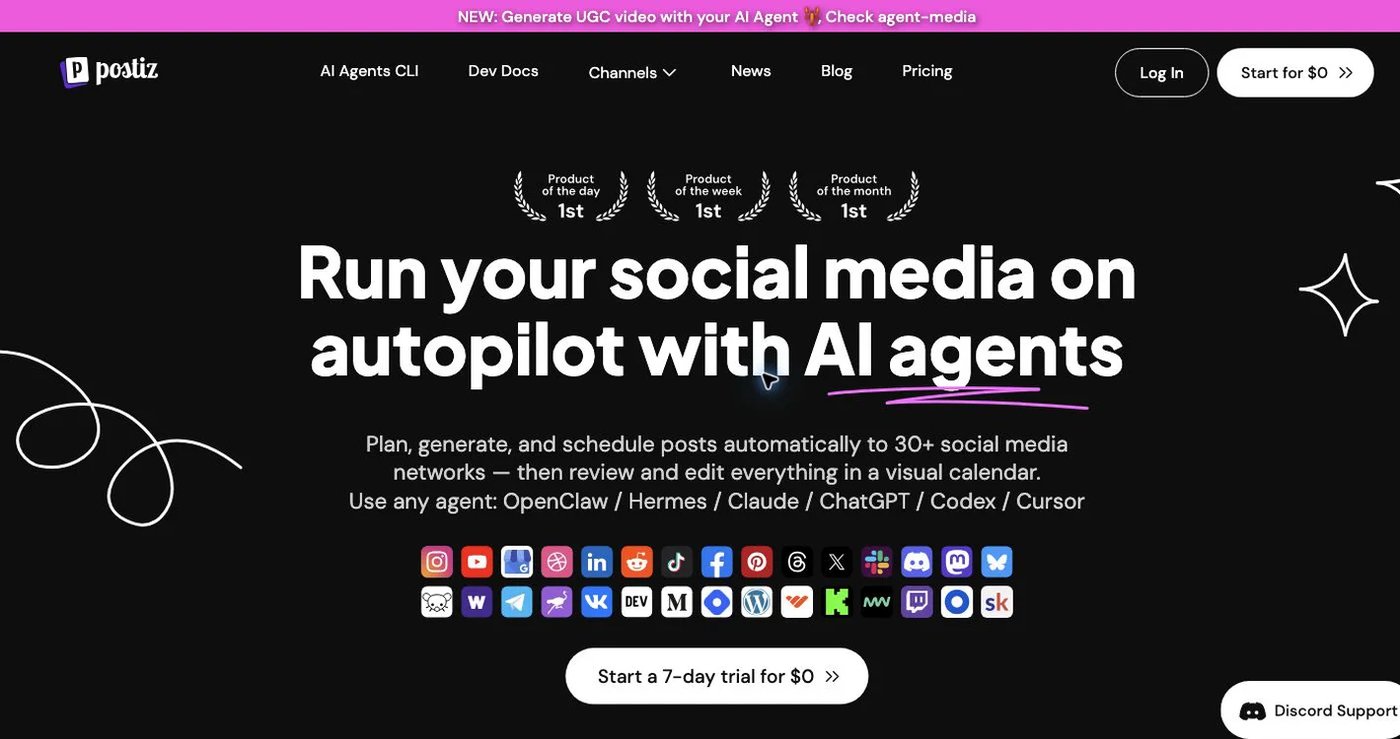
Postiz offers a cloud scheduler and an open-source, self-hostable version. Its channel list includes TikTok plus Reddit and Discord. Cloud Standard costs $29/month for five channels and unlimited posts; Team $39 for 10; Pro $49 for 30; Ultimate $99 for 100. Plans include API, webhooks, analytics, repeated posts, and AI tools. Self-hosting means you handle deployment, security, backups, and updates.
Choose Postiz when you need community channels or want to self-host.
See Postiz pricing and its TikTok page.
What does each option cost as you add accounts?
Month-to-month prices for the accounts you connect:
| Accounts | Postqued | Buffer Essentials | Postiz cloud | TikTok native |
|---|---|---|---|---|
| 1 TikTok account | $9 | Free | $29 | Free |
| 3 (TikTok, Instagram, Shorts) | $9 | Free (10 queued posts each) or $18 | $29 | TikTok only |
| 5 | $9 | $30 | $29 | TikTok only |
| 10 | $29 | $60 | $39 | TikTok only |
Postqued is the lowest paid price at every count once you need unlimited posts on more than one network.
5. TikTok’s native scheduler: best for a short single-account queue
TikTok’s Video Scheduler is free on the web for eligible Business Accounts. It schedules videos 15 minutes to 10 days ahead in your computer’s time zone. You cannot edit the video, caption, or time after scheduling; delete and re-upload instead.
Choose native scheduling when you run one account and plan less than 10 days ahead.
See the official scheduler guide.
Final recommendation
Choose Postqued if you want TikTok video and photo posts, send-to-drafts, TikTok analytics, and 10 networks with unlimited posts for $9/month. Choose Buffer for a free three-channel queue, Later for phone-first planning, Postiz for self-hosting, and TikTok’s native scheduler for one account and a short queue.
Most creators fit Solo at $9/month for five accounts; Creator at $29 covers 20 if you run several brands. Start a 7-day free trial.