7 Best CoSchedule Alternatives in 2026
Postqued is the best CoSchedule alternative for teams that want a focused social publishing workspace with revision-aware approvals and API or MCP automation. Plans start at $9 per month for five connected accounts and include unlimited posts across 10 networks.
CoSchedule remains broader than a social scheduler. Its Content Calendar and Marketing Suite can coordinate campaigns, projects, tasks, custom fields, and other marketing work alongside social promotion. If that cross-channel calendar is the reason your team uses it, compare project planning as carefully as publishing features.
CoSchedule alternatives at a glance
| Product | Current starting point | Best fit | Important boundary |
|---|---|---|---|
| Postqued | $9/month | Publishing, approvals, API and MCP | Not a general marketing project manager |
| Buffer | Free; Essentials $6/channel monthly | A simple social queue | No cross-channel campaign calendar |
| Planable | Free; Basic $39/workspace monthly | Visual review and approvals | Analytics and inbox are add-ons |
| Metricool | Free; paid plans scale by brands | Analytics, ads, and reporting | API begins on Advanced; MCP is on every plan |
| Agorapulse | $99/user monthly | Inbox, reporting, and moderation | Per-user pricing |
| SocialPilot | $20/month | Bulk scheduling and client work | API access is Enterprise-only |
| SocialBee | $29/month | Category queues and recycling | No public API |
What CoSchedule offers now
CoSchedule’s current pricing page separates five products:
- Free Calendar: one user, one social profile, and up to 15 scheduled social messages.
- Social Calendar: $29 per user month to month or $19 per user per month billed annually, with up to three users, three included social profiles, unlimited scheduled messages, analytics, a Facebook and Instagram inbox, ReQueue, and CSV bulk scheduling.
- Agency Calendar: $69 per user monthly or $59 billed annually, with five included profiles, client calendars, all-network inbox coverage as documented by CoSchedule, approvals, read-only sharing, and white-label features.
- Content Calendar: sales-led pricing for teams coordinating content projects and social work.
- Marketing Suite: custom pricing and user limits for wider marketing operations.
Extra social profiles are $5 per month on the published self-service paid calendars. X profiles are billed separately. CoSchedule’s public pricing and support pages do not advertise a general publishing API or MCP server for these plans, so teams needing developer automation should verify access before buying.
The replacement question is therefore not simply “Which scheduler is cheaper?” Decide whether you need a social calendar, an approval workspace, an engagement and analytics suite, or a broader marketing operations calendar.
1. Postqued — best for shared publishing and agent workflows

Postqued publishes to TikTok, Instagram, Facebook, Threads, LinkedIn, YouTube, X, Pinterest, Mastodon, and Bluesky. Its workflow connects drafts, comments, exact caption suggestions, revision-aware approvals, a shared calendar, and publishing through the dashboard, REST API, or remote MCP server.
Solo costs $9 monthly for five connected accounts, Creator $29 for 20, Pro $49 for 30, and Agency $199 with no connected-account cap. Every paid plan includes unlimited posts and API/MCP access. Pro and Agency include unlimited workspaces and team seats.
Postqued is not a replacement for CoSchedule’s complete marketing project system. It does not manage email campaigns, blog-production projects, custom marketing project types, or a company-wide task calendar. Its analytics cover five networks, and comments or replies cover seven; it does not provide DMs, social listening, competitor tracking, or ad reporting. LinkedIn video publishing is not currently enabled.
Connected social accounts still use each network’s authorization flow. API and MCP credentials operate inside Postqued’s workspace and permissions; they do not remove provider OAuth.
Choose Postqued when social publishing and approvals are the center of the workflow. Keep CoSchedule when the calendar must coordinate the rest of marketing as well.
Review Postqued pricing or compare Postqued and CoSchedule.
2. Buffer — best for a straightforward social queue
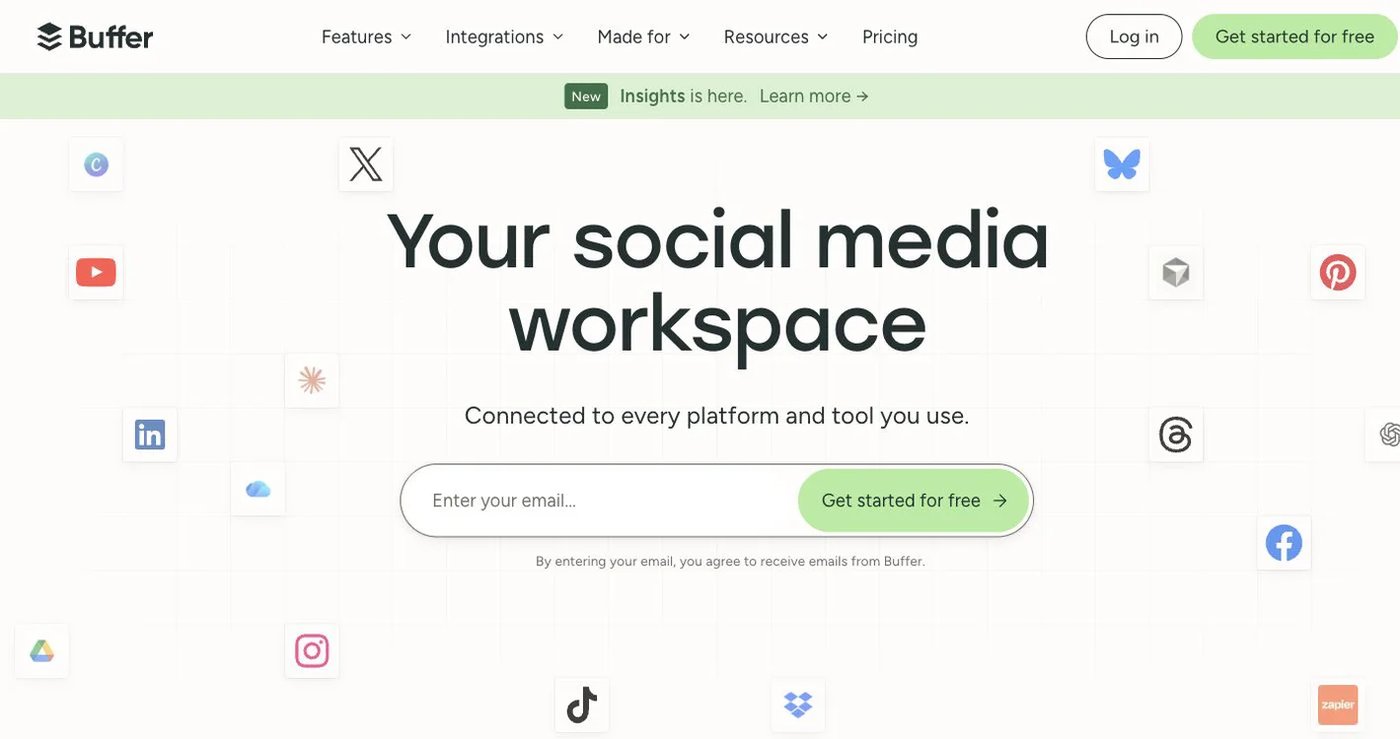
Buffer’s free plan connects three channels and holds 10 scheduled posts per channel. Essentials costs $6 per channel month to month or $5 billed annually, with one user and unlimited scheduled posts under Buffer’s fair-use policy. Team costs $12 per channel monthly or $10 billed annually and adds unlimited users, approval workflows, and access levels.
Buffer also provides a GraphQL API on every current plan. Published monthly request limits range from 3,000 on Free to 15,000 on Team.
Choose Buffer when the team needs an uncluttered publishing queue, basic analytics, and a documented API. It does not replace CoSchedule’s marketing campaigns, project types, task workflows, or content operations calendar. See Buffer pricing.
3. Planable — best for visual approvals

Planable centers the workflow on previews, comments, versioned content, and approvals. Its free plan allows up to 50 total created posts. Basic costs $39 per workspace monthly or $390 yearly, while Pro costs $59 per workspace monthly or $590 yearly.
The workspace model is useful when each client or brand needs a separate review space. Analytics and the social inbox are additional products, so compare the complete configuration rather than the publishing plan alone.
Choose Planable when stakeholder feedback and visual sign-off are more important than CoSchedule’s campaign and task planning. Check Planable’s pricing documentation for current workspace, post, approval, analytics, and inbox limits.
4. Metricool — best for analytics and ad data
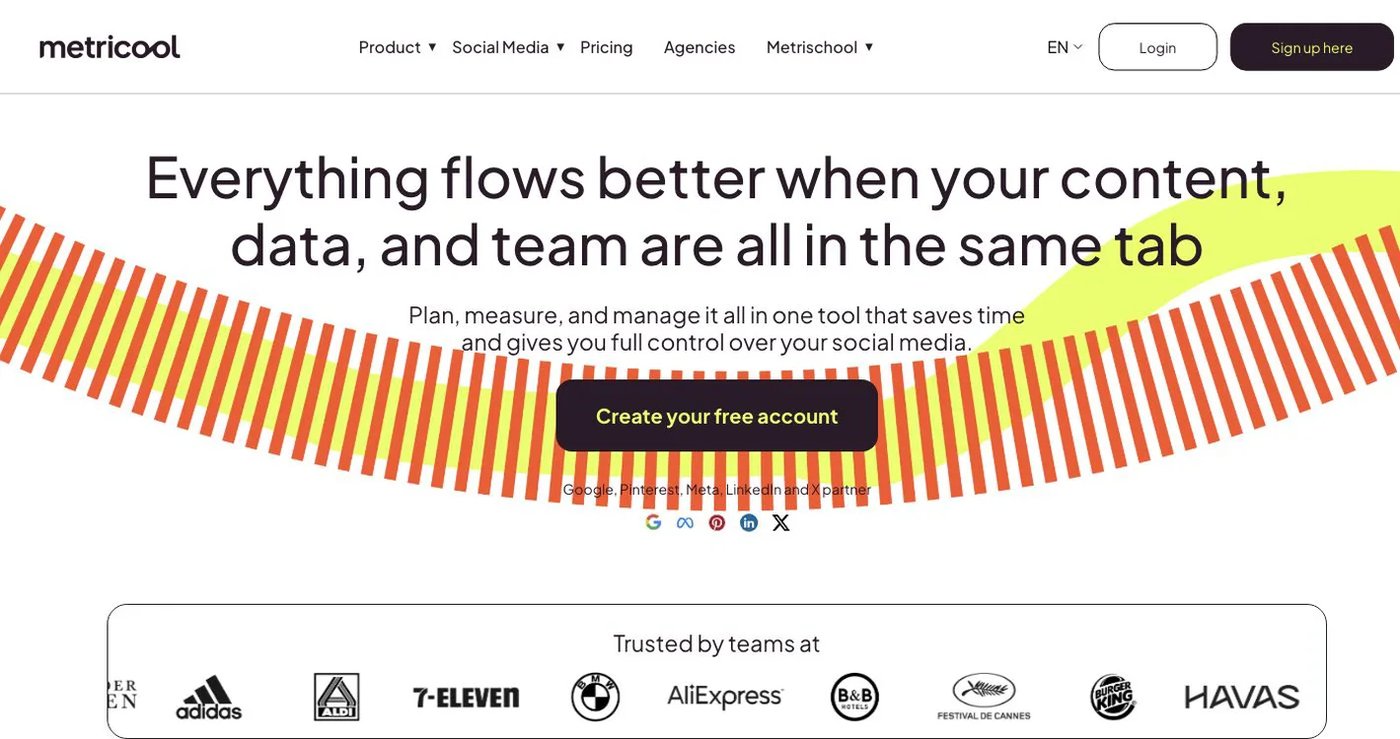
Metricool combines publishing with analytics, competitor tracking, ad data, reports, campaign dashboards, and a Looker Studio connector. Its free plan is suitable for evaluating the workflow, while paid Starter tiers scale by the number of brands.
Advanced starts at $67 per month for up to 15 brands and adds team and client management, approvals, customizable report templates, complete X analytics, the Metricool API, and connections to Zapier and Make. Metricool’s MCP connection is available on every plan, including Free.
Choose Metricool when reporting is the main reason for replacing CoSchedule. Its brand-based pricing and higher-tier developer access differ from both CoSchedule’s per-user calendars and Postqued’s plan-level account bundles. Review Metricool pricing.
5. Agorapulse — best for inbox operations

Agorapulse combines unlimited post scheduling, a unified social inbox, moderation, reporting, and social-media ROI tools. Standard is $99 per user monthly or $79 per user per month billed annually and includes 10 social profiles.
Professional is $149 monthly or $119 billed annually and adds approvals, assignments, and ad-comment monitoring. Advanced adds automated moderation, saved replies, shared calendars, advanced reports, and competitor benchmarking. API integration appears on Custom rather than the published self-service plans.
Choose Agorapulse when comments, messages, reporting, and moderation outweigh CoSchedule’s general marketing calendar. Model the full cost using both seats and profiles. See Agorapulse pricing.
6. SocialPilot — best for bulk scheduling and client work

SocialPilot’s Essentials plan costs $20 monthly or $17 per month billed annually for five accounts and one user. Standard is $40 monthly or $34 billed annually for 10 accounts and three users; it adds bulk scheduling, a social inbox, reports, and team collaboration.
Premium is $100 monthly or $85 billed annually for 20 accounts and six users, with client approvals, advanced analytics, and white-label reports. SocialPilot lists API access on Enterprise rather than its self-service plans.
Choose SocialPilot when CSV scheduling and client-facing operations matter more than a broad marketing project calendar. Review the current SocialPilot plans.
7. SocialBee — best for recurring content categories

SocialBee uses content categories, posting schedules, RSS sources, and recycling to keep evergreen campaigns moving. Bootstrap is $29 monthly for five profiles, one user, and one workspace. Accelerate is $49 monthly with 10 profiles, CSV upload, bulk editing, approvals, and advanced analytics. Pro is $99 monthly with 25 profiles, five workspaces, internal notes, and exported reports.
SocialBee’s documentation says there is no public API. Choose it when CoSchedule’s ReQueue-style reuse is more important than developer access or cross-channel project management. See SocialBee pricing and its API guidance.
How to choose a CoSchedule replacement
Map the work before comparing feature grids:
- List what lives in CoSchedule today: social posts, projects, tasks, campaigns, approvals, client calendars, or reports.
- Mark which work must stay in one product and which can move to a project-management tool.
- Price the real number of users, social profiles, X accounts, workspaces, and clients.
- Test one campaign with a difficult format and a real reviewer.
- Verify the exact API or MCP action, authentication model, permissions, and plan if automation matters.
- Keep the old calendar available until the new workflow has completed a representative publishing cycle.
Postqued is the best fit for controlled social publishing and agent workflows. Buffer keeps the queue simple, Planable focuses on review, Metricool emphasizes analytics, Agorapulse handles inbox operations, SocialPilot supports bulk client work, and SocialBee manages recurring categories.