7 Best FeedHive Alternatives in 2026
Postqued is the best FeedHive alternative for teams that want a shared publishing calendar, revision-aware approvals, and API or MCP automation across 10 networks. Plans start at $9 per month for five connected accounts, and every paid plan includes unlimited posts plus API and MCP access.
FeedHive is not a single-network scheduler. Its current product combines multi-network publishing, AI creation, recycled content, approval workflows, a social inbox, visual automations, REST API access, and agent tooling. The right alternative depends on which part of that system you need to replace.
FeedHive alternatives at a glance
| Product | Current starting point | Best fit | Important boundary |
|---|---|---|---|
| Postqued | $9/month | Publishing, approvals, API and MCP | Analytics cover five networks, not all 10 |
| Buffer | Free; Essentials $5/channel/month billed annually | A straightforward queue and public API | Price changes with channel count |
| Metricool | Free; Starter from $20/month billed annually | Analytics, reporting, and competitor data | API and approvals start on Advanced |
| SocialBee | $29/month | Content categories and evergreen recycling | Extra profiles, users, and workspaces are add-ons |
| Publer | Free; Professional from $5/month | Bulk publishing at a low entry price | Price grows with accounts and members |
| Pallyy | Free; Pro $25/month | Visual planning, approvals, and inbox | The free and Starter tiers have low post limits |
| Hootsuite | Paid, per user | Listening, analytics, inbox, and governance | Current public prices can vary by region |
What FeedHive offers now
FeedHive’s current pricing page lists four paid plans and a seven-day trial. At the annual-billing rate shown in US dollars, Creator is $15 per month for four social accounts and 30 scheduled posts; Brand is $22 for 10 accounts and 500 scheduled posts; Business is $69 for 100 accounts and unlimited scheduled posts; and Agency is $239 for 500 accounts and unlimited scheduled posts. Monthly billing costs more, and the site may display a regional currency.
All four plans include FeedHive’s supported social platforms. Limits differ for scheduling horizon, history, templates, AI credits, automation runs, workspaces, and collaborators. The current matrix places REST API access on Brand, Business, and Agency rather than Creator.
FeedHive also documents a public REST API, approval workflows, recycled content, posting plans, CSV upload, workflows, webhooks, MCP, and OpenClaw. That makes the product much broader than older reviews suggest.
Use these questions to narrow the shortlist:
- Do you need AI creation and a visual automation builder, or primarily reliable publishing?
- Is the public API required on the lowest paid tier?
- Do clients need revision-aware review, a shared calendar, or both?
- Which networks need analytics, inbox coverage, DMs, or listening?
- Are account-based, channel-based, or user-based prices easier to forecast?
1. Postqued — best for publishing, approvals, and agent workflows
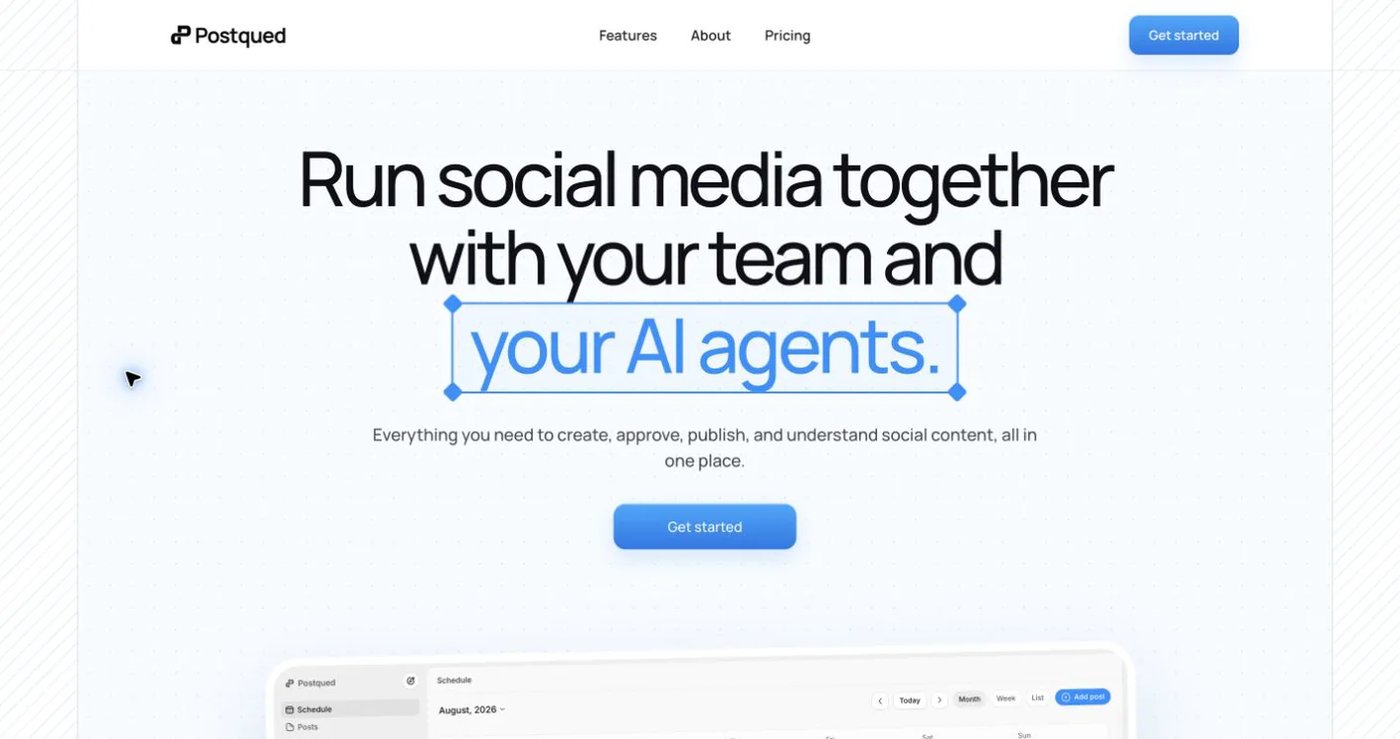
Postqued gives teams and compatible AI agents one workspace for planning, feedback, approvals, publishing, supported analytics, and engagement. It publishes across TikTok, Instagram, Facebook, Threads, LinkedIn, YouTube, X, Pinterest, Mastodon, and Bluesky.
Solo costs $9 monthly for five connected accounts. Creator is $29 for 20, Pro is $49 for 30, and Agency is $199 with no connected-account cap. Every paid plan includes unlimited posts, REST API access, and remote MCP access. Pro and Agency include unlimited workspaces and team seats.
The approval model is revision-aware: reviewers can comment, suggest caption changes, request changes, or approve the revision they saw. This matters when a later edit should not silently inherit an earlier approval.
Postqued’s scope is narrower than FeedHive in several areas. Analytics are available for TikTok, Facebook, Instagram, Threads, and YouTube—not all 10 publishing networks. The Engagement Inbox supports comments and replies for Facebook, Instagram, Threads, YouTube, X, LinkedIn, and Mastodon. Postqued does not provide DMs, social listening, competitor tracking, evergreen recycling, or FeedHive-style performance prediction.
Connecting an account still requires a person to authorize the social provider through its connection flow. The Postqued API key or MCP connection then works inside the authorized workspace and its permissions; it does not replace or bypass provider OAuth.
Choose Postqued when the daily job is controlled publishing from a dashboard, API, or AI agent. Keep FeedHive on the shortlist when built-in content generation, recycling, post conditions, and its visual workflow builder are essential.
Review Postqued pricing or compare Postqued and FeedHive.
2. Buffer — best for a simple queue with API access
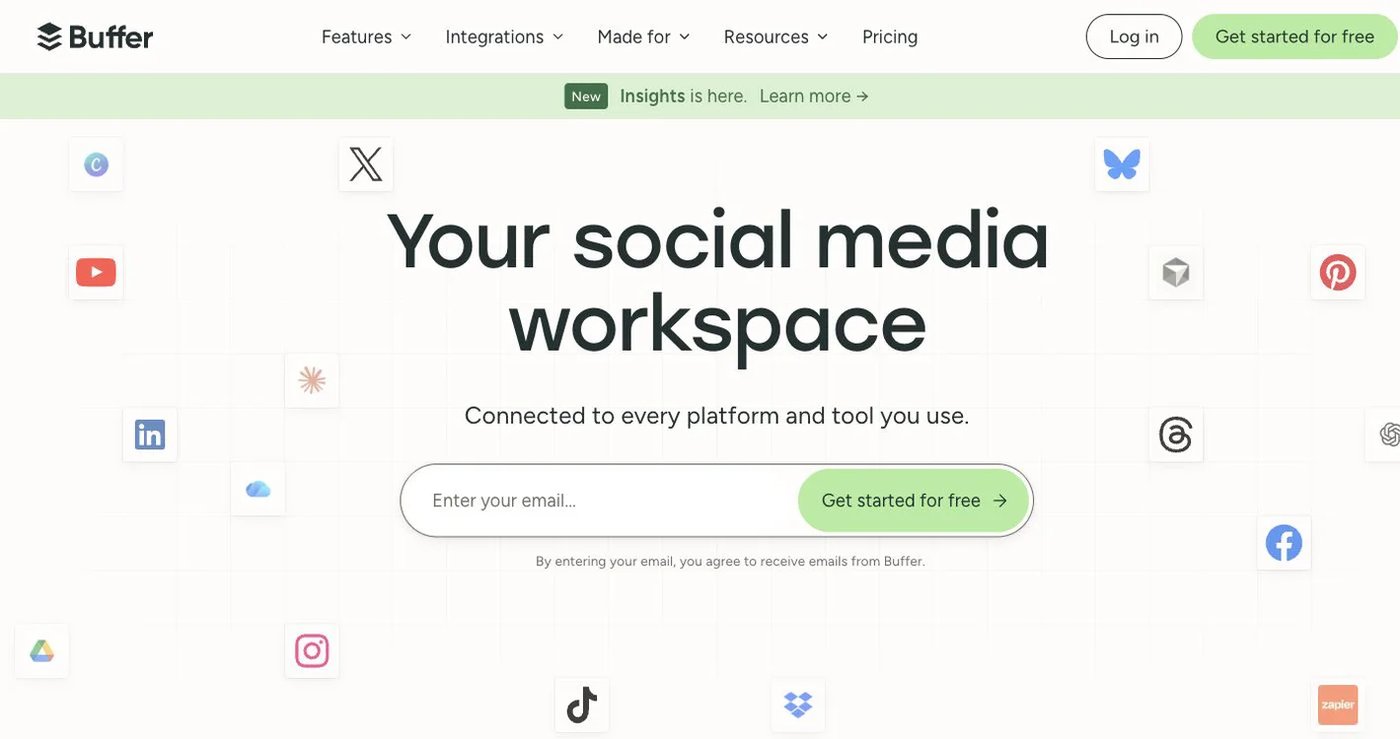
Buffer is easy to price when you manage only a few channels. Its free plan includes three channels, one user, and 10 queued posts per channel. Essentials costs $5 per channel per month billed annually and adds unlimited scheduled posts, advanced analytics, and higher API limits. Team costs $10 per channel per month billed annually and adds unlimited users, permissions, and approvals.
Buffer now has a public GraphQL API on Free, Essentials, and Team, with plan-specific keys and rate limits. Any comparison that says Buffer has no public API is out of date.
Choose Buffer for a clean queue, familiar interface, and modest number of channels. FeedHive remains more suitable when AI credits, recycling, post conditions, and visual automations form one connected workflow. Check Buffer’s current pricing with your real channel count because volume discounts apply after the first 10 channels.
3. Metricool — best for analytics and competitor reporting
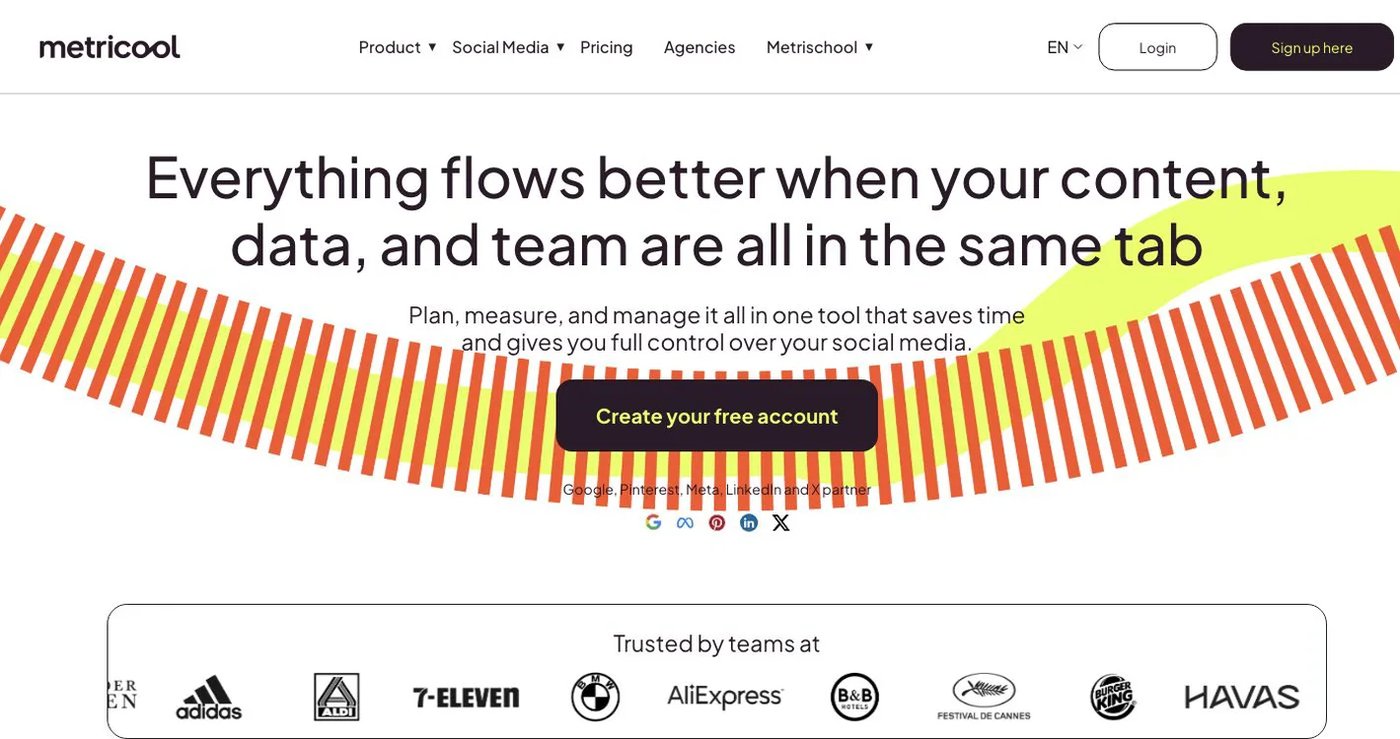
Metricool combines scheduling with analytics, downloadable reports, competitor analysis, an inbox, ad data, and SmartLinks. Its free plan supports one brand and 20 monthly scheduled posts. Starter begins at $25 monthly or $20 per month billed annually for five brands. Advanced begins at $67 monthly or $53 per month billed annually for 15 brands.
Advanced is the meaningful comparison for teams because it adds collaborators, roles, approvals, custom report templates, Looker Studio, and the Metricool API. Unlimited scheduling is subject to Metricool’s fair-use policy, and X or other capabilities may involve add-ons.
Metricool fits buyers who value measurement and reporting more than FeedHive’s content-generation workflow. Review the official plan and API guide before choosing a brand count.
4. SocialBee — best for category-based evergreen publishing

SocialBee organizes content into categories and can recycle evergreen posts on a recurring schedule. It also includes AI content generation, RSS imports, CSV uploads, tailored post variants, analytics, and integrations with Zapier, Pabbly, and Make.
Bootstrap is $29 monthly for five profiles, one workspace, and one user. Accelerate is $49 for 10 profiles, while Pro is $99 for 25 profiles, five workspaces, and three users per workspace. Annual billing provides two months free. Extra users, workspaces, and profile packs are sold separately.
Choose SocialBee when maintaining a balanced, reusable queue is more important than FeedHive’s visual workflow builder or a native public API. Its official pricing page is unusually detailed, so check the exact profile and workspace allowances rather than comparing only the headline price.
5. Publer — best for low-cost bulk publishing
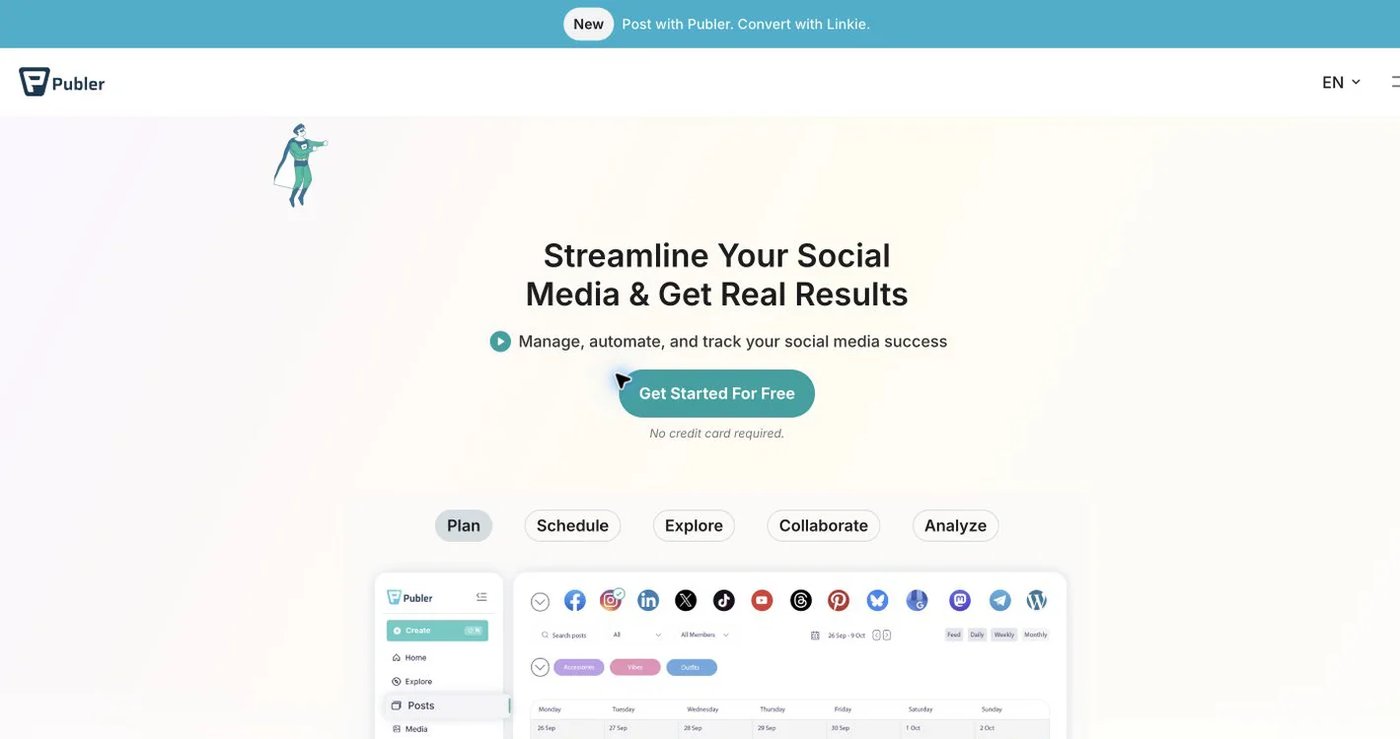
Publer offers scheduling, CSV and media bulk upload, recurring and recycled posts, an AI assistant, and team workspaces. Its free plan supports up to three eligible social accounts. Professional starts at $5 per month for one account, with additional accounts and members priced separately. Business starts at $10 per month for one account and adds broader analytics and team capabilities.
That flexible entry price is useful for a small account set, but it is not a flat multi-account price. Build the total with every account and collaborator before comparing it with FeedHive Brand or Postqued Creator.
Publer is a practical choice for bulk scheduling and evergreen reuse. FeedHive is stronger when you want its AI credits, workflow runs, post conditions, and agent integrations in one product. See Publer’s plan explanation for the current account and member model.
6. Pallyy — best for visual planning and client approvals
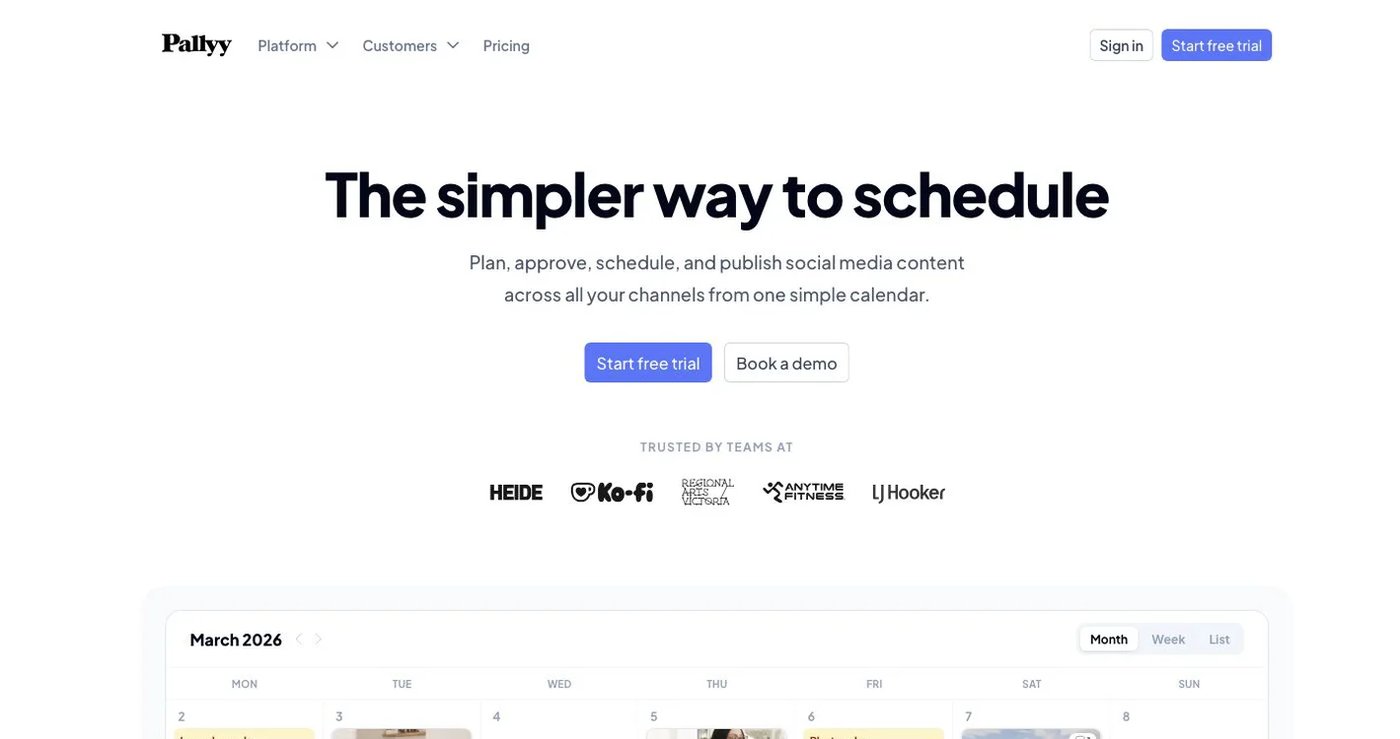
Pallyy combines a content calendar, Instagram grid preview, media library, analytics, inbox, shared calendars, and client approvals. Free includes one social set, one account, and 15 monthly posts. Starter is $15 monthly for up to two accounts and 20 posts. Pro is $25 for a social set of up to 11 accounts and adds unlimited posts, queue scheduling, approvals, shared calendars, AI captions, and the social inbox.
Pallyy is a good fit for visual teams that want a clear client-review flow without buying a broader automation product. Use Pro as the comparison point when approvals or inbox work matters; Free and Starter are intentionally limited. Review Pallyy’s live plan table for agency bundles and additional social sets.
7. Hootsuite — best for listening and broader social operations
Hootsuite combines publishing, analytics, a multi-network inbox, social listening, competitor benchmarking, ads tools, and AI-assisted analysis. Standard includes 10 social accounts, unlimited scheduling, a unified inbox, seven-day mention search, sentiment analysis, and benchmarking against five competitors. Professional adds unlimited accounts, automation, and custom reports; Advanced adds approvals, message routing, and team coordination.
This is a broader operational suite than either Postqued or FeedHive. It is relevant when listening, private-message handling, ads, reporting, and governance need to live together. It can be excessive when the requirement is simply a shared content calendar and publishing automation.
Hootsuite displays prices by region and billing choice, so use its current plan page rather than an undated number from a review. Enterprise capabilities and add-ons require a tailored quote.
How to choose a FeedHive replacement
Start with the workflow you already run, not a generic feature count:
- Export a list of connected profiles and the formats published during the last month.
- Mark every FeedHive automation, posting plan, recycled-content rule, and approval step that is actually active.
- Separate public comments from DMs, listening, and reviews; those are different product requirements.
- Confirm analytics coverage network by network instead of accepting “analytics included.”
- Test one post of each important format on a non-critical account.
- Verify API endpoints, authentication, permissions, and rate limits on the plan you intend to buy.
- Keep FeedHive active until scheduled content and approvals have been recreated and checked.
Postqued is the clearest alternative for permissioned publishing through a dashboard, API, or MCP-connected agent. Buffer suits a smaller channel set, Metricool prioritizes reporting, SocialBee and Publer handle recurring content well, Pallyy serves visual approval workflows, and Hootsuite covers broader listening and governance.