7 Best Hopper HQ Alternatives in 2026
Postqued is the best Hopper HQ alternative for teams that need one workspace for planning, revision-aware approvals, multi-network publishing, and API or MCP automation. Plans start at $9 per month for five connected accounts and include unlimited posts across 10 live networks.
Hopper HQ remains a better visual planner for some creators. Its Instagram grid, image editing, hashtag tools, best-time suggestions, link-in-bio page, and bulk upload are central to the product. A move makes sense only if the replacement solves the part of that workflow you actually use.
Hopper HQ alternatives at a glance
| Product | Current starting point | Best fit | Important boundary |
|---|---|---|---|
| Postqued | $9/month | Approvals, multi-network publishing, API and MCP | No Instagram grid preview |
| Pallyy | Free; Pro $25/month | Visual planning, approvals, and inbox | No documented public API |
| Later | Starter $18.75/month billed annually | Visual planning, link in bio, and creator workflows | Approval workflows begin on higher plans |
| Buffer | Free; Essentials $5/channel/month billed annually | Simple queues and a public API | No Hopper-style grid workflow |
| Metricool | Free; Starter from $20/month | Analytics, reports, ads, and competitors | Team approvals and API begin on Advanced |
| Iconosquare | Free after trial; paid plans vary by currency | Analytics and benchmarking | Launch caps publishing at 100 posts/month |
| Plann | Free for one Instagram account; paid tiers | Instagram-first visual strategy | Free plan is limited to Instagram |
What Hopper HQ offers now
Hopper HQ is a visual-first scheduler with a drag-and-drop grid planner, calendar, bulk upload, image editing, hashtag research, analytics, favorite posting times, link in bio, and mobile apps. Its current pricing page presents Grow and Scale plans. Both advertise unlimited posts and AI-assistant use; Scale adds unlimited users, permissions, and approvals, while Grow has one user.
The page uses an interactive calculator, and its static text does not expose every computed price. Hopper HQ’s current FAQ says pricing starts at $16 per month on yearly billing, varies by connected social sets, and includes a 14-day trial.
A social set is not one social account. Hopper HQ defines it as up to one account from each supported network. One brand with Instagram, Facebook, LinkedIn, X, TikTok, Pinterest, and YouTube can fit into one set; two Instagram accounts require at least two sets. Use the calculator with the real account mix instead of multiplying an old per-account figure.
The current site lists Instagram, TikTok, X, Facebook, Pinterest, LinkedIn, YouTube Shorts, Bluesky, and Threads across its platform pages. Format support and automatic publishing still vary by network and account type, so test the exact posts you rely on.
1. Postqued — best for approvals and agent workflows
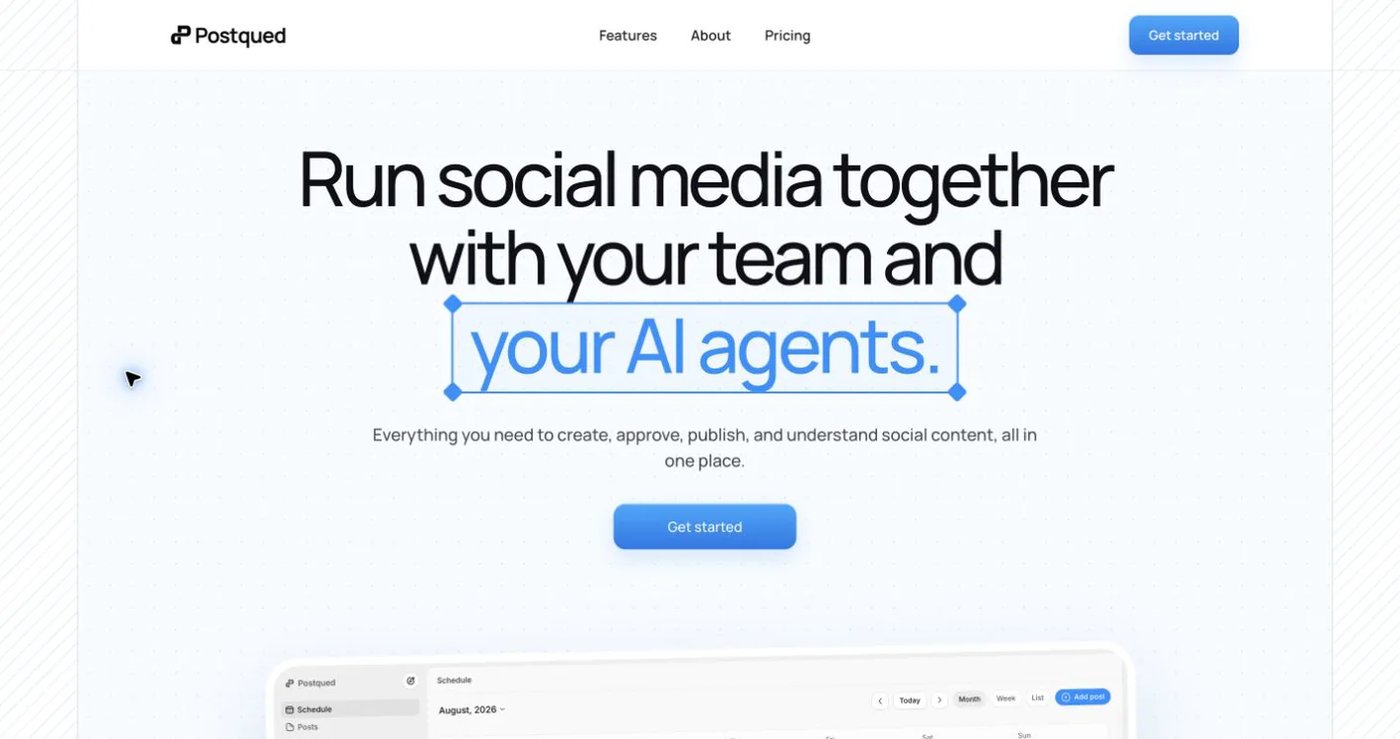
Postqued publishes to TikTok, Instagram, Facebook, Threads, LinkedIn, YouTube, X, Pinterest, Mastodon, and Bluesky. Internal teammates and invited reviewers can comment, suggest exact caption changes, request revisions, and approve the revision they reviewed. Teams can then publish through the dashboard, REST API, or remote MCP server.
Solo costs $9 monthly for five accounts, Creator $29 for 20, Pro $49 for 30, and Agency $199 with no connected-account cap. Every paid plan includes unlimited posts plus API and MCP access. Pro and Agency include unlimited workspaces and team seats.
Postqued does not have Hopper HQ’s Instagram grid preview, hashtag explorer, link-in-bio builder, or built-in image editor. Analytics cover five networks: TikTok, Facebook, Instagram, Threads, and YouTube. The Engagement Inbox supports comments and replies on seven: Facebook, Instagram, Threads, YouTube, X, LinkedIn, and Mastodon. It does not include DMs, listening, reviews, or competitor tracking, and LinkedIn video publishing is not enabled.
Social accounts are authorized through their provider connection flows. The organization-scoped API key is for permitted Postqued API and MCP actions after connection, not a replacement for provider authorization.
Choose Postqued for controlled team-and-agent publishing. Keep Hopper HQ when arranging the Instagram grid is the daily center of the workflow.
Review Postqued pricing or compare Postqued and Hopper HQ.
2. Pallyy — best for visual planning with client approvals
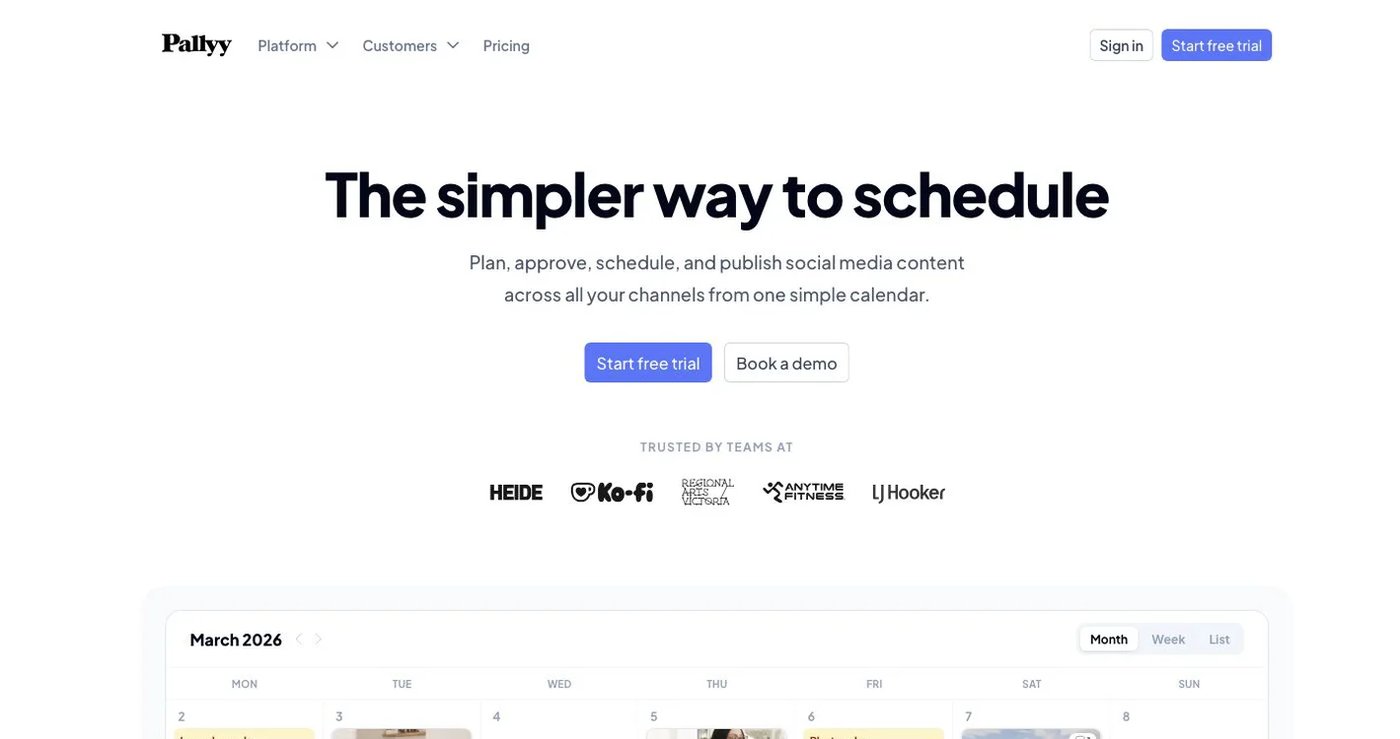
Pallyy combines a calendar, Instagram grid preview, media library, analytics, shared calendars, client approvals, and a social inbox. That makes it one of the closest Hopper HQ alternatives for people who want visual review without moving into a large enterprise suite.
Free includes one social set, 15 posts monthly, one user, a calendar, and analytics. Starter is $15 monthly but is designed for up to two accounts and 20 posts. Pro is $25 monthly for one social set, up to 11 accounts, unlimited posts, queue scheduling, AI captions, inbox access, approvals, and shared calendars. Agency and Scale increase social sets and users.
Pallyy’s inbox reaches DMs, comments, mentions, and reviews on supported networks, which is broader than Postqued’s comment-and-reply scope. Choose it for visual client review; confirm each network format and add-on cost before moving multiple brands.
3. Later — best for visual planning and creator workflows
Later combines a visual Instagram planner with multi-profile scheduling, media tools, link in bio, analytics, creator-campaign features, and higher-tier approvals. It is a natural Hopper HQ alternative when visual feed planning remains important but the team wants a broader creator-marketing ecosystem.
Starter is currently $18.75 per month billed annually for one social set, one user, and up to 30 posts per profile. Growth includes two social sets, two users, 180 posts per profile, a social inbox, and internal and external approvals. Scale includes six social sets, four users, and unlimited posts.
Later’s current social set contains one profile from each listed network in the plan, so compare sets and post allowances rather than looking only at the headline price. It does not advertise a general public publishing API as the center of its self-serve product.
Review Later’s live plans.
4. Buffer — best for a straightforward queue and public API
Buffer is easier than Hopper HQ when the main job is filling a reliable queue across a small number of channels. Its free plan includes three channels, one user, 10 scheduled posts per channel, and one API key with 3,000 monthly requests.
Essentials is $5 per channel per month billed annually and adds unlimited scheduled posts, advanced analytics, three API keys, and 7,500 monthly requests. Team is $10 per channel billed annually and adds unlimited users, access levels, approvals, five keys, and 15,000 requests.
Buffer now has a documented API, so claims that it offers no developer access are stale. It still does not replace Hopper HQ’s drag-and-drop Instagram grid, image editing, or hashtag-research workflow.
See Buffer pricing and API allowances.
5. Metricool — best for reports, ads, and competitor analysis
Metricool is the analytics-led option. It combines publishing with competitor tracking, web and social analytics, ad reporting, downloadable reports, and brand-based dashboards.
Free covers one brand, up to 20 scheduled posts monthly, and 30 days of analytics, but excludes LinkedIn and X connections. Starter starts at $20 monthly in the current USD view for up to five brands and adds unlimited publishing subject to fair use, reports, and longer history. Advanced starts at $53 for 15 brands and adds roles, approvals, custom reports, Looker Studio, and Metricool API, Zapier, and Make access. Metricool’s MCP connection is available on every plan, including Free.
Metricool is a stronger choice when measurement matters more than feed design. Confirm currency, taxes, X add-ons, and the number of brands before comparing the total with Hopper HQ’s social sets.
See Metricool’s current pricing and plan access guide.
6. Iconosquare — best for social analytics and benchmarks
Iconosquare pairs publishing with reporting, dashboards, industry benchmarks, competitor analysis, listening, and inbox features. Its free plan is available after the 14-day trial for one user, two profiles, and 10 scheduled posts per profile each month.
Launch includes five profiles, one user, and 100 posts monthly. Scale has three users, unlimited posts, broader analytics, listening, approvals, and DMs in its inbox. Excel adds six users, white-label reporting, unlimited data retention, and API access. Pricing varies by currency, billing cadence, and selected profile count, so use the live calculator.
This is a better Hopper HQ alternative for reporting teams than for creators who mainly arrange an Instagram grid.
Review Iconosquare plans and its plan guide.
7. Plann — best for Instagram-first content strategy
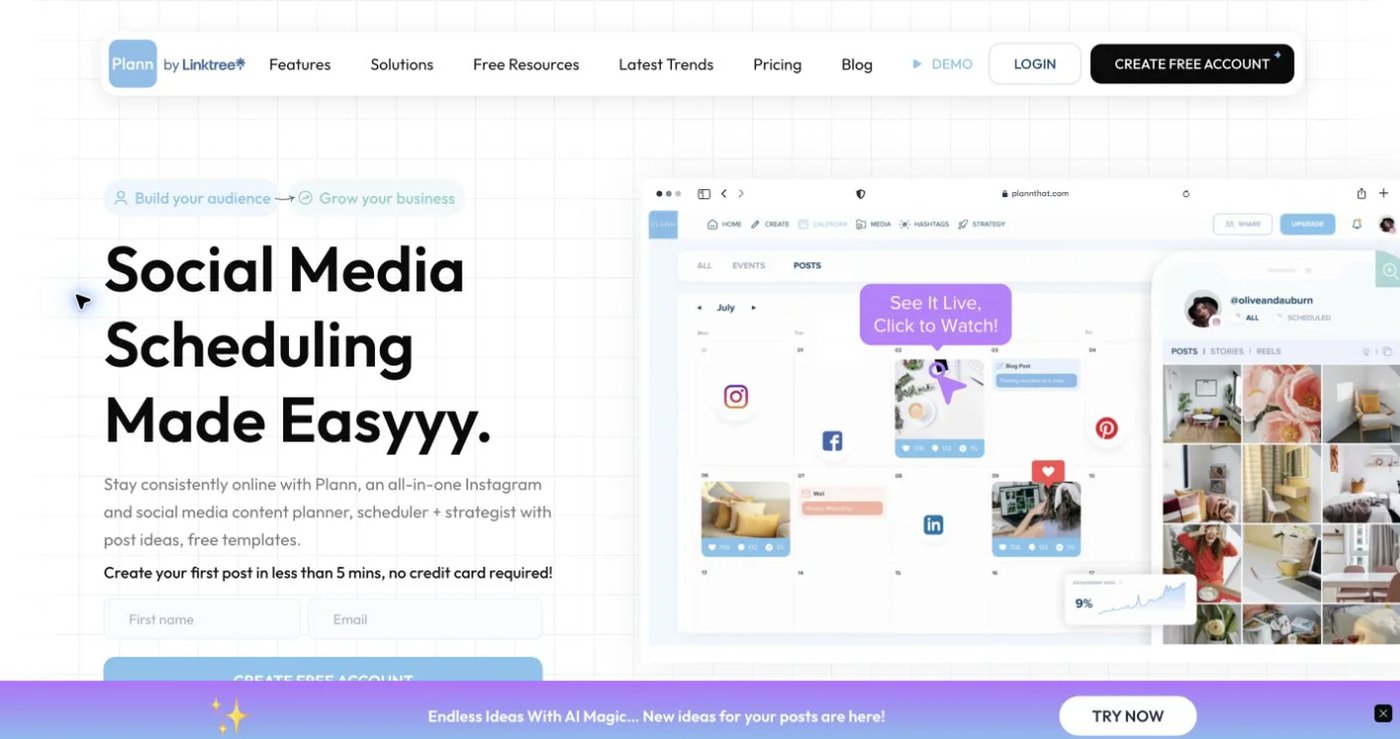
Plann is built around visual content planning, media collections, strategy prompts, and an Instagram grid. Its Free Forever plan supports one Instagram account, up to 30 scheduled posts, 120 uploaded media items, three media collections, limited analytics, and a monthly limit of five scheduled videos.
Paid Power User, Build, and Grow tiers add more networks, brands, users, unlimited uploads, advanced analytics, and broader calendar and strategy tools. Plann’s current help center describes Power User for one brand and one user, Build for two brands and two users, and Grow for five brands and four users.
Choose Plann when visual storytelling and prompts matter most. Verify the live checkout price because plan presentation can differ between direct Plann subscriptions and the Linktree social planner.
See Plann’s free-plan limits and paid-plan structure.
How to choose a Hopper HQ replacement
Use the workflow, not the logo wall, to decide:
- Preview requirement: If stakeholders approve the shape of an Instagram grid, test Pallyy, Later, Plann, or Hopper HQ before considering a calendar-only product.
- Account model: Convert Hopper HQ social sets, Later social sets, Metricool brands, and per-channel plans into your actual number of profiles.
- Approval depth: Check who can comment, request changes, approve, and see revisions. “Collaboration” can mean anything from notes to a controlled approval record.
- Measurement: Decide whether you need post analytics, competitor analysis, ad reporting, exported reports, or listening. They are different products.
- Automation: Test the exact API or MCP action, authentication method, plan entitlement, and limits before moving a production workflow.
Postqued is the strongest choice here for shared approvals and API/MCP publishing. Pallyy, Later, and Plann are closer to Hopper HQ’s visual-planning identity. Buffer simplifies the queue, Metricool deepens reporting, and Iconosquare focuses on analytics and benchmarking.