7 Best Loomly Alternatives in 2026
Postqued is the best Loomly alternative for teams that want a shared planning and publishing workspace with revision-aware approvals and API or MCP automation. Plans start at $9 per month for five connected accounts, with unlimited posts across 10 networks.
Loomly remains a broader content-operations choice, with AI-assisted creation, scheduling, approvals, interactions, analytics, and a calendar built for marketing teams. The right alternative depends on whether you want a lower-cost publishing workflow, deeper approvals, a larger inbox, or enterprise reporting.
Loomly alternatives at a glance
| Product | Best fit | Current starting point | Important boundary |
|---|---|---|---|
| Postqued | Publishing, approvals, API and MCP | $9/month | No listening, DMs, reviews, or ad management |
| Planable | Multi-level content approvals | First 50 posts free; Basic $39 monthly or $33/month billed annually | Analytics and inbox are separate add-ons |
| Buffer | A clean queue for small teams | Free plan available | Paid pricing is channel-based |
| Agorapulse | Inbox, moderation, and reporting | $99/user monthly | Advanced listening is an add-on |
| Hootsuite | Broad social management and monitoring | Verify live regional price | Per-user plans and feature tiers |
| Sprout Social | Customer care and governed reporting | From $99/seat monthly | Listening and premium analytics can be add-ons |
| SocialBee | Content categories and recycling | $29/month | General public posting API not advertised |
What Loomly offers now
Loomly’s current pricing page lists three plans. Starter costs $65 monthly for 12 social accounts, three users, and unlimited calendars, or $49 per month billed yearly. Beyond costs $332 monthly for 60 accounts and unlimited users, or $249 per month billed yearly. Enterprise starts above 60 accounts with custom pricing.
Starter includes scheduling, approval workflows and roles, advanced analytics, an AI assistant, media storage, and content export. Beyond adds custom branding, custom roles and workflows, a hashtag manager, and calendar-level two-factor-authentication enforcement. Loomly says annual billing carries a 25% discount.
Its current pricing and product pages do not advertise a customer-facing public API or MCP server. That does not prove no private integration can exist, but buyers who need programmatic publishing should ask Loomly for current documentation and commercial terms.
Compare alternatives across four jobs:
- Creation: briefs, ideas, captions, assets, and platform previews.
- Review: comments, revisions, approval levels, external reviewers, and audit trails.
- Operations: publishing, inbox coverage, reports, listening, and user permissions.
- Automation: documented APIs, MCP, authentication, rate limits, and webhooks.
1. Postqued — best for publishing, approvals, and agent workflows

Postqued is a shared workspace where teams and compatible AI agents plan, review, approve, schedule, and publish social content. It supports TikTok, Instagram, Facebook, Threads, LinkedIn, YouTube, X, Pinterest, Mastodon, and Bluesky through the dashboard, REST API, and remote MCP server.
Solo costs $9 monthly for five connected accounts. Creator is $29 for 20, Pro is $49 for 30, and Agency is $199 with unlimited connected accounts. Every paid plan includes unlimited posts and API/MCP access. Pro and Agency include unlimited workspaces and team seats.
Postqued’s approvals are revision-aware: reviewers can comment, suggest caption changes, request changes, or approve the revision they saw. Accepted suggestions create a new revision, and publishing uses the approved version.
Its scope is narrower than a full social suite:
- Analytics are available for TikTok, Facebook, Instagram, Threads, and YouTube.
- Comments and replies are supported for Facebook, Instagram, Threads, YouTube, X, LinkedIn, and Mastodon.
- DMs, listening, reviews, competitor tracking, ad management, and enterprise analytics are not included.
- LinkedIn video publishing is not currently enabled.
API and MCP access do not bypass provider authorization. Each social account must still be connected through the supported OAuth flow, and agents remain subject to workspace roles and confirmations.
Choose Postqued when publishing, feedback, approval integrity, and developer automation are the main requirements. Keep Loomly on the shortlist when its AI content workflow and broader calendar experience matter more than an API.
Review Postqued pricing or compare Postqued and Loomly.
2. Planable — best for multi-level content approvals

Planable is built around collaborative creation and review. Its current pricing page gives teams the first 50 posts free. Basic costs $39 per workspace month to month or $33 per month billed annually for 60 posts, four social pages, unlimited users, and optional approvals. Higher plans add required, multi-level, and custom approval workflows.
Planable is the most direct Loomly alternative here when feedback and stakeholder sign-off drive the workflow. A workspace represents a brand or client, so agencies should calculate the total across every workspace rather than comparing one entry price.
Analytics and the social inbox are separate add-ons. Confirm the total for the number of workspaces, pages, posts, and add-ons you need. Planable now also lists an MCP connector, so older articles that describe it as having no agent integration are stale.
3. Buffer — best for a simple publishing queue
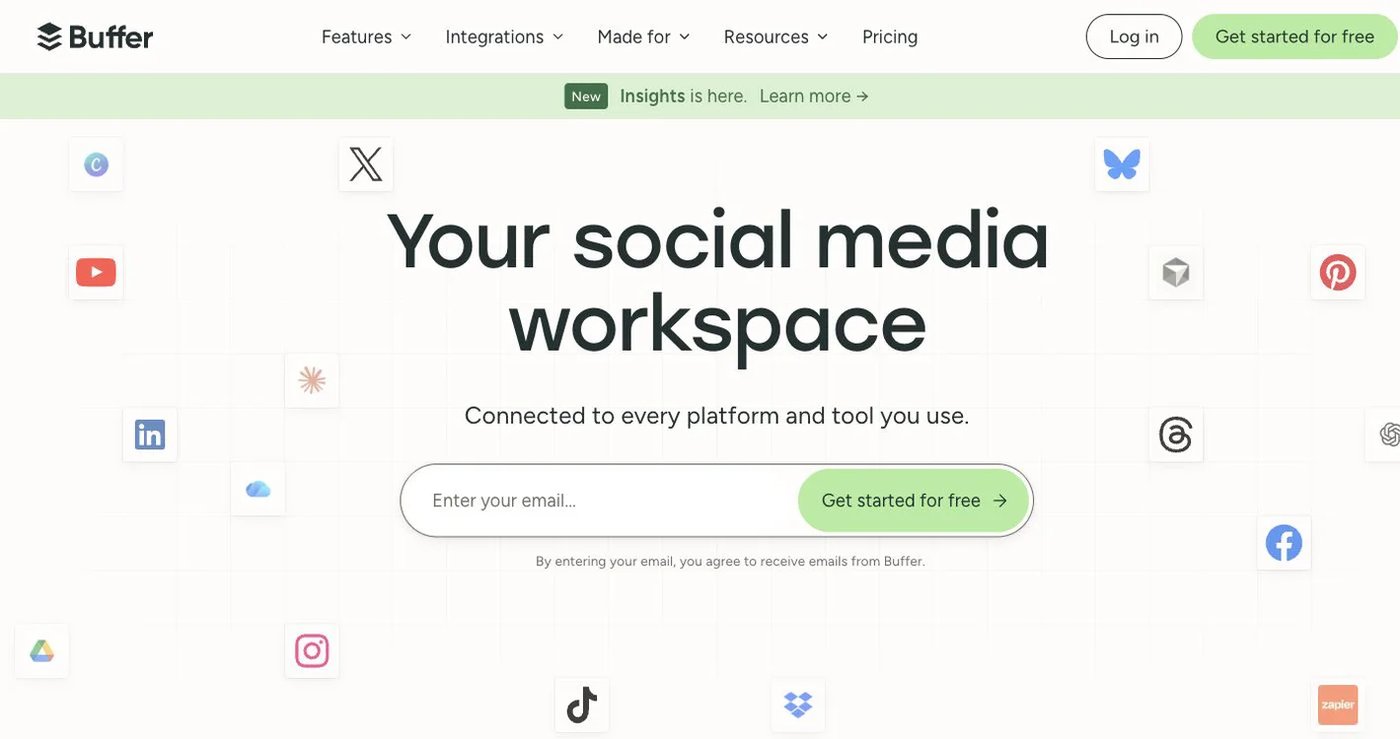
Buffer is easier to size when the team mainly needs a queue, calendar, collaboration, and accessible analytics. Its pricing page documents a free plan for three channels and 10 queued posts per channel. Paid plans provide unlimited scheduling subject to fair use, with channel-based pricing and volume discounts after the first 10 channels.
Buffer now offers a documented API and MCP server. Its API page says access is available on Free and paid plans, with different keys and request limits.
Choose Buffer when Loomly feels too broad for a straightforward publishing process. Calculate the price from the real number of channels and required team features; a per-channel plan can be economical for a small setup and change materially as accounts grow.
4. Agorapulse — best for inbox and moderation work

Agorapulse combines unlimited publishing, a social inbox, reports, comment moderation, assignments, and team workflows. Its pricing page lists Standard at $99 per user monthly or $79 per user per month billed annually. Professional and Advanced add ad-comment management, assignments, moderation rules, advanced reports, and shared calendars.
This is a stronger Loomly alternative when the team spends significant time responding to conversations and moderating comments. The Custom plan adds enterprise controls, multi-step approvals, and API integration; Advanced Listening is sold as an add-on.
Price additional users, profiles, X add-ons, and listening together. Agorapulse’s inbox coverage is broader than Postqued’s comments-and-replies scope, so the two are not equivalent even when their publishing features overlap.
5. Hootsuite — best for broad management and monitoring
Hootsuite combines publishing, analytics, an inbox, monitoring, competitor benchmarking, and AI-assisted content tools. Its current plans page lists Standard, Professional, Advanced, and Enterprise, with account limits and capabilities changing by plan. Displayed prices can vary by location and offer, so use the live page for the buying region.
Standard includes up to 10 social accounts, unlimited scheduling, an inbox, and recent brand or competitor monitoring. Professional adds unlimited accounts, automation, and custom reports; Advanced adds approvals, message routing, and team coordination. Enterprise adds controls such as SSO, support, and optional advanced products.
Hootsuite is a better fit than Loomly when monitoring, inbox automation, and broader social operations matter. It is not the simplest choice for a small team that only needs a calendar and approvals.
6. Sprout Social — best for customer care and governed reporting
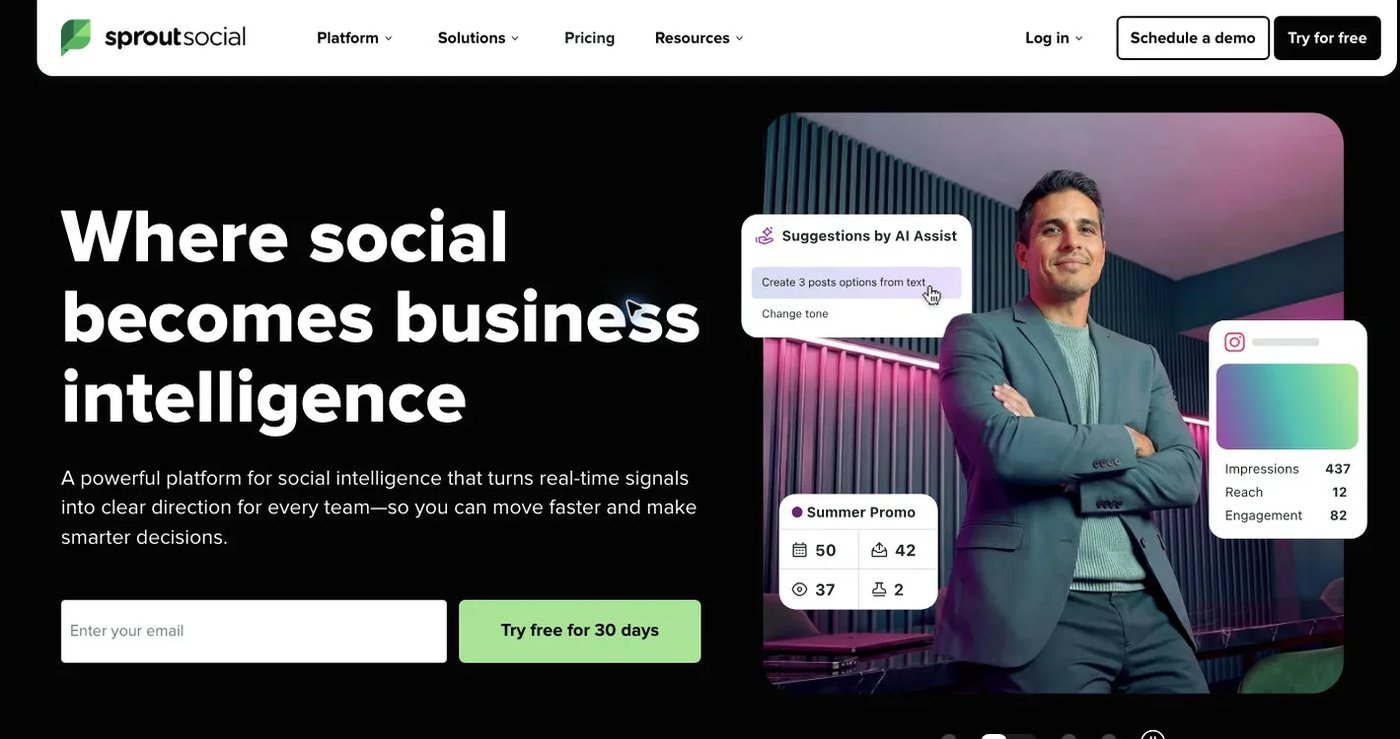
Sprout Social combines publishing, a unified inbox, reviews, monitoring, reports, workflows, and customer-care tools. Its 2026 pricing guide lists Essentials at $99 per seat monthly or $79 per seat per month billed annually for five profiles. Standard, Professional, and Advanced add progressively deeper inbox, reporting, approval, automation, and external-review capabilities.
Sprout is a strong Loomly alternative for organizations that treat social as a service channel, not only a content calendar. Professional and Advanced support more complex approval and engagement workflows, while separate products can extend listening, analytics, and influencer marketing.
Estimate the full seat and add-on cost. Comparing a single Essentials seat with Loomly’s three-user Starter plan would not be an equivalent team comparison.
7. SocialBee — best for content categories and recycling

SocialBee organizes posts into categories and supports recurring schedules, evergreen recycling, content sources, variations, and AI-assisted creation. Its current pricing page lists Bootstrap at $29 monthly for five profiles, Accelerate at $49 for 10, and Pro at $99 for 25. Annual billing lowers the effective monthly rate.
This is the best option in this list when Loomly’s calendar is less important than keeping reusable content moving through a balanced queue. Accelerate adds approvals, CSV uploads, a bulk editor, and advanced analytics. Pro increases profiles, workspaces, users, and report exports.
SocialBee advertises workflow integrations such as Zapier, Make, and Pabbly, but its pricing page does not list a general public posting API or MCP server. Verify the exact automation route if custom development is required.
How to choose a Loomly replacement
Test a normal approval cycle instead of comparing feature counts in isolation:
- Create a draft for each important network and post format.
- Invite an internal approver and an external reviewer if clients participate.
- Request a change, revise the post, and confirm which revision is approved.
- Check what the inbox actually includes: comments, replies, DMs, reviews, mentions, and ad comments are different objects.
- Confirm analytics coverage and history network by network.
- If automation matters, test the documented API or MCP flow after provider OAuth.
- Export Loomly content and reports before cancelling.
Postqued is the clearest choice for publishing and permissioned agent workflows. Planable specializes in approvals, Buffer in simplicity, Agorapulse in inbox operations, Hootsuite in broad management, Sprout Social in customer care, and SocialBee in reusable evergreen queues.