7 Best Pallyy Alternatives in 2026
Postqued is the best Pallyy alternative for teams that want unlimited entry-plan publishing, revision-aware approvals, and API or MCP automation. Plans start at $9 per month for five connected accounts across 10 networks.
Pallyy remains a capable choice for visual planning, Instagram-specific publishing controls, Link in Bio, long analytics history, and a broader social inbox. Switch only if the replacement covers the parts of that workflow you actually use.
Pallyy alternatives at a glance
| Product | Current starting point | Best fit | Important boundary |
|---|---|---|---|
| Postqued | $9/month | Publishing, approvals, API and MCP | No DMs, reviews, or social listening |
| Buffer | Free; Essentials $5/channel/month billed annually | Simple queues and GraphQL automation | Paid pricing scales by channel |
| Planly | $15/month | Media editing, AI credits, and reporting | Approvals begin on Agency |
| Later | $18.75/month billed annually | Visual planning and Link in Bio | Starter caps posts at 30 per profile |
| Metricool | Free; Starter from $25/month in USD on monthly billing | Analytics and competitor tracking | API and approvals begin on Advanced |
| OneUp | $25/month | Repeating posts, RSS, and bulk scheduling | Starter caps scheduled posts at 300 |
| SocialBee | $29/month | Category queues and evergreen recycling | No public API |
Pallyy’s current plans and limits
Pallyy’s live pricing page lists Free at $0 with one social set, one connected account, one user, and 15 scheduled posts per month. Starter is $15 per month for one set, up to two accounts, one user, and 20 posts. Pro is $25 per month for one set, up to 11 accounts, one user, and unlimited posts.
Pro also includes queue scheduling, AI captions, client and team approvals, shared calendars, a social inbox, and five years of analytics history. Team-member invitations begin on Agency, not Pro. The comparison table lists Agency with 10 social sets, three users, and unlimited posts; Scale has 30 sets, 10 users, and unlimited posts.
The live table currently prices extra social sets at $10 per month on Starter, Pro, and Agency. Extra users are $10 per month on Agency. A Pallyy help article dated July 2025 still quotes $25 per extra set and $29 per extra user, so it does not match the current live table. Use the current pricing page and checkout for purchase decisions.
Pallyy supports up to 11 accounts in a social set—one per supported platform—and publishes across Instagram, Facebook, X, LinkedIn, Google Business Profile, Pinterest, TikTok, YouTube, Threads, and Bluesky. Its public pages do not document customer API or MCP access.
1. Postqued — for publishing, approvals, and agent workflows
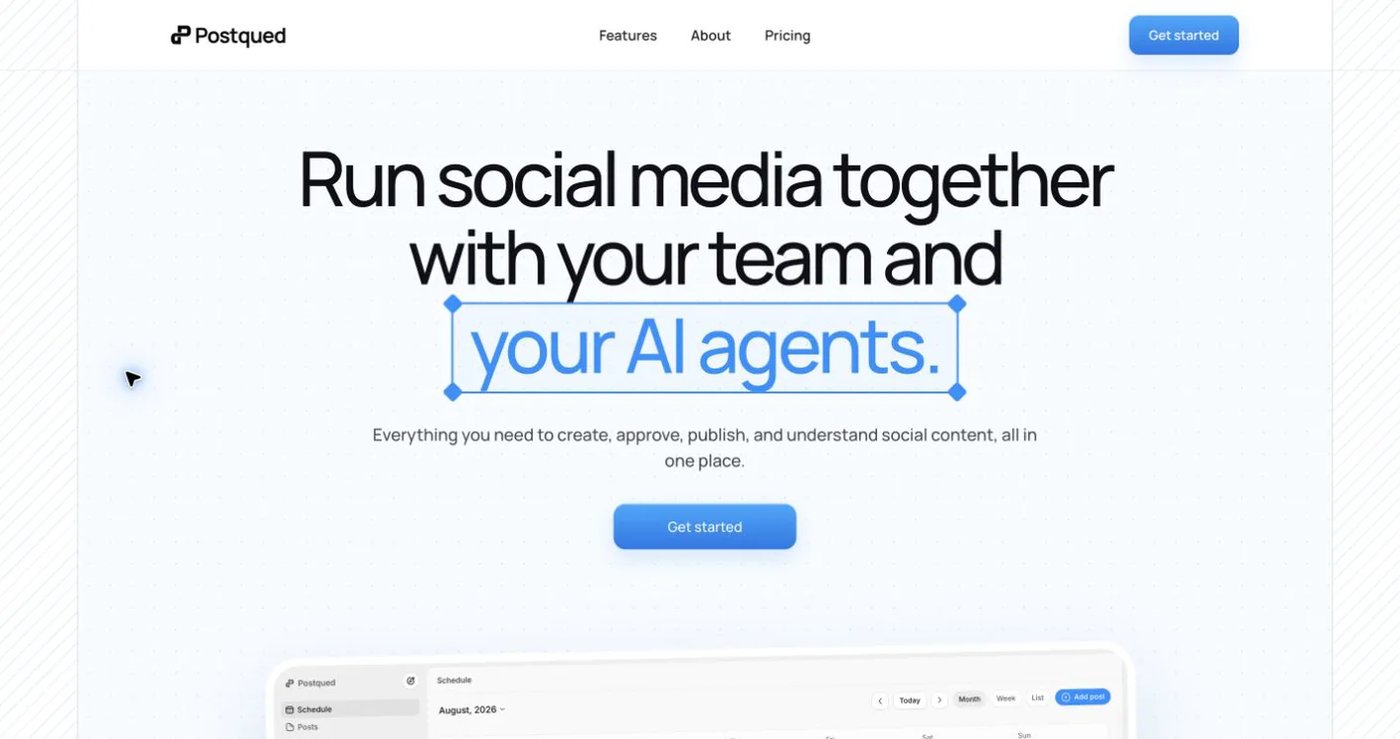
Postqued publishes to TikTok, Instagram, Facebook, Threads, LinkedIn, YouTube, X, Pinterest, Mastodon, and Bluesky. Teams can comment on drafts, suggest exact caption edits, request changes, approve a specific revision, and publish through the dashboard, REST API, or remote MCP server.
Solo is $9 monthly for five connected accounts, Creator $29 for 20, Pro $49 for 30, and Agency $199 with unlimited connected accounts. Every paid plan includes unlimited posts plus API and MCP access. Pro and Agency include unlimited workspaces and team seats.
Postqued’s network coverage is deliberately specific. Analytics cover TikTok, Facebook, Instagram, Threads, and YouTube. The Engagement Inbox supports comments and replies for Facebook, Instagram, Threads, YouTube, X, LinkedIn, and Mastodon. There are no DMs, reviews, social listening, competitor tracking, or ad reporting, and LinkedIn video publishing is not enabled.
Each social account must first be connected by a person through the provider’s OAuth flow. An organization-bound Postqued API key can then authenticate allowed API or MCP actions within that organization; it cannot skip provider authorization, role checks, or approvals.
Choose Postqued when API-driven publishing and revision control matter more than Pallyy’s Instagram grid, Link in Bio, or broader inbox. Review Postqued pricing or the Postqued and Pallyy comparison.
2. Buffer — for a clean queue and GraphQL API
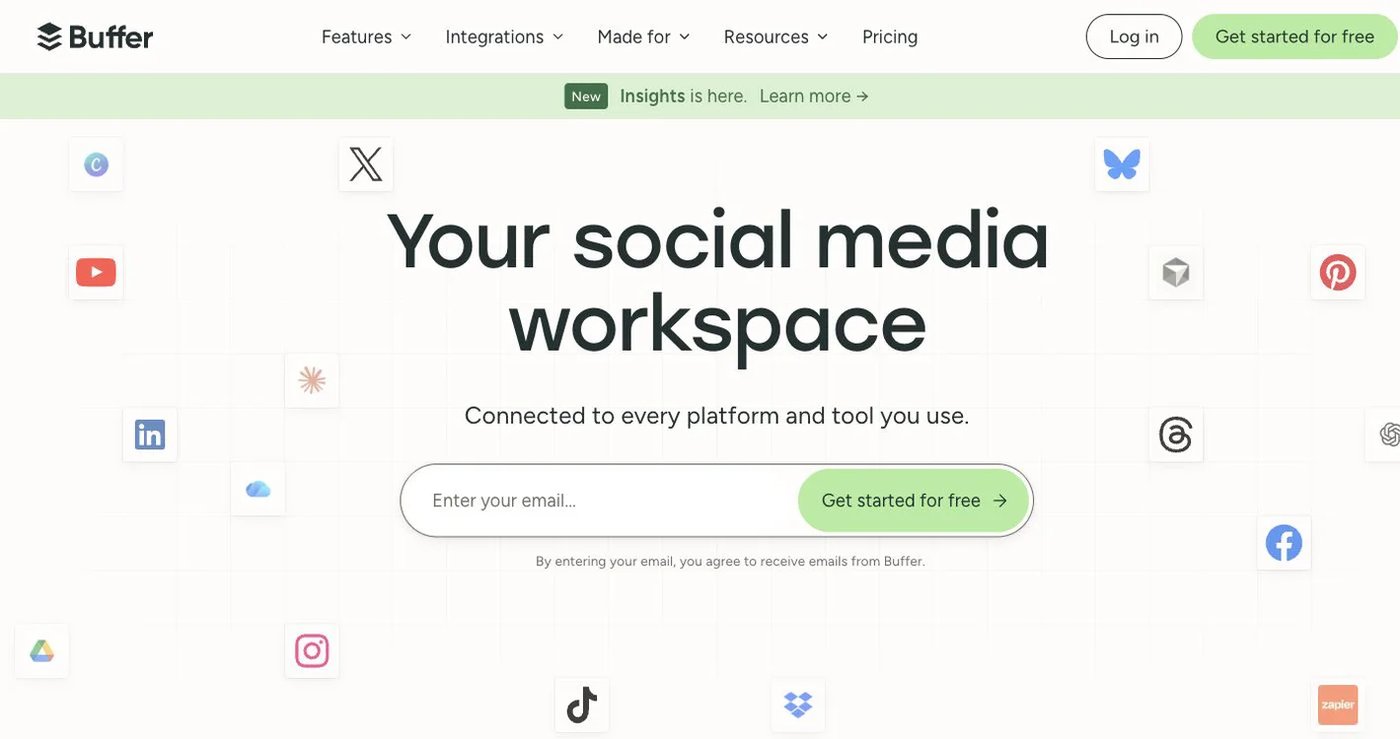
Buffer’s free plan supports three channels, one user, 10 queued posts per channel, and one API key. Essentials is $5 per channel per month billed annually with unlimited scheduled posts, advanced analytics, and three API keys. Team is $10 per channel per month billed annually and adds unlimited users, permissions, and approvals.
Buffer now offers a GraphQL API on Free, Essentials, and Team, with documented key and request limits. It also advertises an MCP server. Older comparisons that describe Buffer as having no public API are outdated.
Choose Buffer when you want a straightforward queue and only a few channels. Pallyy remains stronger for Instagram grid planning and its consolidated inbox; Buffer’s paid total depends on the number of channels.
3. Planly — for media editing and reporting
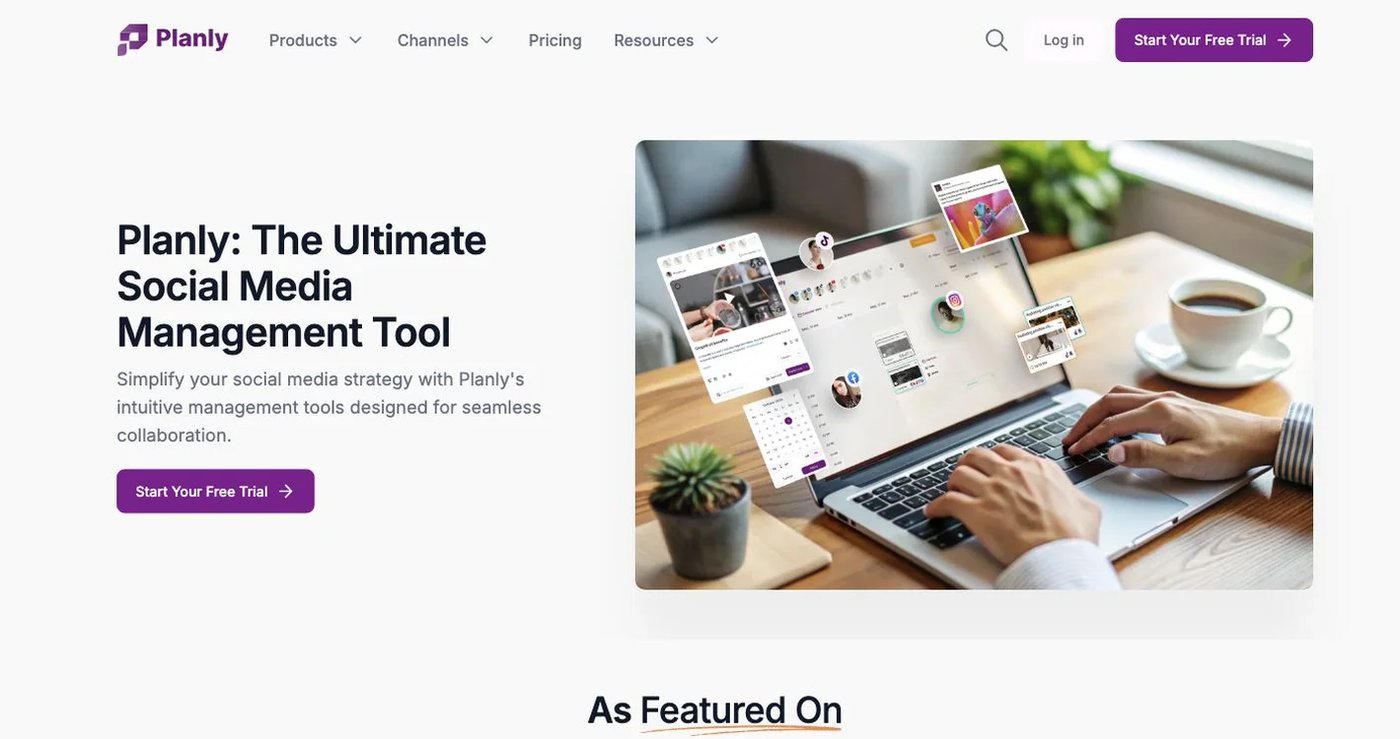
Planly combines scheduling with media editing, unlimited storage, AI content credits, analytics, and reporting. Individual is $15 monthly for four channels, one user, and 100 scheduled posts per channel. Team is $40 monthly for eight channels, four users, and unlimited scheduling.
Agency is $80 monthly for 16 channels, eight users, unlimited scheduling, 1,000 AI credits, and Approval Flow. Planly lists API access on paid plans outside its 14-day trial, but it does not document an MCP server.
Choose Planly when the content-creation and media workflow is the reason Pallyy appealed to you. Review Planly pricing and do not rely on older articles that quote 10 Agency users.
4. Later — for a visual calendar and Link in Bio
Later’s Starter plan is $18.75 per month billed annually for one social set covering up to eight profiles, one user, 30 posts per profile per month, three months of analytics, AI credits, and Link in Bio. Growth is $37.50 per month billed annually for two sets, two users, 180 posts per profile, approvals, an inbox, and one year of analytics.
Scale is $82.50 per month billed annually for six sets, four users, unlimited posts, custom analytics, competitive benchmarking, listening-based future insights, and two years of analytics. Monthly billing is available at higher rates.
Choose Later when visual planning and Link in Bio matter and its annual price and post limits fit. Confirm exact publishing formats and profile types on Later’s current plan page.
5. Metricool — for analytics, reports, and competitor data
Metricool combines a planner with reports, competitor tracking, advertising data, and multi-brand analytics. Free supports one brand, 20 posts per month, five competitor profiles, and 30 days of analytics, but excludes LinkedIn and X.
Starter begins at $25 monthly in USD for up to five brands and adds unlimited publishing subject to fair use, LinkedIn, PDF and PPT reports, and unlimited analytics history. Advanced begins at $67 monthly and adds team and client management, approvals, report templates, Looker Studio, and Metricool’s API integrations.
Choose Metricool when measurement matters more than Pallyy’s Instagram-specific planning. Review the region, currency, and billing mode on Metricool pricing.
6. OneUp — for repeating posts and RSS automation
OneUp supports repeating posts, queue schedules, RSS automation, bulk uploads, an inbox, listening, reports, and API or MCP access. Starter is $25 monthly, or $15 per month billed annually, for five accounts, 300 scheduled posts, and one cross-posting workflow.
Intermediate is $60 monthly, or $48 per month billed annually, for 15 accounts, unlimited posts, and two additional team members. It also adds API/MCP comment replies.
Choose OneUp when evergreen repetition, feeds, or bulk publishing are the missing features. Pallyy has the stronger visual and Instagram-focused workspace. See OneUp pricing.
7. SocialBee — for evergreen category queues

SocialBee organizes posts into categories, schedules from those queues, and can recycle evergreen content. Bootstrap is $29 monthly for five profiles, one user, one workspace, and three months of analytics. Accelerate is $49 for 10 profiles and adds bulk editing, CSV uploads, approvals, and advanced analytics.
This makes SocialBee useful for maintaining a structured content library instead of planning each post independently. Its help center says it does not provide a public API, so it is not a substitute for Postqued, Buffer, or Planly when developer access is mandatory.
Review SocialBee pricing and its public API statement.
How to choose a Pallyy replacement
Map the features you actively use before comparing prices:
- Count brands, social sets, individual profiles, and team members separately.
- List the Pallyy-only workflows you need to retain, such as grid preview, Link in Bio, DMs, reviews, or client calendars.
- Confirm every provider account type and post format in the replacement.
- Price add-ons using the current live table rather than an old help article.
- Reconnect accounts through each provider’s supported authorization flow.
- Test one hard publishing format, one approval, and one inbox or analytics task.
- Keep Pallyy until that test works end to end.
Postqued is the best choice here for permissioned publishing and agent workflows. Buffer adds a current developer platform, Planly combines publishing with creation tools, Later stays visual, Metricool goes deeper on analytics, and OneUp or SocialBee handle reusable content.