7 Best Planly Alternatives in 2026
Postqued is the best Planly alternative for teams that want publishing, revision-aware approvals, and API or MCP automation in one shared workspace. Plans start at $9 per month for five connected accounts and include unlimited posts across 10 networks.
Planly still makes sense for people who rely on its media editor, AI content credits, or reporting workflow. The right replacement depends on the job you need to preserve, not simply the lowest advertised price.
Planly alternatives at a glance
| Product | Current starting point | Best fit | Important boundary |
|---|---|---|---|
| Postqued | $9/month | Publishing, approvals, API and MCP | No social listening or DMs |
| Buffer | Free; Essentials $5/channel/month billed annually | Simple queues and a GraphQL API | Paid cost scales by channel |
| Pallyy | Free; Starter $15/month | Visual planning and Instagram workflows | Starter has 20 scheduled posts/month |
| Metricool | Free; Starter from $25/month in USD on monthly billing | Analytics, reports, and competitor tracking | API and approvals begin on Advanced |
| SocialBee | $29/month | Category queues and evergreen recycling | No public API |
| OneUp | $25/month | Repeating posts, RSS, and bulk publishing | Starter has 300 scheduled posts |
| Nuelink | $18/month | Source automations and large channel allowances | Approval workflow is marked “Soon” |
What Planly offers now
Planly’s current pricing page lists Individual at $15 per month for four channels, one user, and 100 scheduled posts per channel. Team is $40 per month for eight channels, four users, and unlimited scheduling. Agency is $80 per month for 16 channels, eight users, unlimited scheduling, and Approval Flow. All three include a 14-day trial.
The Agency allowance is eight users, not 10. Planly also lists 1,000 AI credits, advanced analytics, CSV upload, roles and permissions, and unlimited media storage on that tier. Its pricing page advertises annual rates as well, but the discount language and displayed effective rates do not line up cleanly, so check the checkout total rather than calculating a saving from the headline.
Planly supports 10 networks and documents API access on paid plans outside the trial. Its strengths are built-in media editing, storage, AI assistance, analytics, reporting, and first-comment scheduling. Compare alternatives on the exact combination of channels, users, post volume, approvals, analytics, and developer access you need.
1. Postqued — for shared publishing and agent workflows
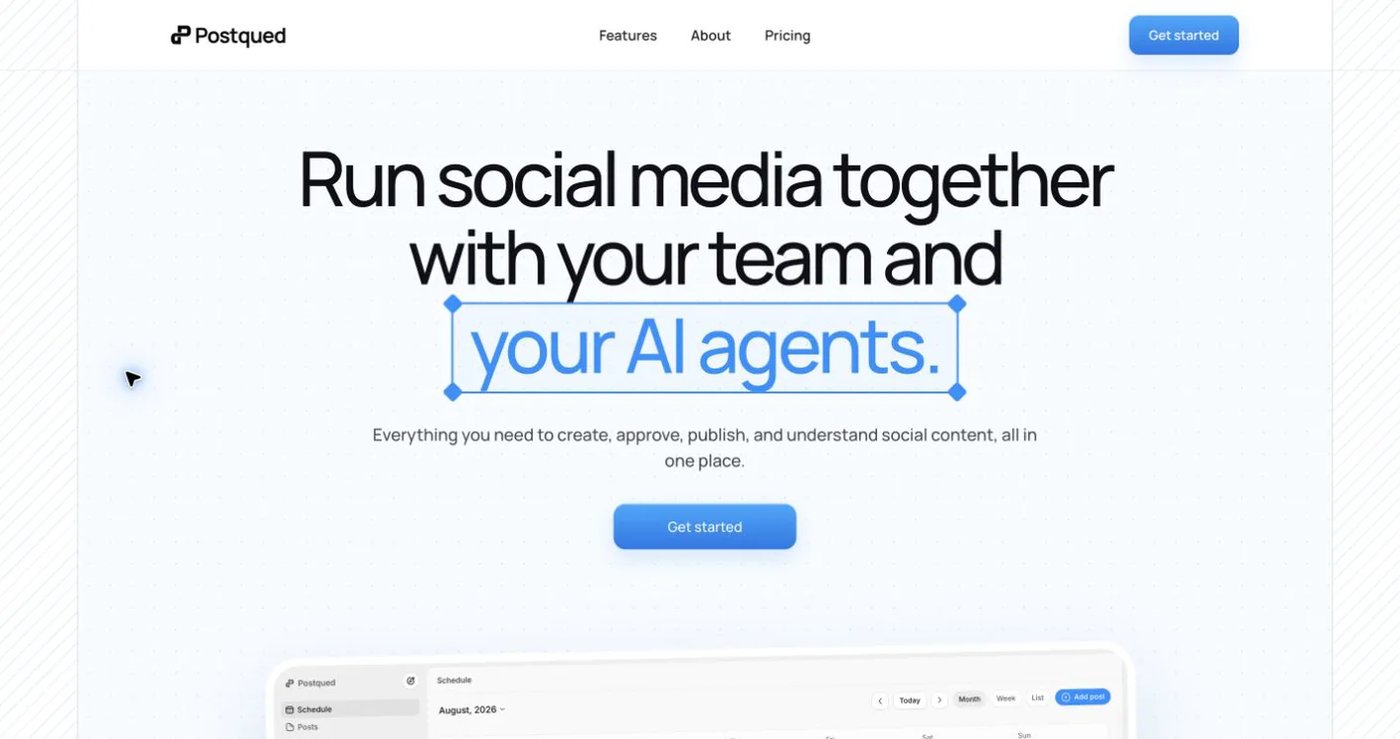
Postqued publishes to TikTok, Instagram, Facebook, Threads, LinkedIn, YouTube, X, Pinterest, Mastodon, and Bluesky. Teams can plan content, comment on drafts, suggest exact caption changes, request revisions, approve the revision they reviewed, and publish from the dashboard, REST API, or remote MCP server.
Solo is $9 monthly for five connected accounts, Creator $29 for 20, Pro $49 for 30, and Agency $199 with no connected-account cap. Every paid plan includes unlimited posts plus API and MCP access. Pro and Agency include unlimited workspaces and team seats.
The coverage has clear limits. Analytics are available for TikTok, Facebook, Instagram, Threads, and YouTube. The Engagement Inbox supports comments and replies for Facebook, Instagram, Threads, YouTube, X, LinkedIn, and Mastodon. Postqued does not provide DMs, social listening, competitor tracking, or ad reporting, and LinkedIn video publishing is not enabled.
Connecting a social account still requires a person to authorize the provider through its OAuth flow. After that connection, an organization-bound Postqued API key can authenticate the permitted API or MCP actions; it does not bypass provider authorization or workspace permissions.
Choose Postqued when approvals and controlled automation matter more than Planly’s media editor or AI-credit bundle. Review Postqued pricing or the Postqued and Planly comparison.
2. Buffer — for a straightforward queue and GraphQL API
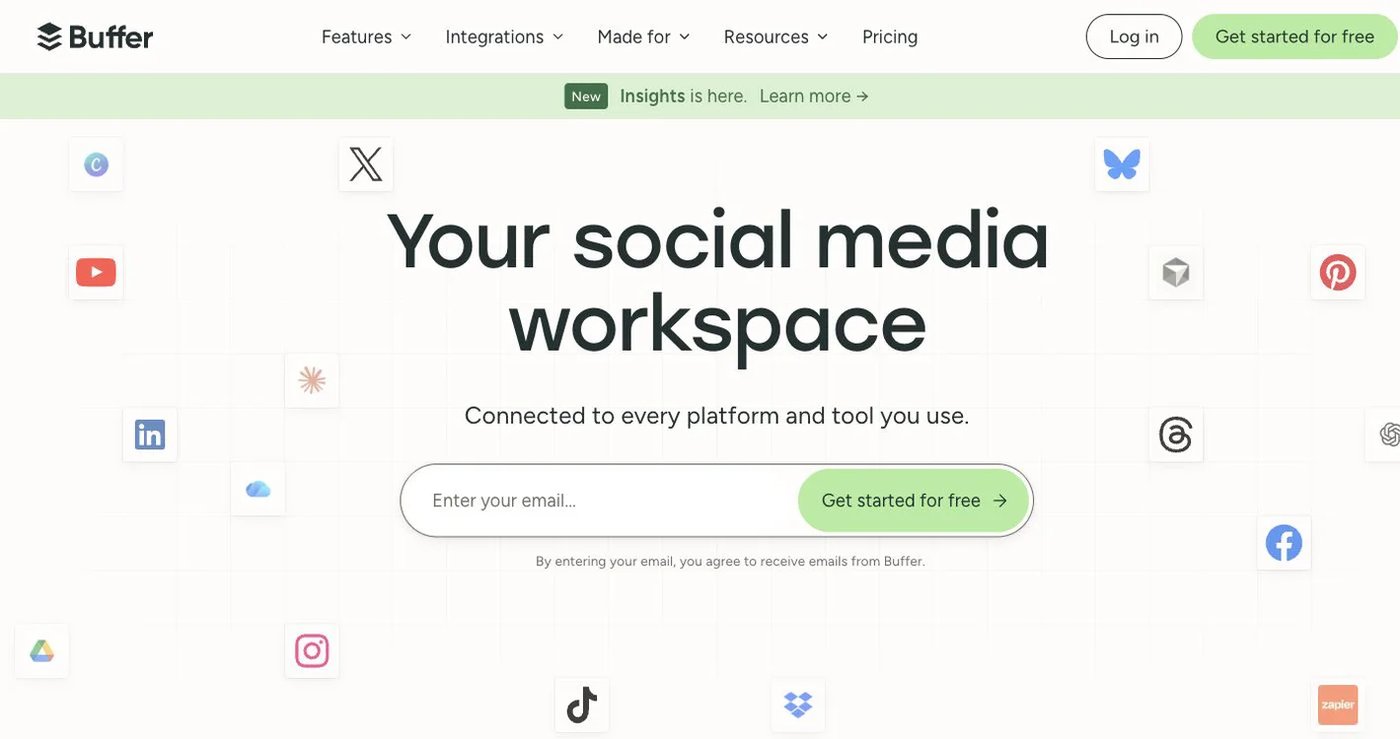
Buffer’s free plan connects three channels, holds 10 scheduled posts per channel, and includes one API key with 3,000 requests per month. Essentials is $5 per channel per month billed annually and adds unlimited scheduled posts, product analytics, three API keys, and higher API limits. Team is $10 per channel per month billed annually and adds unlimited users, permissions, and approvals.
The old claim that Buffer has no public posting API is false. Buffer now provides a GraphQL API on every current plan, including Free. Its current FAQ documents operations for posts, ideas, accounts, and channels, while the same page’s marketing copy mentions analytics and the FAQ says analytics API support is coming. Treat API analytics as unresolved until Buffer aligns those statements. Buffer also advertises an MCP server.
Buffer is easy to price for a few channels but becomes a per-channel calculation as the account count grows. Choose it when a clean queue and current developer platform matter more than Planly’s integrated media workflow.
3. Pallyy — for visual planning and Instagram work
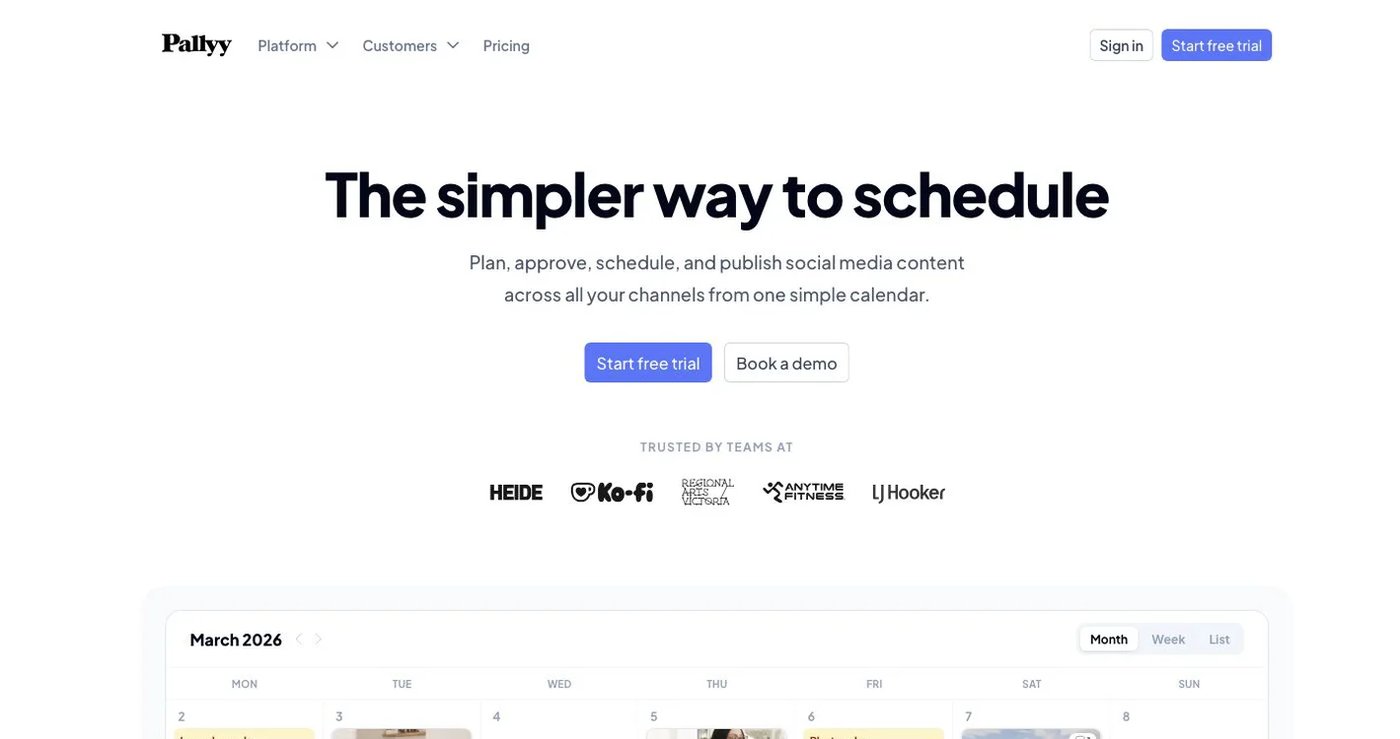
Pallyy combines a content calendar, Instagram grid preview, link-in-bio pages, analytics, approvals, and an inbox. Free includes one account and 15 scheduled posts per month. Starter is $15 monthly for up to two accounts and 20 posts. Pro is $25 monthly for one social set with up to 11 accounts, unlimited posts, one user, approvals, queue scheduling, and inbox tools.
Pallyy’s live pricing table currently lists extra social sets at $10 per month on Starter, Pro, and Agency. Extra users are $10 per month on Agency; team invitations themselves begin on Agency. A dated help article publishes older, higher add-on figures, so use the live pricing table and confirm the checkout total.
Choose Pallyy when the visual calendar and Instagram-specific controls are more important than a documented customer API or MCP server.
4. Metricool — for analytics and reporting
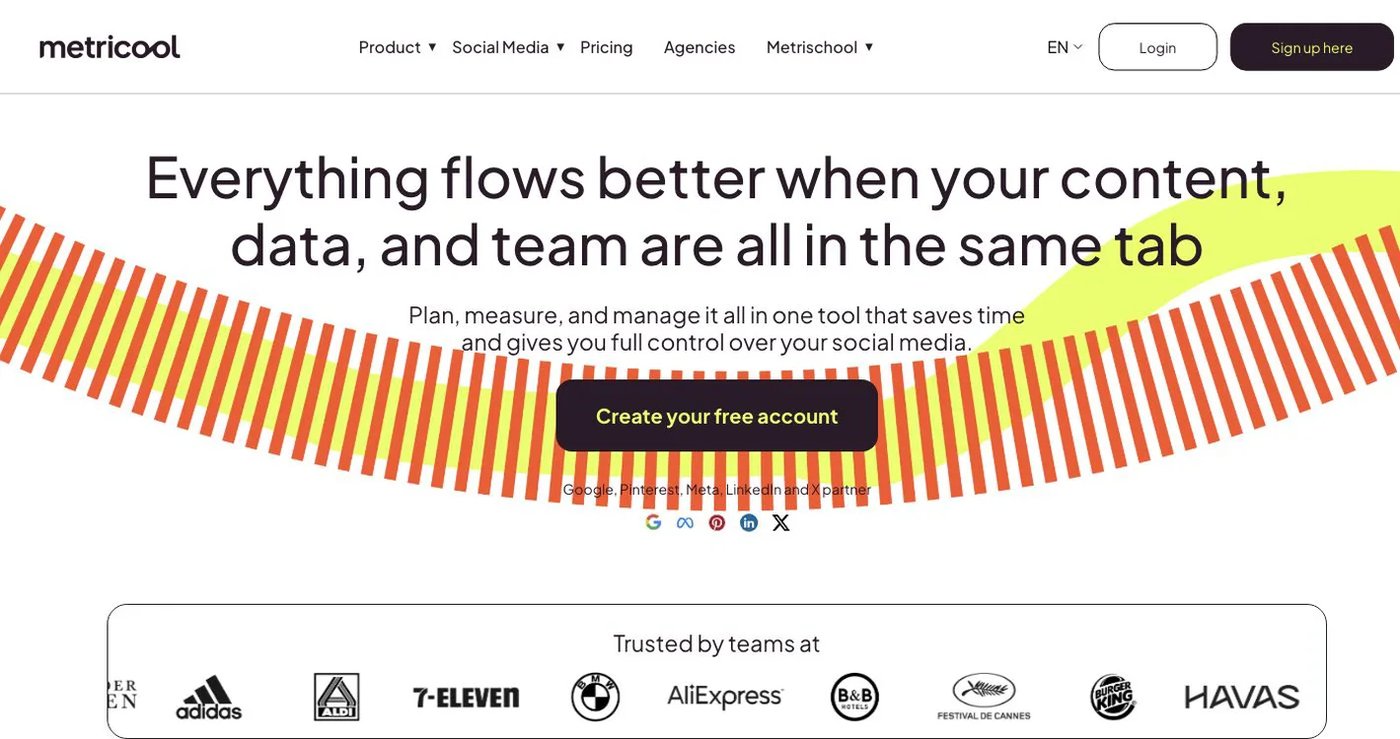
Metricool is built around planning, analytics, reports, ad data, competitor tracking, and brand management. Its free plan covers one brand, 20 posts per month, five competitor profiles, and 30 days of analytics, but excludes LinkedIn and X connections.
Starter begins at $25 per month in USD on monthly billing for up to five brands, unlimited publishing subject to fair use, LinkedIn, reports, and longer analytics history. Advanced begins at $67 per month and adds team and client management, approvals, report templates, Looker Studio, and Metricool’s API integrations.
Choose Metricool when reporting depth and competitor analysis are the main reason you are leaving Planly. Its public pricing page offers several currencies and billing modes, so match the figure to your checkout region.
5. SocialBee — for category queues and recycling

SocialBee organizes posts into categories, fills scheduled queues from those categories, and can recycle evergreen content. Bootstrap is $29 monthly for five profiles, one user, one workspace, and three months of analytics. Accelerate is $49 with 10 profiles, bulk editing, CSV uploads, approvals, and advanced analytics.
This is a better workflow match when the missing Planly feature is a reusable evergreen library. SocialBee’s help center says it does not offer a public API, so it is not a substitute for Planly’s API if custom integrations are essential.
See SocialBee pricing and its public API status.
6. OneUp — for recurring posts, feeds, and bulk work
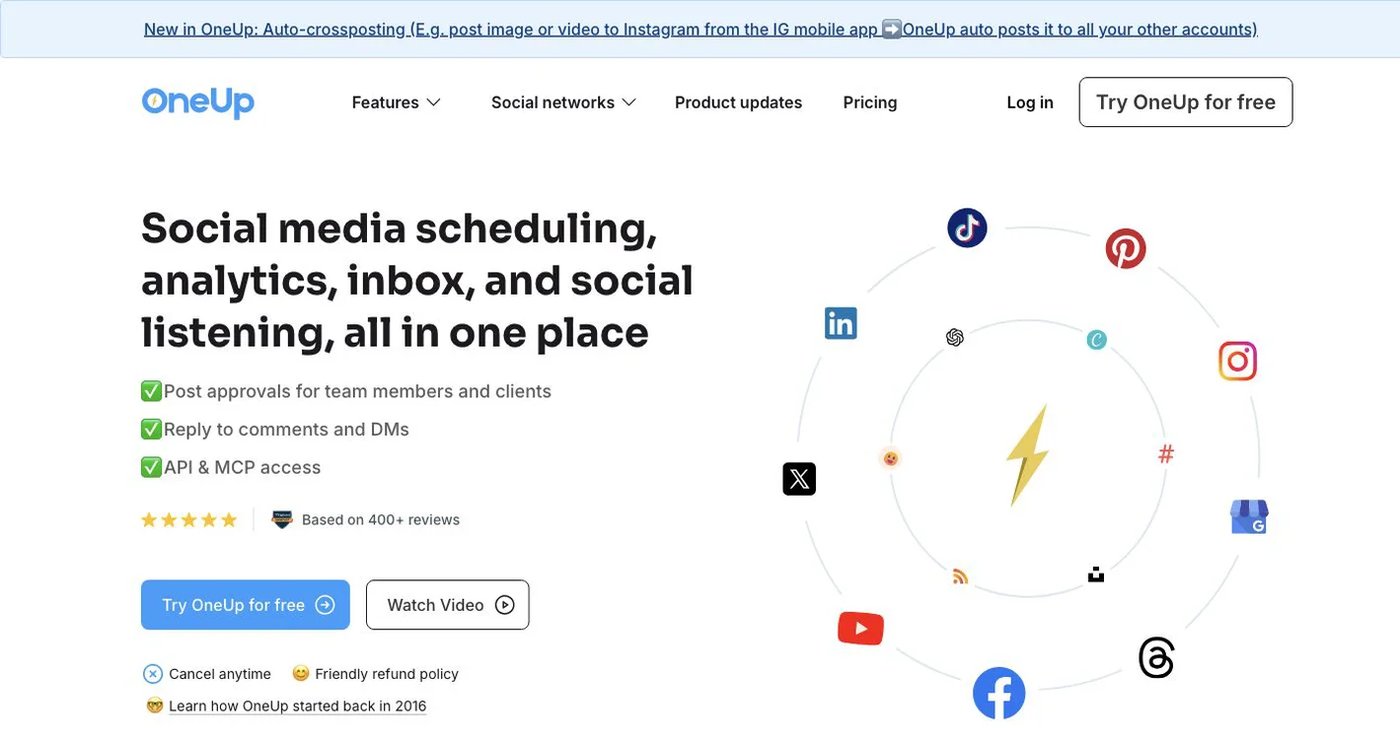
OneUp combines repeating posts, queue schedules, RSS automation, bulk image and video uploads, an inbox, listening, reports, and API or MCP access. Starter is $25 monthly, or $15 per month billed annually, for five accounts, 300 scheduled posts, and one cross-posting workflow. Intermediate is $60 monthly and adds unlimited posts, 15 accounts, and two additional team members.
Choose OneUp when automatic repetition or feed ingestion matters more than Planly’s editing and analytics package. Its developer access is not an enterprise-only feature: OneUp’s pricing lists API and MCP scheduling on every paid plan.
7. Nuelink — for source-based automations
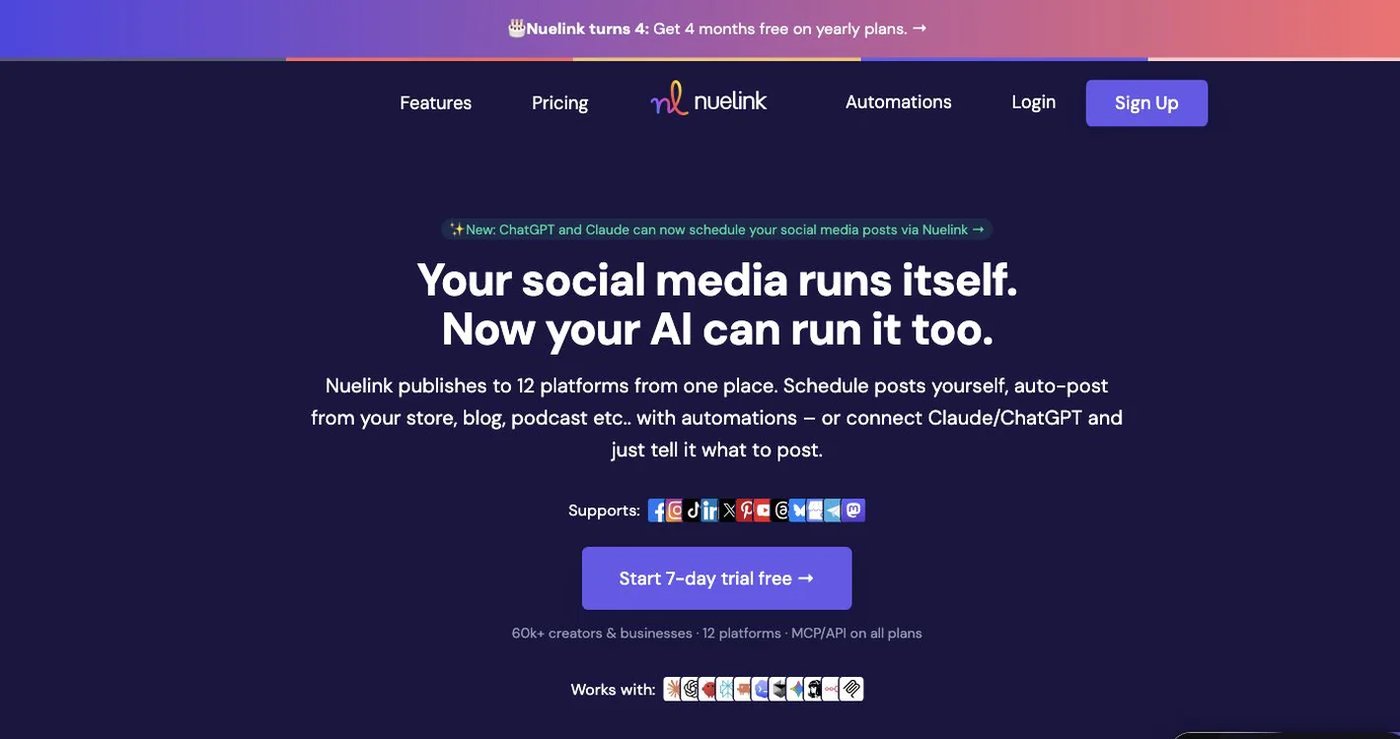
Nuelink can turn RSS feeds, blogs, podcasts, stores, reviews, and other sources into scheduled content. Standard is $18 monthly for one brand, 10 channels, one member, 10 automations, 365 queued posts, and API/MCP access. Premium is $48 monthly and increases those allowances while removing the queue cap.
Its public pricing table currently marks the approval workflow, branded reports, and report export as “Soon.” That makes Nuelink a strong choice for source automation, but not a safe assumption for a live approval requirement.
Review Nuelink’s current plans before choosing a tier because promotional annual pricing changes the displayed effective monthly rate.
How to choose a Planly replacement
Start with the workflow you cannot lose:
- List every connected account, provider account type, and post format.
- Separate essential features from convenient ones: approvals, media editing, reports, recycling, inbox, API, or MCP.
- Price the actual number of channels, users, brands, or social sets rather than comparing entry prices alone.
- Reconnect accounts through the replacement’s supported provider authorization flow.
- Rebuild a small batch that includes your hardest format and one approval path.
- Test the exact API or MCP action you need and confirm its plan limits.
- Keep Planly active until the sample publishes correctly.
Postqued is the strongest option here for revision-aware approvals and permissioned API or agent workflows. Buffer has a capable current GraphQL API, Pallyy emphasizes visual work, Metricool goes deeper on analytics, SocialBee and OneUp handle reusable content, and Nuelink specializes in source automations.