9 Best Planoly Alternatives in 2026

Looking for a Planoly alternative that doesn't cap your uploads? Planoly's Starter plan is $16/month but limits you to just 60 uploads per month — and each platform counts separately. Unlimited posting requires the $28/month Growth plan. If you post often, or you want to automate publishing, those limits add up fast.

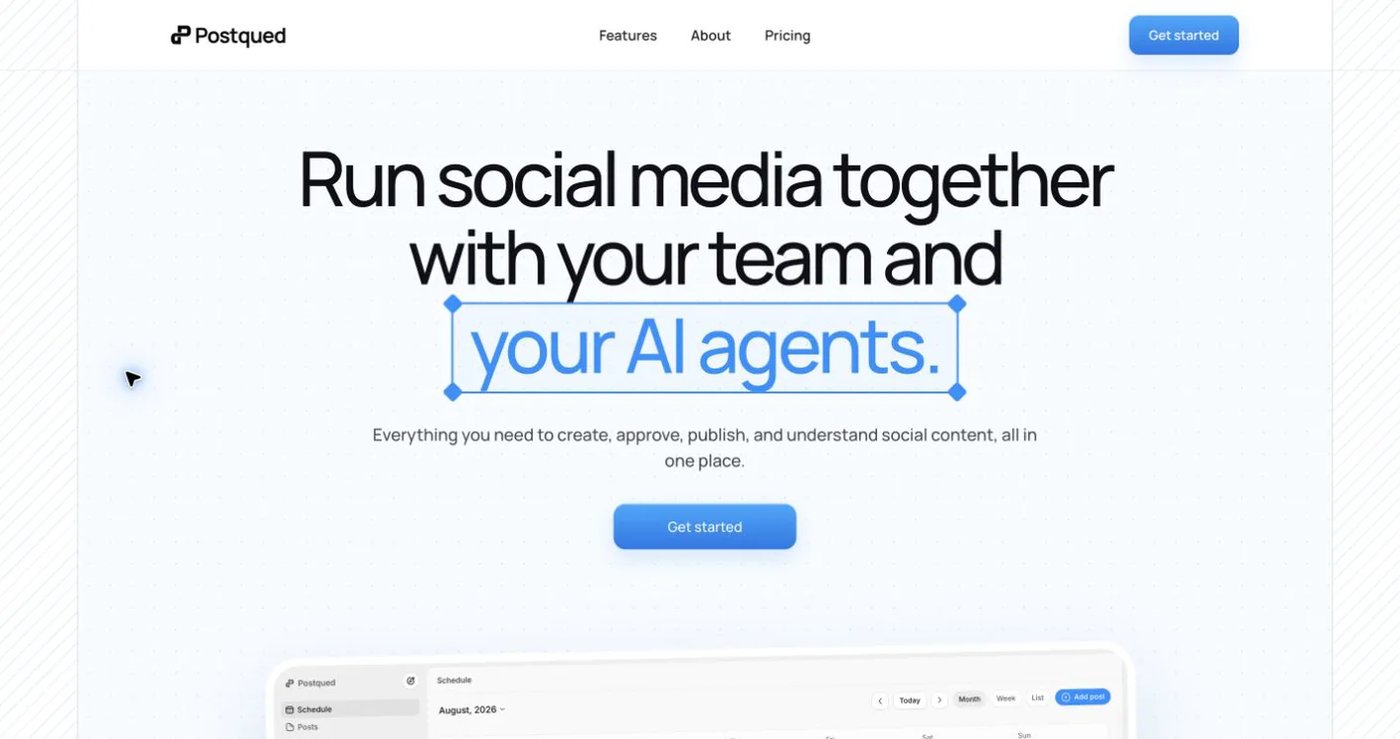
PostQued leads for TikTok at a flat $20/month with unlimited accounts, unlimited posts, and no upload caps, while Later, Tailwind, Buffer, Metricool, and others serve different workflow needs. This guide compares nine alternatives we evaluated, so you can switch without disrupting your social media strategy.


Key Takeaways

  • Best value for TikTok: PostQued — flat $20/month, unlimited accounts, unlimited posts, no upload caps, and an official TikTok API. The trade-off: it's TikTok-only today (more platforms launching soon).
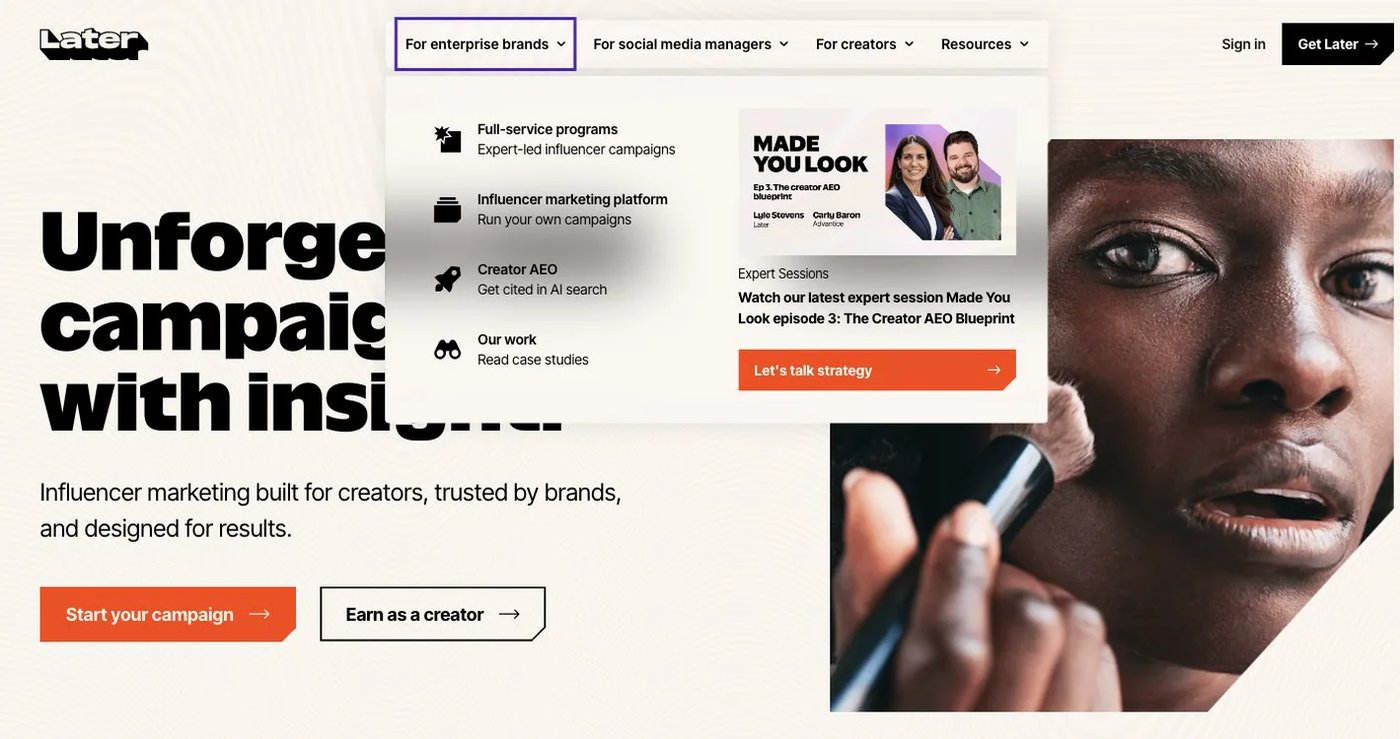
  • Closest visual-planning swap: Later — a Planoly-style drag-and-drop calendar with Linkin.bio built in.
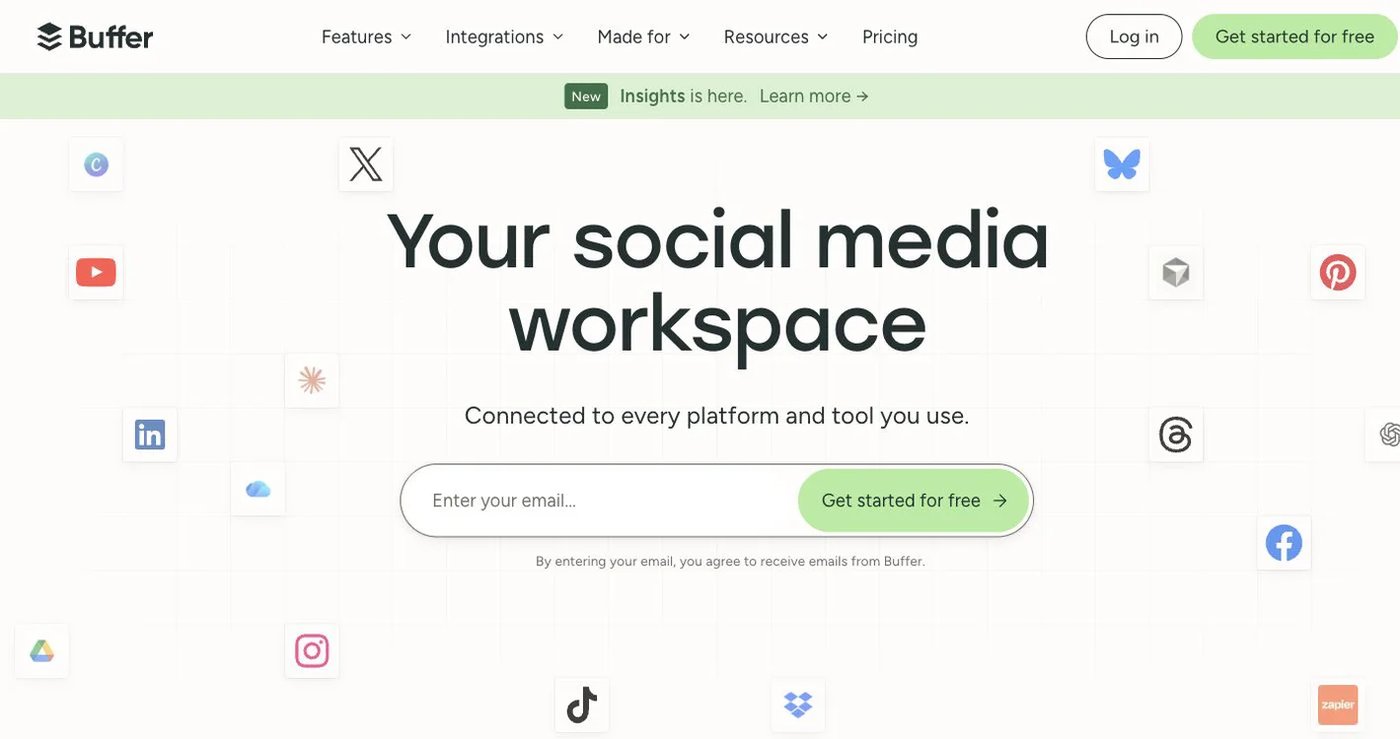
  • Best for simplicity: Buffer ($6/channel) — the cleanest interface for managing a few accounts.
  • Best budget all-rounder: Metricool ($20/month) — broad multi-platform features and no upload limits at a low price.
  • Migration is easy: most users complete the switch in under an hour with no data loss, and platforms never penalize you for changing scheduling tools.

Quick Comparison: Price vs. Value

Short on time? Here's the at-a-glance verdict — full reviews of each tool follow below.

ToolStarting PriceBest ForTikTok FeaturesValue Score
PostQued$20/month flatTikTok + API automationExcellent (API)9/10
Later$25/monthVisual planningFair7/10
Tailwind$14.99/monthPinterest marketingNone6/10
Iconosquare$36/monthAnalytics & reportingGood6/10
Hopper HQ$5/accountGrid planningBasic6/10
Buffer$6/channelSimplicityBasic8/10
Metricool$20/monthBudget all-rounderGood8/10
Hootsuite$99/monthEnterprise suiteGood5/10
CanvaFree / $15/monthDesign + schedulingBasic6/10

Planoly Starter: $16/month (60 uploads/mo), Growth: $28/month (unlimited). Value Score: 6/10

PostQued scores high on value but does not earn a perfect 10 — it's TikTok-only today, so it scores lower on feature breadth than multi-platform tools. The score reflects its flat price, unlimited posting, and unique API, not total platform coverage.


About this guide: We evaluated each platform against a consistent set of criteria — published pricing, feature depth, ease of use, TikTok support, analytics, and team collaboration. Last updated June 2026.

Why Are Users Leaving Planoly in 2026?

Planoly is a polished, Instagram-first visual planner, but it isn't the right fit for everyone — and these are the reasons users look elsewhere:

  • Upload caps on the entry plan. The $16/month Starter plan limits you to 60 uploads per month, with each platform counting separately. High-volume posters hit that ceiling quickly and have to upgrade.
  • Unlimited posting costs more. Removing the cap means jumping to the $28/month Growth plan — more than PostQued's flat $20 for genuinely unlimited posts.
  • No posting API. Planoly has no public API, so developers, agencies, and automation workflows can't post programmatically.
  • Instagram-first philosophy. Planoly's strength is grid aesthetics and visual planning. If TikTok or automation drives your strategy, a focused tool fits better.

The alternatives below solve these problems while keeping costs predictable.

How We Evaluated These Alternatives

We scored each tool against six weighted criteria. The Value Score in the comparison table above is the weighted result of these factors:

CriteriaWeightWhat We Looked At
Value for money25%Features offered per dollar spent
Ease of use20%Learning curve and daily workflow efficiency
Feature comprehensiveness20%Number of social networks and depth of integration
Analytics & reporting15%Depth of metrics and usefulness of insights
Team collaboration10%Approvals, roles, and access control
Unique capabilities10%Features not found in Planoly (e.g. a posting API)

A higher score means better overall value against these criteria — not simply the lowest price.

1. PostQued — Best Value for TikTok

Why PostQued beats Planoly: a flat $20/month with unlimited social accounts, unlimited posts, and no monthly upload caps — versus Planoly's 60-upload limit on Starter and $28/month for unlimited. On top of that, PostQued ships an official TikTok posting API that Planoly simply doesn't offer.

The honest trade-off: PostQued is TikTok-only today. Instagram, YouTube, Facebook, LinkedIn, X, Pinterest, Threads, and more are in active rollout and launching soon — but if you need those platforms live right now, pair PostQued with another tool below or check back shortly.

What Makes PostQued Different

Flat pricing, no limits

One price unlocks everything — no per-seat fees, no per-channel charges, no upload caps.

  • Unlimited social accounts
  • Unlimited scheduled posts with no monthly upload limit
  • Full API access included at the flat rate

Built for TikTok and automation

PostQued is the only tool on this list with a real TikTok posting API:

  • Official TikTok API with granular publish controls
  • Static API keys — post from scripts, backends, or AI agents with no OAuth dance
  • MCP support for AI-agent workflows
  • Native 9:16 video handling and reliable auto-publishing

True cost savings

PlanPostQuedPlanolyYou save
Entry$20/month flat, unlimited posts$16/month (Starter, 60 uploads/mo)No upload cap
Unlimited posts$20/month flat$28/month (Growth)~30%

Who Should Choose PostQued

  • TikTok-first creators and businesses
  • Developers and teams who want a posting API and automation
  • High-volume posters who keep hitting upload caps
  • Users who want unlimited accounts and posts at one flat rate

Who Should Wait

  • Teams that need Instagram, LinkedIn, or other platforms live today (coming soon, not yet shipped)
  • Brands that rely on Instagram grid aesthetics or visual feed planning

Pricing

  • $20/month flat — unlimited accounts, unlimited posts, full API access. No tiers, no upload caps, no hidden fees.
  • 7-day free trial.

Try PostQued Free · See the full PostQued vs Planoly comparison for a feature-by-feature breakdown.

2. Later — Best for Visual Planning

Later is the closest like-for-like swap for Planoly: a visual-first scheduler built around Instagram feed aesthetics, with a drag-and-drop grid preview and Linkin.bio monetization baked in.

Key Advantages

Visual calendar — drag-and-drop planning for cohesive Instagram and TikTok feeds, much like Planoly's grid.

Linkin.bio included — a built-in landing page that drives traffic and sales from your Instagram and TikTok bio ships with paid plans.

Creator tools — media kits and brand-collaboration features for influencers and UGC creators.

Limitations

  • The Starter plan ($25/month) caps you at 30 posts per profile per month — you need the $80/month Scale plan for unlimited posting
  • TikTok auto-publishing can be less reliable than Instagram
  • No public posting API for automation

Later works for Instagram-heavy creators who want a visual planner and don't mind tiered post caps.

Pricing

  • Starter: $25/month — 1 social set, 30 posts/profile/month
  • Growth: $45/month — analytics, more posts
  • Scale: $80/month — 6 social sets, unlimited posts

3. Tailwind — Best for Pinterest Marketing

Tailwind is a visual marketing suite built around Pinterest and Instagram, with SmartSchedule optimization, design tools, and Tailwind Communities. It's a strong Planoly alternative if Pinterest, not TikTok, drives your strategy.

Key Advantages

Pinterest-first — SmartSchedule finds optimal pin times and Tailwind Communities amplify reach.

Built-in design tools — create on-brand visuals without leaving the app.

Link-in-bio tool — included in paid plans for driving traffic.

Limitations

  • No TikTok support at all — only Pinterest, Instagram, and Facebook
  • The Pro plan ($14.99/month, billed annually) caps you at 200 posts/month and 1 account per platform; unlimited posts require the $49.99/month Max plan
  • No public posting API

Tailwind suits Pinterest-led marketers who don't need TikTok and want design plus scheduling in one tool.

Pricing

  • Free: 5 posts/month
  • Pro: $14.99/month (annual) — 200 posts/month, 1 account per platform
  • Max: $49.99/month — unlimited posts

4. Iconosquare — Best for Analytics & Reporting

Iconosquare is an analytics-first social tool built for agencies and brands that prioritize reporting, competitor benchmarking, and white-label dashboards over visual planning.

Key Advantages

Deep analytics — 30+ TikTok and Instagram metrics, optimal posting times, and audience insights.

Competitor benchmarking — track how your accounts perform against rivals.

White-label reporting — present branded analytics to agency clients.

Limitations

  • The Launch plan ($36/month) caps you at 100 posts/month and 5 profiles; unlimited posts require the $76/month Scale plan
  • API access is locked behind the $127+/month Excel plan
  • Heavier and more reporting-focused than a simple visual planner

Iconosquare suits agencies and data-driven brands that need reporting depth more than grid aesthetics.

Pricing

  • Launch: $36/month — 5 profiles, 100 posts/month
  • Scale: $76/month — 10 profiles, unlimited posts
  • Excel: $127+/month — 25 profiles, API access

5. Hopper HQ — Best for Grid Planning

Hopper HQ is a visual-first scheduler designed for Instagram grid planning and aesthetic previews — much like Planoly — with a per-account pricing model.

Key Advantages

Instagram grid planner — drag-and-drop aesthetic previews before you post.

AI caption generation — caption and hashtag suggestions built in.

Unlimited posts — no monthly upload caps on any plan.

Limitations

  • Per-account pricing ($5–6/account on Grow, $10/account on Scale) adds up fast — 10 accounts costs $50–100/month
  • Team approval workflows require the pricier Scale plan
  • No public posting API

Hopper HQ suits creators managing one or two visual-first accounts who want grid planning at a low entry price.

Pricing

  • Grow: $5–6/month per account — single user
  • Scale: $10/month per account — team features
  • 14-day free trial

6. Buffer — Best for Simplicity

Buffer remains the gold standard for straightforward scheduling. It's easy to learn, supports 11+ platforms, and avoids Planoly's upload caps entirely.

Key Advantages

Transparent per-channel pricing

Buffer charges per social channel, which works well if you manage only a few accounts.

  • One channel: $6/month
  • Five channels: $30/month
  • Ten channels: $60/month

Intuitive interface

Buffer's design prioritizes clarity. New users understand it within minutes.

Reliable publishing

Years of refinement mean posts schedule and publish without issues, with no monthly upload limit.

Limitations

  • Costs scale quickly per channel as you add accounts
  • Its GraphQL API carries rate limits (3,000–15,000 requests/month) and limited TikTok controls
  • Analytics are basic on lower tiers

Buffer suits solo creators who value simplicity over advanced features.

Pricing

  • Free: 3 channels, 10 posts per channel
  • Essentials: $6/month per channel
  • Team: $12/month per channel
  • Agency: $120/month for 10 channels

7. Metricool — Best Budget All-Rounder

Metricool offers surprising depth at a low price point — the hidden gem of affordable social tools, with no upload caps and an official TikTok partnership.

Key Advantages

Comprehensive features — scheduling, analytics, inbox, ad management, and competitor tracking in one tool.

TikTok support — full integration including auto-publishing and analytics.

Very affordable — the Starter plan covers 5 brands at $20/month (annual) with no upload limits.

Limitations

  • Interface is functional but not beautiful
  • API access requires the Advanced plan ($53/month+), and Twitter/X costs an extra $5 per account
  • Some learning curve; support can be slow

Metricool suits budget-conscious users who want broad multi-platform features today.

Pricing

  • Free: Limited features
  • Starter: $20/month (annual) — 5 brands, no API
  • Advanced: $53/month+ — API access, more brands
  • Custom: enterprise analytics and team features

8. Hootsuite — Best for Enterprise Suites

Hootsuite is a mature, full-suite social tool priced for enterprises, with deep analytics, social listening, and large-team approval workflows.

Key Advantages

Broad coverage — manage many networks, analytics, and listening from one dashboard.

Social listening — monitor brand mentions, competitors, and trends.

Team workflows — multi-stage approvals and role-based collaboration for large teams.

Limitations

  • Far pricier than other tools here — the Standard plan starts around $99/month for one user and 5 accounts
  • Per-user, per-seat pricing climbs fast; unlimited accounts require the $249/month Advanced plan
  • No public posting API and overkill for a TikTok-focused workflow

Hootsuite suits large brands and agencies that need an enterprise suite across many platforms.

Pricing

  • Standard: $99/month — 1 user, 5 accounts
  • Advanced: $249/month — unlimited accounts
  • Enterprise: custom pricing
  • 30-day free trial

9. Canva — Best for Design + Scheduling

Canva is best known as a design tool, but its Content Planner lets you create visuals and schedule them to social platforms in the same place — a useful all-in-one for design-led creators replacing Planoly.

Key Advantages

World-class design — templates, brand kits, and an enormous asset library make on-brand content fast.

Built-in scheduler — design and queue posts to Instagram, TikTok, Facebook, LinkedIn, Pinterest, and more from one workspace.

Generous free tier — basic design and limited scheduling cost nothing to start.

Limitations

  • The scheduler is lighter than dedicated tools — basic analytics and no public posting API
  • Best when you're already living in Canva for design; standalone scheduling is more capable elsewhere
  • TikTok auto-publishing is basic compared with TikTok-native tools

Canva's pricing follows a freemium model: a free plan covers basic design and scheduling, while Canva Pro (commonly around $15/month for an individual) unlocks the full design library and Content Planner. Check Canva's pricing page for current rates.

Canva suits design-led creators who want to create and schedule visual content without juggling two tools.

How to Choose the Right Alternative

Choose PostQued if TikTok drives your strategy and you want unlimited accounts and posts at a flat $20 — plus an API for automation and no upload caps. (Just note other platforms are still rolling out.)

Choose Later if you want a Planoly-style visual calendar with Linkin.bio for Instagram and TikTok.

Choose Tailwind if Pinterest marketing is your priority and you don't need TikTok.

Choose Iconosquare if deep analytics, competitor benchmarking, or white-label reporting matter most.

Choose Hopper HQ if you manage one or two accounts and want Instagram grid planning at a low entry price.

Choose Buffer if simplicity matters most and you manage only a few accounts.

Choose Metricool if you want broad multi-platform features today at a low price with no upload limits.

Choose Hootsuite if you run a large team that needs an enterprise suite with social listening.

Choose Canva if you already design in Canva and want to schedule from the same workspace.

Want a head-to-head breakdown? See how PostQued stacks up against each tool:

Final Thoughts

Planoly is a beautiful visual planner, but its upload caps and Instagram-first focus leave room for better-fit alternatives — especially if you post often or want automation.

PostQued leads for TikTok-focused creators and developers: a flat $20/month with unlimited accounts, unlimited posts, no upload caps, and an official TikTok API. Just remember it's TikTok-only today, with more platforms launching soon.

Later is the closest visual-planning swap for Planoly. Tailwind wins for Pinterest marketers. Buffer suits users prioritizing simplicity, and Metricool is the best budget all-rounder across many platforms. Hootsuite serves large enterprises, while Canva is ideal for design-led creators.

Evaluate your needs, test the free trials, and choose the tool that matches your workflow and budget.

Try PostQued Free — flat $20/month, unlimited posts, 7-day free trial.

Frequently Asked Questions

Will switching from Planoly hurt my social media performance?

No. Social platforms don't penalize accounts based on scheduling tools. Your content quality and engagement drive performance — migrating from Planoly has zero impact on reach or follower count.

What is the best value Planoly alternative?

For TikTok specifically, PostQued offers strong value at a flat $20/month with unlimited accounts, unlimited posts, and no monthly upload caps — versus Planoly's 60 uploads/month on its Starter plan and $28/month for unlimited. Buffer is a good pick for a single channel, and Metricool's $20/month covers many platforms.

Which platforms does PostQued support?

Today, PostQued supports TikTok, including the official TikTok API. Instagram, YouTube, Facebook, LinkedIn, X, Pinterest, Threads, and more are in active rollout and launching soon. If you need those platforms live right now, choose a multi-platform tool like Later, Buffer, or Metricool in the meantime.

What are Planoly's upload limits?

Planoly's Starter plan ($16/month) caps you at 60 uploads per month, and each platform counts separately. Their Growth plan ($28/month) removes the limit. Tools like PostQued and Metricool have no monthly upload caps.

Does Planoly have a posting API?

No. Planoly does not offer a public posting API for developers or automation. If you need to post programmatically from scripts, cron jobs, or AI agents, PostQued provides static API keys and a documented REST API for TikTok.

How long does migration take?

Most individual users finish in 30–60 minutes by recreating their scheduled content in the new tool. Scheduled posts don't transfer automatically, so set them up before canceling Planoly.