7 Best Post Bridge Alternatives in 2026
Postqued is the best Post Bridge alternative for teams that want a shared publishing calendar, revision-aware approvals, and API or MCP automation in the same workspace. Plans start at $9 per month for five connected accounts and include unlimited posts across 10 publishing networks.
Post Bridge is still worth keeping when its particular publishing formats, simple dashboard, and optional API fit your workflow. The right replacement depends on whether you need a team workspace, an embedded developer API, media processing, or control over your own deployment.
Post Bridge alternatives at a glance
| Product | Best for | Current starting point | Important boundary |
|---|---|---|---|
| Postqued | Shared publishing, approvals, API and MCP | $9/month | No DMs, listening, or all-network analytics |
| Post for Me | Usage-based embedded publishing API | $10/month | Developer infrastructure rather than a complete operations suite |
| Upload-Post | Broad publishing and media processing | Free tier | Allowances vary by profiles and processing tier |
| Ayrshare | Multi-tenant social features | $149/month | Profile-based pricing and a different product architecture |
| Buffer | A simple queue for a few channels | Free; paid per channel | Per-channel cost grows with the account set |
| Postiz | Open-source scheduling with an API | $29/month cloud; self-hostable | Self-hosting transfers operations to your team |
| Mixpost | Self-hosted social workspace | One-time licence | Infrastructure and provider apps remain your responsibility |
What Post Bridge offers now
Post Bridge combines a multi-platform scheduling dashboard with an optional developer API. Its account-limit guide lists five connected accounts on Starter, 15 on Creator, and unlimited connected accounts on Pro. Use the live pricing page for the current base subscription price.
Older comparisons saying Post Bridge has no API are no longer correct. Its API help article says the API is live, requires an active subscription, and costs an additional $5 per month. The API reference documents bearer-key authentication, post creation, media uploads, platform-specific overrides, analytics, and a general limit of 10 requests per second per key.
The authentication distinction matters. A Post Bridge API key authenticates your software to Post Bridge. Social accounts still have to be connected through the relevant provider’s supported authorization process. No legitimate scheduling API turns a service key into permission to use someone else’s social account.
1. Postqued — best for shared team and agent workflows

Postqued gives operators and compatible AI agents one place to plan, review, approve, and publish. It supports TikTok, Instagram, Facebook, Threads, LinkedIn, YouTube, X, Pinterest, Mastodon, and Bluesky through the dashboard, REST API, and remote MCP server.
Solo costs $9 monthly for five connected accounts. Creator is $29 for 20, Pro is $49 for 30, and Agency is $199 with unlimited connected accounts. Every paid plan includes unlimited posts plus API and MCP access. Pro and Agency include unlimited workspaces and team seats.
Coverage is deliberately specific. Analytics are available for TikTok, Facebook, Instagram, Threads, and YouTube. The Engagement Inbox supports comments and replies for Facebook, Instagram, Threads, YouTube, X, LinkedIn, and Mastodon. Postqued does not provide DMs, social listening, reviews, competitor tracking, or ad management.
Postqued also requires provider authorization. A person connects supported social accounts through the network’s authorization flow; an organization-bound API key can then operate within the permitted Postqued organization and workspace. The API key does not bypass provider OAuth, account permissions, or platform rules.
Choose Postqued when editors, reviewers, developers, and agents need to work on the same content. Choose Post Bridge when its account tiers, format support, or API shape are the closer match.
Review Postqued pricing, learn about Postqued, or compare Postqued and Post Bridge.
2. Post for Me — best for a usage-based publishing API
Post for Me is built for developers embedding social publishing into another application. It provides a unified API for posting, scheduling, feeds, post analytics, webhooks, media processing, and account connection across nine networks.
Its pricing page starts at $10 per month for up to 1,000 successful posts and lists unlimited social accounts, projects, API keys, and team members. That is a clear model when successful-post volume is the main cost driver.
Post for Me offers two credential paths. Quickstart uses its provider applications, so users see Post for Me during OAuth. White Label uses your own developer credentials and requires the relevant platform approvals. Both paths still require the account owner to authorize access; see the developer overview.
Choose it when you are building the surrounding user interface and operating workflow yourself. Postqued and Post Bridge are better starting points when a finished scheduling dashboard is central.
3. Upload-Post — best for media-heavy publishing
Upload-Post combines a dashboard with a REST API, SDKs, automation integrations, and media processing. Its current product page advertises a free allowance, paid profile tiers, automatic media adaptation, analytics, and publishing across social and content destinations.
This is useful when your main problem is accepting media once and preparing it for several providers. It is not automatically a substitute for Postqued’s approval workflow, Ayrshare’s multi-tenant packaging, or an enterprise social inbox. Test every required format, size limit, status callback, and destination before committing.
Review Upload-Post’s current pricing and platform list and its API documentation. Connected social profiles still require the provider’s supported authorization process.
4. Ayrshare — best for multi-tenant social features
Ayrshare packages social functionality for SaaS products, agencies, and multi-location organizations. Its billing unit is a social profile representing one customer, brand, or location, which can contain multiple connected networks.
The current pricing page lists Premium at $149 per month for one social profile, Launch at $299 for up to 10, Business at $599 for 30 included profiles, and Enterprise with custom pricing from 300 profiles. All current plans include API access; higher plans expand profile capacity, webhooks, branding, limits, and support.
Choose Ayrshare when white-labelled connection, tenant profiles, direct messages, or a broader normalized social API are requirements. It is a different architecture from Post Bridge’s scheduler-plus-add-on model, so compare the number of independent customers rather than only the number of network accounts.
5. Buffer — best for a straightforward queue
Buffer is easier to evaluate when a small team wants a clean queue and pays by connected channel. Free includes three channels, one user, and 10 scheduled posts per channel. Essentials costs $6 per channel monthly or $5 per channel per month billed annually; Team costs $12 monthly or $10 billed annually and adds unlimited users, access levels, and approvals.
Buffer now has a public GraphQL API on every plan. Its API page documents plan-specific keys and request limits, so old claims that Buffer has no API are stale. It operates against the user’s Buffer organization and connected channels; provider authorization is still required when adding those channels.
Choose Buffer for a familiar editorial queue. It is not designed as white-label, multi-tenant publishing infrastructure. Confirm the total with the live pricing calculator because paid cost depends on channel count.
6. Postiz — best for open-source scheduling

Postiz combines a hosted scheduler, public API, webhooks, automation integrations, and an open-source self-hosted edition. Cloud plans currently start at $29 monthly, while self-hosting gives a technical team more deployment and code control.
The tradeoff is operational responsibility. A self-hosted team owns upgrades, database and queue operations, media storage, secrets, backups, monitoring, and provider application configuration. Self-hosting does not remove social-network authorization or approval requirements.
Use Postiz pricing and the public API documentation to compare cloud limits with self-hosted controls.
7. Mixpost — best for self-hosted data control
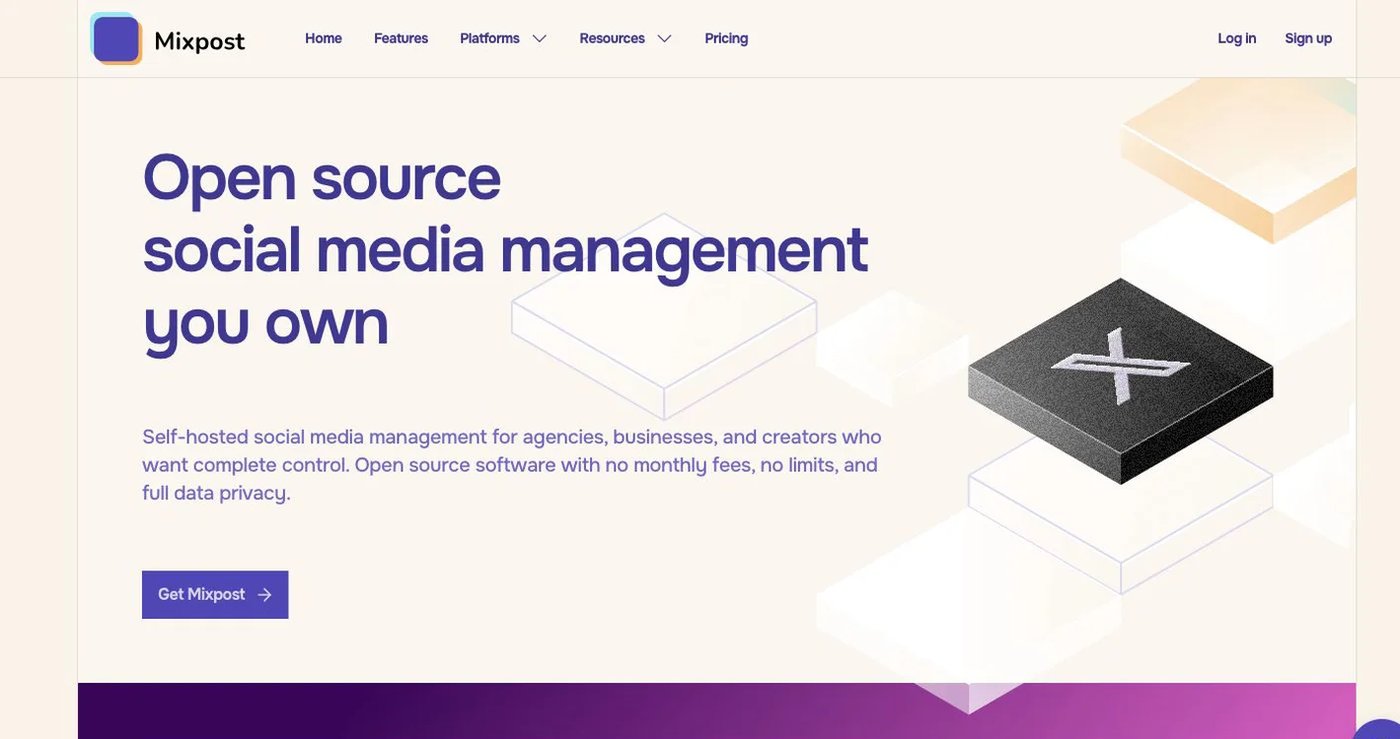
Mixpost is a self-hosted social media management application sold through free and commercial editions. Its current packages cover different combinations of networks, users, workspaces, analytics, inbox features, API, MCP, and white-label capabilities.
A one-time software licence is not the whole cost. Include hosting, database and queue services, media storage, backups, monitoring, upgrades, security work, and the time required to maintain provider applications. Provider OAuth and network review requirements still apply on infrastructure you control.
Choose Mixpost when deployment ownership is a requirement, not simply because the licence is paid once. Review its current editions and feature boundaries before selecting a package.
How to choose a Post Bridge replacement
Use a short proof of concept instead of a feature-count spreadsheet:
- List every network, account type, and post format used in the last 90 days.
- Decide whether you need a finished dashboard, an embedded API, or a self-hosted application.
- Confirm where human review happens and whether approval attaches to the exact revision published.
- Connect one non-critical account through the real provider authorization flow.
- Test immediate publishing, scheduled publishing, media upload, cancellation, retries, and final status.
- Verify API/MCP plan entitlement, keys, rate limits, tenant boundaries, and webhook behavior.
- Price the real account, user, profile, or post volume; do not turn different products into a fictional savings percentage.
Postqued is the strongest option here for a shared publishing and approval workspace with API and MCP. Post for Me and Upload-Post suit embedded developer workflows, Ayrshare serves deeper multi-tenant requirements, Buffer keeps editorial scheduling simple, and Postiz or Mixpost provide more infrastructure control.
Primary sources
- Post Bridge pricing, account limits, API access and pricing, and API reference
- Postqued pricing, About Postqued, and MCP setup
- Post for Me pricing, developer overview, and OAuth flow
- Upload-Post product and pricing and API documentation
- Ayrshare pricing and Business plan overview
- Buffer pricing and Buffer API
- Postiz pricing and public API documentation
- Mixpost pricing and edition comparison