7 Best Post for Me Alternatives in 2026
Postqued is the best Post for Me alternative for teams that want a finished publishing calendar, revision-aware approvals, and API or MCP automation in one workspace. Plans start at $9 per month for five connected accounts and include unlimited posts across 10 publishing networks.
Post for Me remains a better fit when you are building social features into your own product and want usage-based API pricing. These tools overlap on publishing, but one is an operational workspace and the other is developer infrastructure.
Post for Me alternatives at a glance
| Product | Best for | Current starting point | Important boundary |
|---|---|---|---|
| Postqued | Shared calendar, approvals, API and MCP | $9/month | Not a white-label embedded API platform |
| Ayrshare | Multi-tenant social features | $149/month | Billed by social profile, not successful post |
| Post Bridge | Scheduler with an optional API | Base plan plus $5/month API add-on | Account limits and subscription both matter |
| Upload-Post | Publishing API and media processing | Free tier | Processing and profile allowances vary by tier |
| Postiz | Open-source scheduler and API | $29/month cloud; self-hostable | Self-hosting creates an operations workload |
| Mixpost | Self-hosted social workspace | One-time licence | Your team owns infrastructure and provider apps |
| Buffer | Simple dashboard scheduling with an API | Free; paid per channel | API works with the user’s Buffer organization |
What Post for Me offers now
Post for Me is a unified developer API for publishing, scheduling, media processing, social account connections, feeds, post analytics, SDKs, and webhooks. Its integration page currently lists TikTok, Facebook, Instagram, X, LinkedIn, Pinterest, Bluesky, Threads, and YouTube.
The current pricing page starts at $10 per month for up to 1,000 successful posts. It lists unlimited social accounts, projects, API keys, and team members, plus feed reading and post analytics. The company says unexpected overages are not automatically charged or shut down; it contacts consistently higher-usage customers about an upgrade. Enterprise usage is quoted separately.
Authentication has two layers:
- Your server authenticates Post for Me API requests with a project API key.
- The account owner still authorizes each social connection through the provider’s OAuth or supported connection flow.
Quickstart projects use Post for Me’s developer credentials, so users see Post for Me during OAuth. White Label projects use your credentials, show your application name, and require provider developer approval. Post for Me can handle the exchange, or an approved White Label implementation can intercept parts of the flow. The developer overview and OAuth guide document the distinction.
Post for Me also documents a local MCP server. Its two tools search documentation and execute TypeScript SDK code in a restricted sandbox. The security guide warns that the project API key gives the agent broad access to connected accounts and scheduled content. That is different from a role-scoped editorial approval workflow.
1. Postqued — best for a shared operational workspace
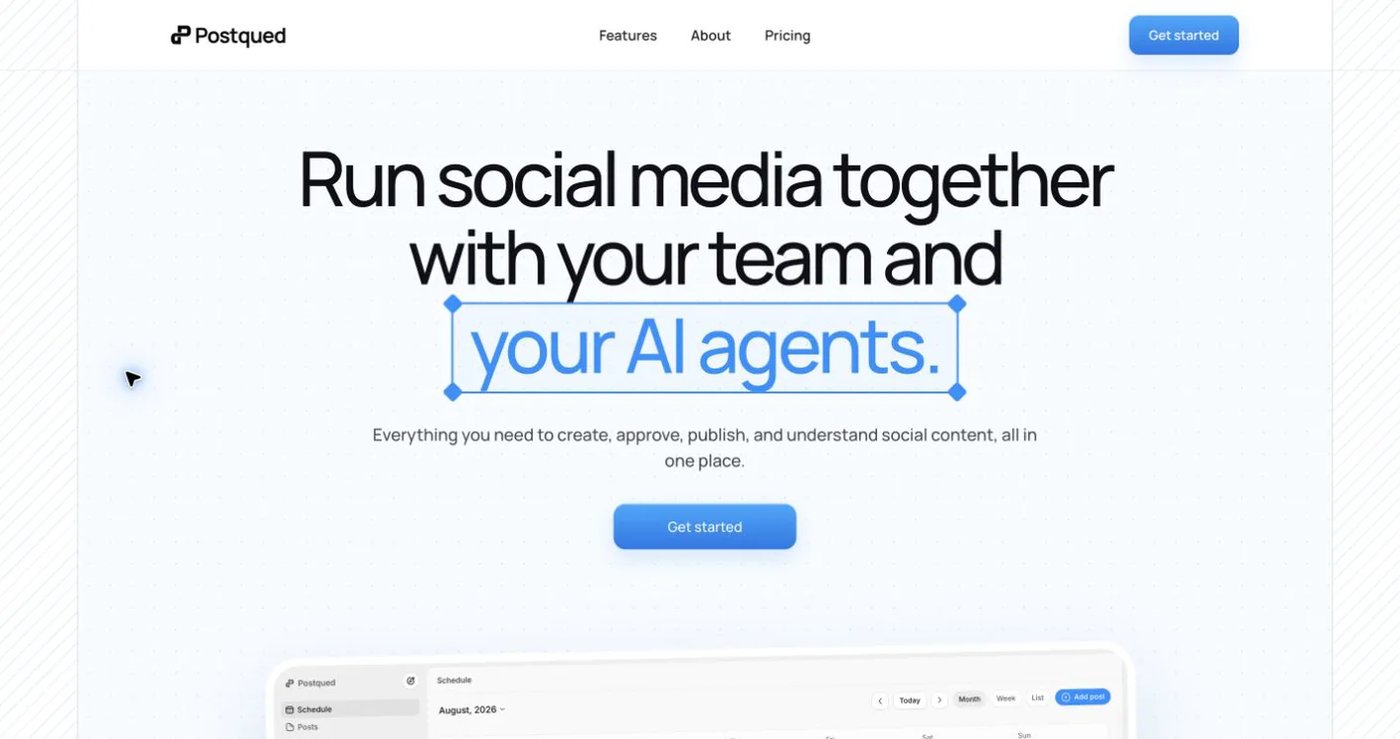
Postqued is where editors, reviewers, developers, and compatible AI agents can work on the same content. It publishes to TikTok, Instagram, Facebook, Threads, LinkedIn, YouTube, X, Pinterest, Mastodon, and Bluesky through a dashboard, REST API, and remote MCP server.
Solo costs $9 monthly for five accounts, Creator $29 for 20, Pro $49 for 30, and Agency $199 with unlimited connected accounts. Every paid plan includes unlimited posts and API/MCP access. Pro and Agency include unlimited workspaces and team seats.
Postqued is not a white-label embedded API or Post for Me’s usage-billed infrastructure. Its analytics cover TikTok, Facebook, Instagram, Threads, and YouTube. Its Engagement Inbox supports comments and replies for Facebook, Instagram, Threads, YouTube, X, LinkedIn, and Mastodon. It does not provide DMs, listening, reviews, competitor tracking, or ad management.
An organization-bound Postqued API key can make permitted requests inside that organization and an explicitly selected workspace. Social accounts must first be authorized through the provider’s supported flow. Neither the API key nor MCP access bypasses provider OAuth, workspace permissions, or approval controls.
Choose Postqued when people need to see, discuss, approve, and operate the content your automation creates. Keep Post for Me when you need to build the user experience into your own application.
Review Postqued pricing, learn about Postqued, or compare Postqued and Post for Me.
2. Ayrshare — best for multi-tenant product infrastructure
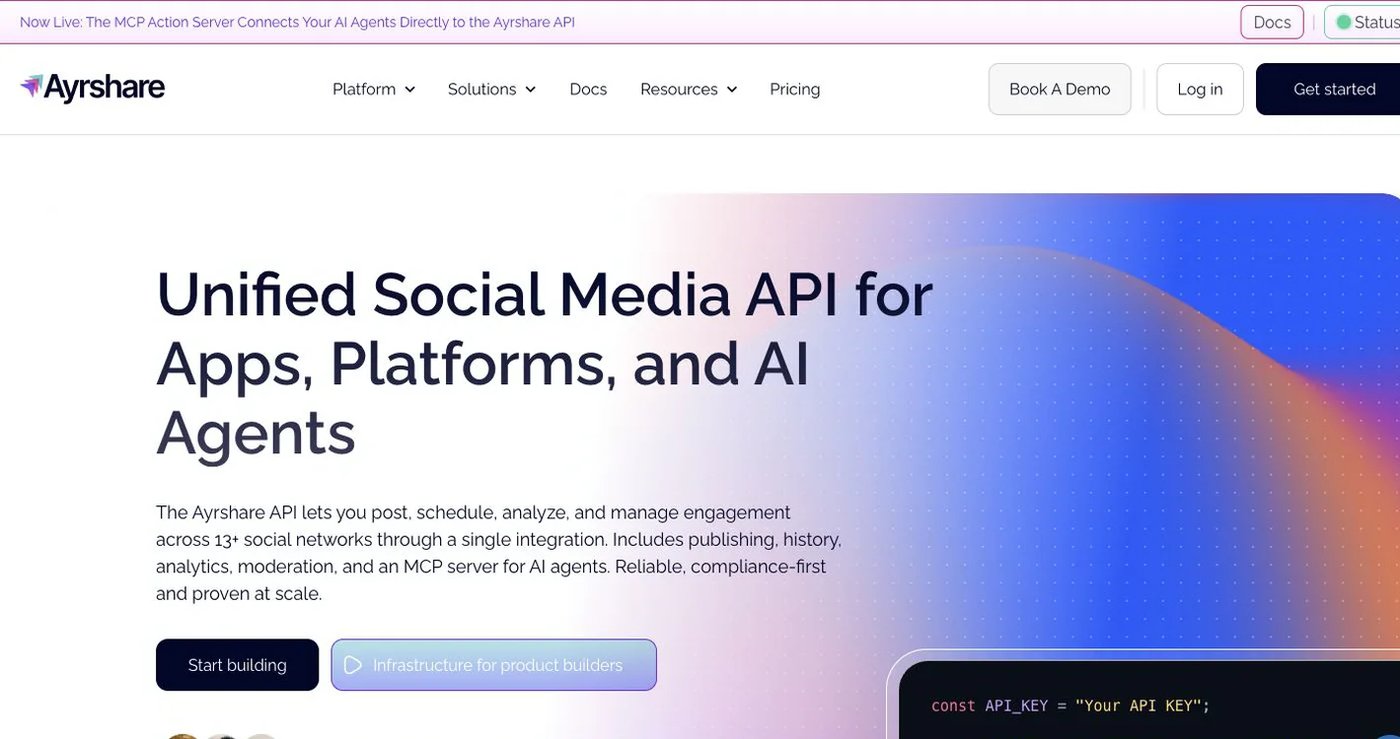
Ayrshare is designed for SaaS products, agencies, and multi-location businesses that need a normalized social API. Its billing unit is a social profile: one end customer, brand, or location can connect multiple supported networks within that profile.
The current pricing page lists Premium at $149 monthly for one social profile, Launch at $299 for up to 10, Business at $599 for 30 included profiles, and Enterprise with custom pricing from 300 profiles. All current plans include API access; higher tiers expand profile scale, limits, analytics, webhooks, branding, and support.
Ayrshare is the stronger candidate when tenant profiles, white-labelled connection, DMs, or broader normalized account actions are required. Post for Me is easier to model when successful-post volume is the main billable unit. Prototype the exact tenant, authorization, webhook, and analytics flow before choosing either.
3. Post Bridge — best for a scheduler with an API add-on
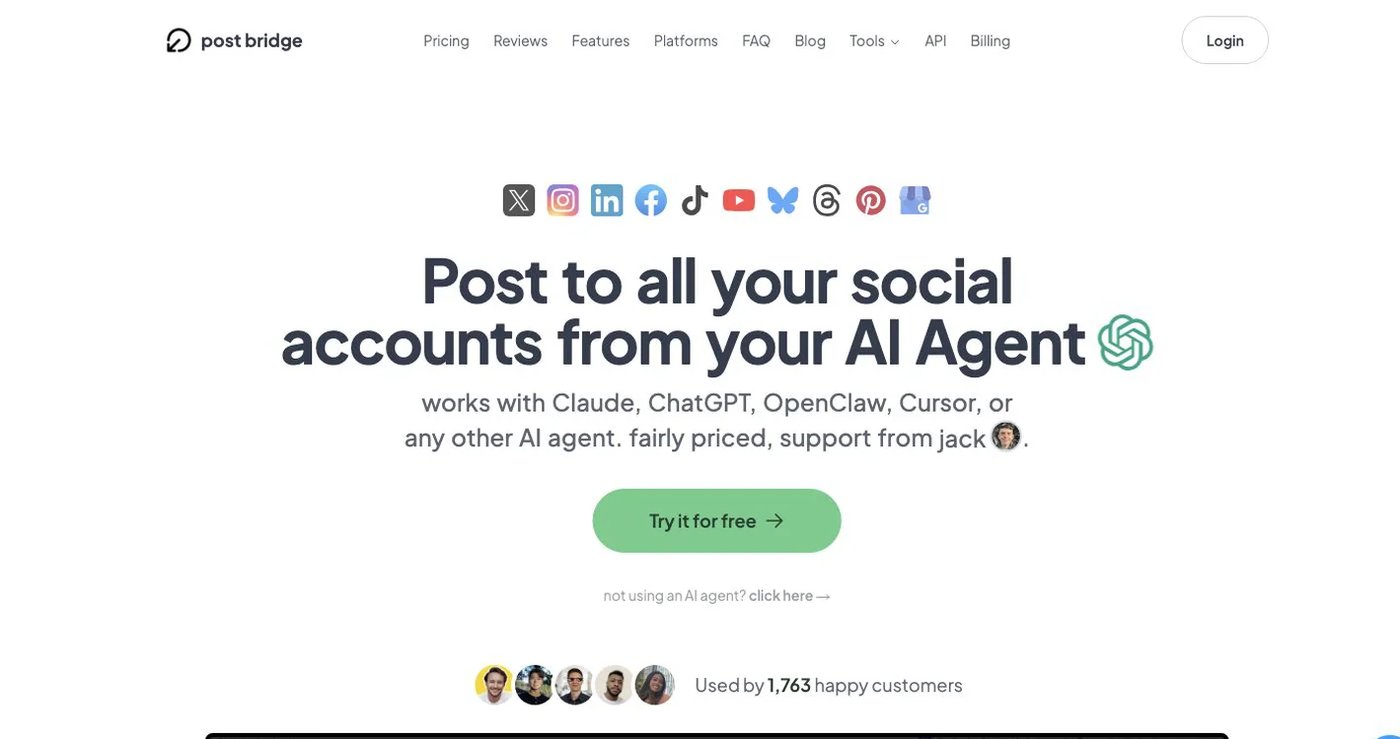
Post Bridge combines a finished multi-platform scheduler with an optional API. Its account-limit documentation lists five connected accounts on Starter, 15 on Creator, and unlimited accounts on Pro.
Its API is no longer merely planned. The current API article says access requires an active subscription and a $5 monthly add-on. The API reference documents bearer authentication, posts, media, platform overrides, analytics, and a general per-key rate limit.
Choose Post Bridge when you want its dashboard first and programmatic publishing second. Use its live pricing page for the current base subscription. As with Post for Me, a bearer key authenticates API calls; it does not replace the social provider’s account authorization.
4. Upload-Post — best for media processing and broad delivery
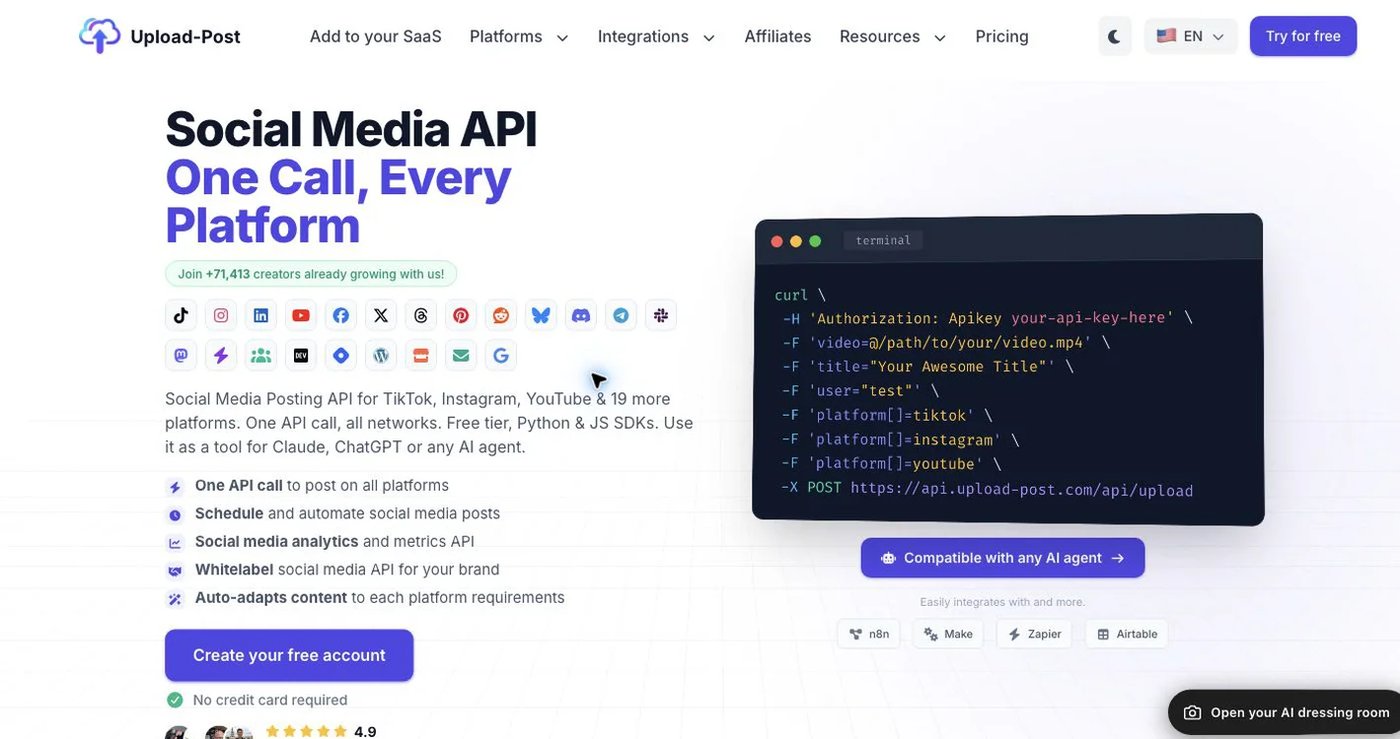
Upload-Post provides a dashboard, REST API, SDKs, automation integrations, and automatic media adaptation across a broad list of social and publishing destinations. Its free allowance supports initial integration work, while paid tiers increase profile, upload, video-processing, seat, and white-label allowances.
Choose it when media transformation and destination breadth are the difficult part of your product. Do not assume that a shared publishing endpoint also matches Post for Me’s feed fields, analytics, tenant mapping, webhook behavior, or account-connection experience. Verify every endpoint and post format in a proof of concept.
See Upload-Post’s live pricing and product page and API documentation.
5. Postiz — best for an open-source scheduler and API
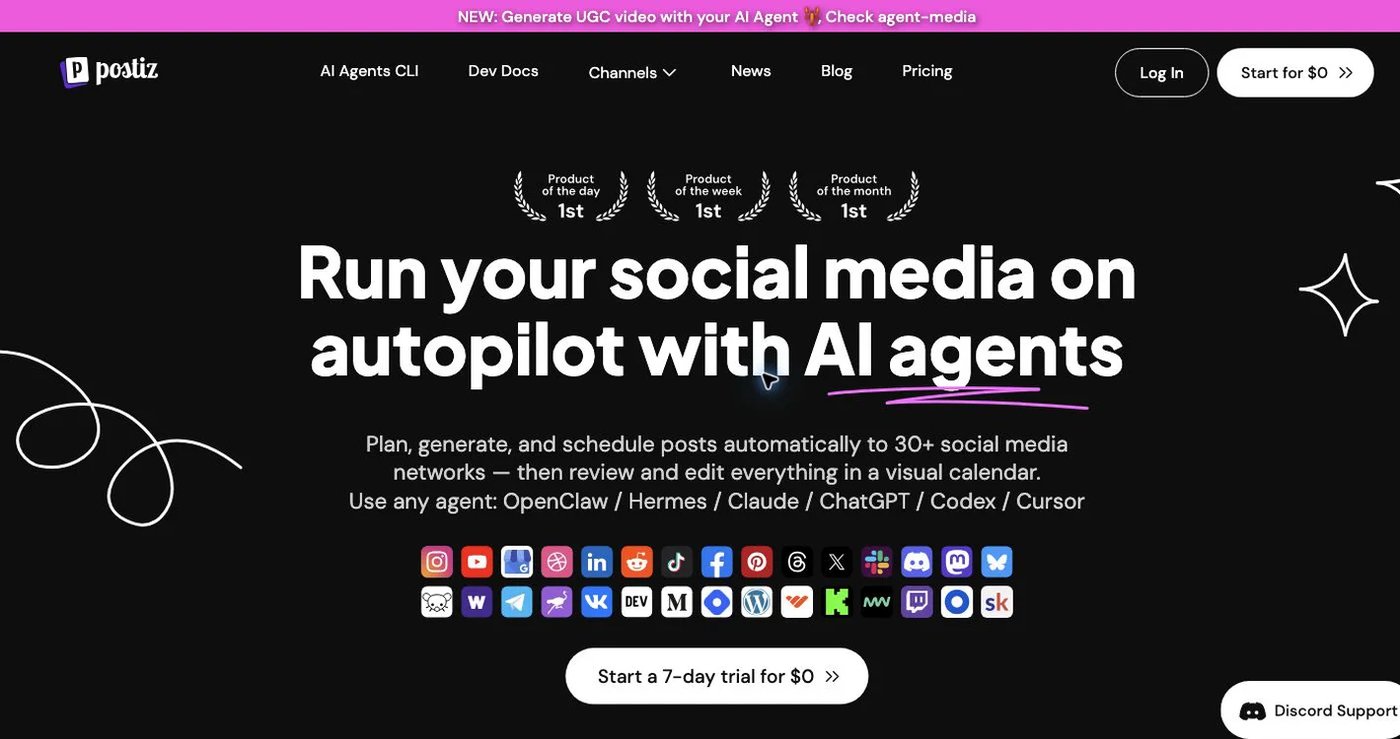
Postiz offers a hosted scheduler, public API, webhooks, integrations, and an open-source self-hosted option. Cloud plans currently start at $29 monthly. Self-hosting provides code and deployment control when a managed API is not acceptable.
That control comes with responsibility for application upgrades, database and queue operations, media storage, backups, observability, secrets, and provider configuration. A self-hosted application still needs approved provider apps and account-owner authorization.
Choose Postiz when the surrounding calendar and code availability matter as much as the API. Check Postiz pricing and its API introduction for current cloud and self-hosted behavior.
6. Mixpost — best for self-hosted workspace control
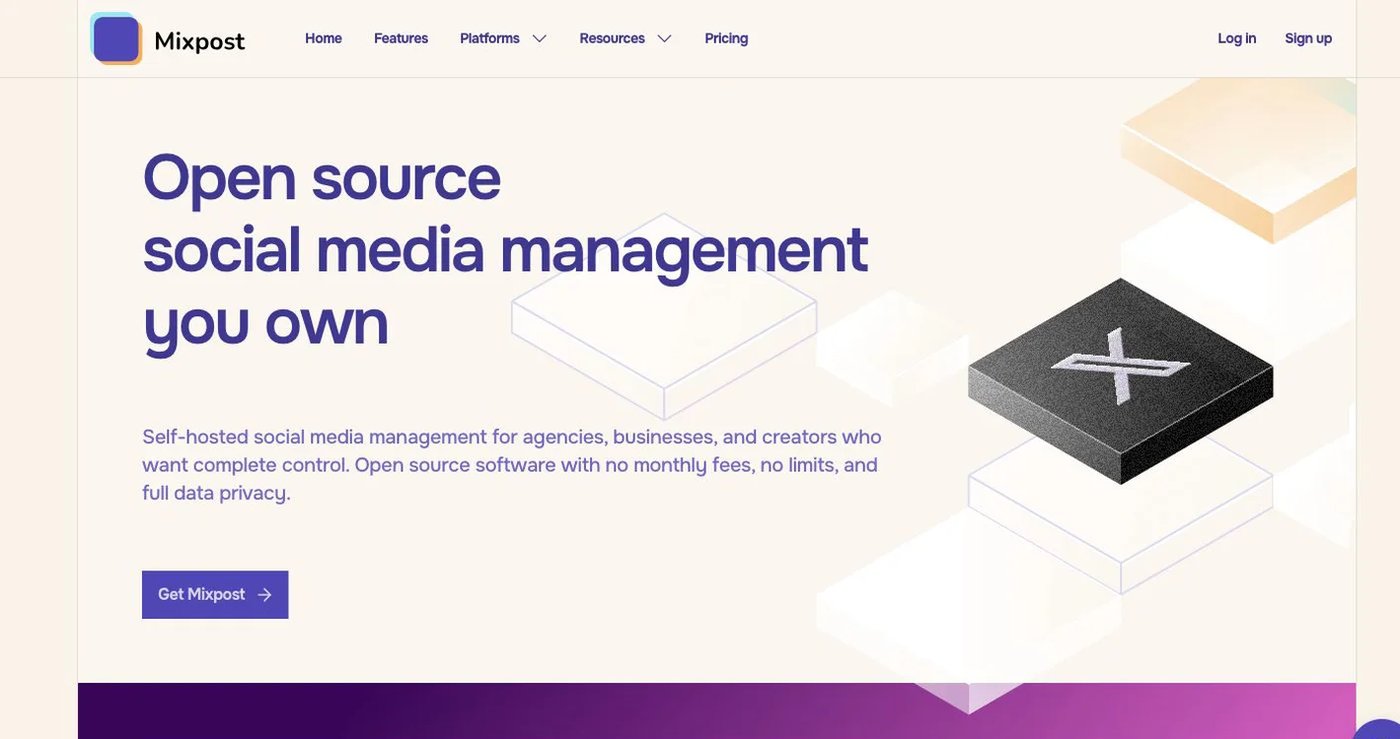
Mixpost is a self-hosted social media management application with free and commercial editions. Qualifying packages add more networks, users, workspaces, analytics, inbox features, API, MCP, and white-label capabilities.
Mixpost is an alternative to the hosted-service model, not a like-for-like replacement for Post for Me’s managed API. Your team maintains the server, queues, storage, database, upgrades, security, monitoring, backups, and social provider applications. Include that labor when comparing a one-time licence with monthly API pricing.
Review Mixpost’s current packages and choose it only when ownership of the deployment is worth the operational work.
7. Buffer — best for a simple internal publishing queue
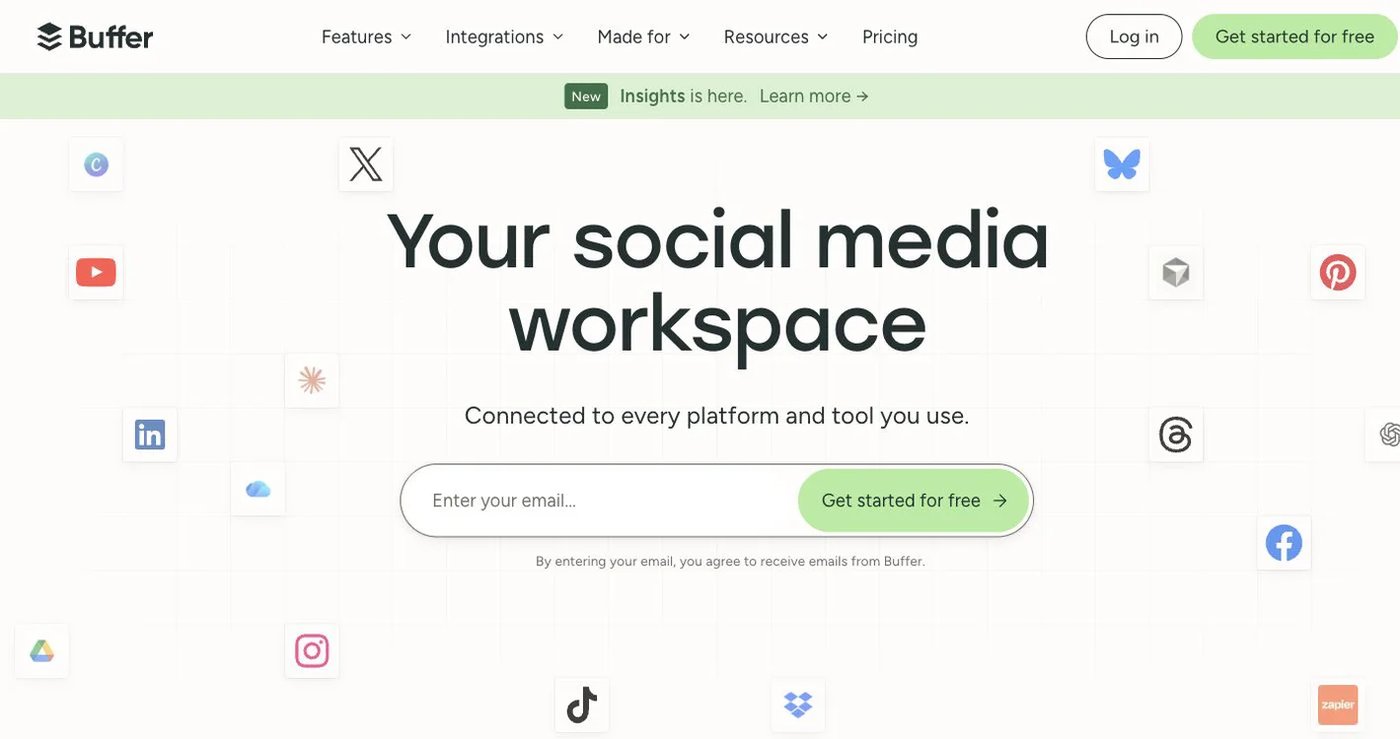
Buffer is a dashboard-first scheduler with a public GraphQL API. Free includes three channels, one user, and 10 scheduled posts per channel. Essentials costs $6 per channel monthly or $5 per channel per month billed annually; Team costs $12 monthly or $10 billed annually and adds unlimited users, access levels, and approvals.
The Buffer API is available on all plans with tier-specific keys and request limits. It manages content within the authenticated Buffer organization; it is not packaged as an embedded, tenant-profile service like Post for Me or Ayrshare.
Choose Buffer when an internal team wants a clean queue that can be extended with scripts or integrations. Use the pricing calculator with the actual channel count.
How to choose a Post for Me replacement
Treat the decision as product architecture:
- Decide whether social publishing appears inside your product or inside the vendor’s dashboard.
- Model the real billable unit: successful posts, social profiles, connected channels, accounts, or infrastructure.
- List every required network, account type, post format, feed field, metric, and webhook.
- Test provider authorization with a non-critical account; a service API key never substitutes for user consent.
- Exercise failed media, expired tokens, partial multi-account delivery, retries, cancellations, and duplicate requests.
- Verify tenant isolation and API-key scope. Never expose a project-wide administrative key to browser code.
- Test the agent permission model before giving an MCP client publishing or deletion access.
Postqued is the strongest fit when a visible team workflow belongs beside automation. Ayrshare serves deeper multi-tenant infrastructure, Post Bridge and Buffer provide dashboard-led APIs, Upload-Post emphasizes media delivery, and Postiz or Mixpost suit teams that want more control over the application stack.
Primary sources
- Post for Me pricing, integrations, developer overview, OAuth flow, and MCP security
- Postqued pricing, About Postqued, and MCP setup
- Ayrshare pricing and Business plan overview
- Post Bridge pricing, account limits, API pricing, and API reference
- Upload-Post product and pricing and API documentation
- Postiz pricing and public API documentation
- Mixpost pricing and edition comparison
- Buffer pricing and Buffer API