7 Best Post Planner Alternatives in 2026
Postqued is the best Post Planner alternative for teams that want a shared publishing calendar, revision-aware approvals, and API or MCP automation. Plans start at $9 per month for five connected accounts and include unlimited posts across 10 publishing networks.
Post Planner remains the better fit when content discovery, ready-made post ideas, category buckets, and automatic recycling are the heart of your workflow. Do not leave a useful evergreen system simply because another scheduler has a longer feature list.
Post Planner alternatives at a glance
| Product | Best for | Current starting point | Important boundary |
|---|---|---|---|
| Postqued | Shared publishing, approvals, API and MCP | $9/month | No content discovery or evergreen recycling |
| SocialBee | Category queues and evergreen content | $29/month | No public API |
| Publer | Bulk, recurring, and recycled posts | Free; paid pricing scales by accounts | API has plan and eligibility conditions |
| OneUp | Repeating posts and RSS automation | $25/month | Starter has a 300-post scheduled allowance |
| RecurPost | Evergreen content libraries | $9/month | Verify required networks and formats by plan |
| Buffer | A clean queue for a few channels | Free; paid per channel | No Post Planner-style discovery library |
| Metricool | Analytics, competitor tracking, and reports | Free; Starter from $25/month | API and approvals begin on Advanced |
What Post Planner offers now
Post Planner combines publishing with content discovery, post ideas, topic buckets, bulk scheduling, and post recycling. Its current pricing page lists:
- Free: one account, one user, 15 future scheduled posts, and three daily posts per account.
- Starter: $14 monthly or $9 per month billed annually, with three accounts and 150 future scheduled posts.
- Growth: $59 monthly or $39 per month billed annually, with 15 accounts, two users, and 1,500 future scheduled posts.
- Business: $99 monthly or $69 per month billed annually, with 25 accounts, five users, and 5,000 future scheduled posts.
- Enterprise: custom pricing for published allowances of 100 accounts, 15 users, and 20,000 future scheduled posts.
The same page says all plans include basic scheduling such as recycling, copying, shuffling, bulk upload, buckets, carousels, Reels and Stories, calendar view, and previews. Growth and higher add premium curation and analytics. Post Planner currently offers a seven-day trial and moves customers who do not upgrade onto Free.
Post Planner’s public pricing and feature documentation does not advertise a customer-facing publishing API. That is not proof that no private or partner integration can exist. If programmatic publishing is a requirement, get the endpoints, plan entitlement, authentication method, limits, and support terms in writing before committing.
1. Postqued — best for shared publishing and automation

Postqued is a shared workspace where people and compatible AI agents can plan, comment, suggest exact caption changes, approve a specific revision, and publish. It supports TikTok, Instagram, Facebook, Threads, LinkedIn, YouTube, X, Pinterest, Mastodon, and Bluesky through the dashboard, REST API, and remote MCP server.
Solo costs $9 monthly for five connected accounts. Creator is $29 for 20, Pro is $49 for 30, and Agency is $199 with unlimited connected accounts. Every paid plan includes unlimited posts and API/MCP access. Pro and Agency include unlimited workspaces and team seats.
Postqued does not replace Post Planner’s discovery library, topic buckets, or automatic evergreen recycling. It also does not provide DMs, social listening, reviews, competitor tracking, or ad management. Analytics cover TikTok, Facebook, Instagram, Threads, and YouTube; comments and replies cover Facebook, Instagram, Threads, YouTube, X, LinkedIn, and Mastodon.
Social accounts still connect through each provider’s supported authorization flow. An organization-bound Postqued API key authenticates permitted API and MCP work after connection; it does not bypass provider OAuth, workspace scope, or platform permissions.
Choose Postqued when the workflow starts with your team’s own content and needs review plus automation. Keep Post Planner when finding and recycling content is the primary job.
Review Postqued pricing, learn about Postqued, or compare Postqued and Post Planner.
2. SocialBee — best for category-based evergreen queues

SocialBee is the closest match when Post Planner’s buckets and recycling are the features you want to preserve. It organizes posts into categories, imports RSS sources, creates platform variations, and can recycle or expire content within a flexible posting schedule.
The current pricing page lists Bootstrap at $29 monthly for five social profiles, one user, and one workspace; Accelerate at $49 for 10 profiles; and Pro at $99 for 25 profiles, three users per workspace, and five workspaces. Annual billing is lower, and extra profiles, users, or workspaces are available as add-ons.
SocialBee’s official API answer says it does not provide a public API. Choose it for structured evergreen publishing and content sources, not for building your own programmatic publishing integration.
3. Publer — best for flexible bulk and recycled publishing

Publer supports bulk scheduling, recurring and recycled posts, RSS automation, workspaces, media tools, and AI-assisted creation. Free connects up to three eligible social accounts and holds 10 scheduled posts per account at a time. Paid pricing scales with the number of accounts and members; the live calculator is the safest way to price a real workspace.
Professional adds unlimited scheduling and broader publishing features. Business adds analytics and team-oriented capabilities. Publer’s current API access guide says the public API is available to Enterprise customers and Business customers in good standing, while its developer documentation describes publishing, media, analytics, workspaces, and rate limits.
Choose Publer when bulk operations and recycling matter more than Post Planner’s built-in discovery feed. Confirm API eligibility before treating Business access as automatic.
4. OneUp — best for repeating posts and RSS automation
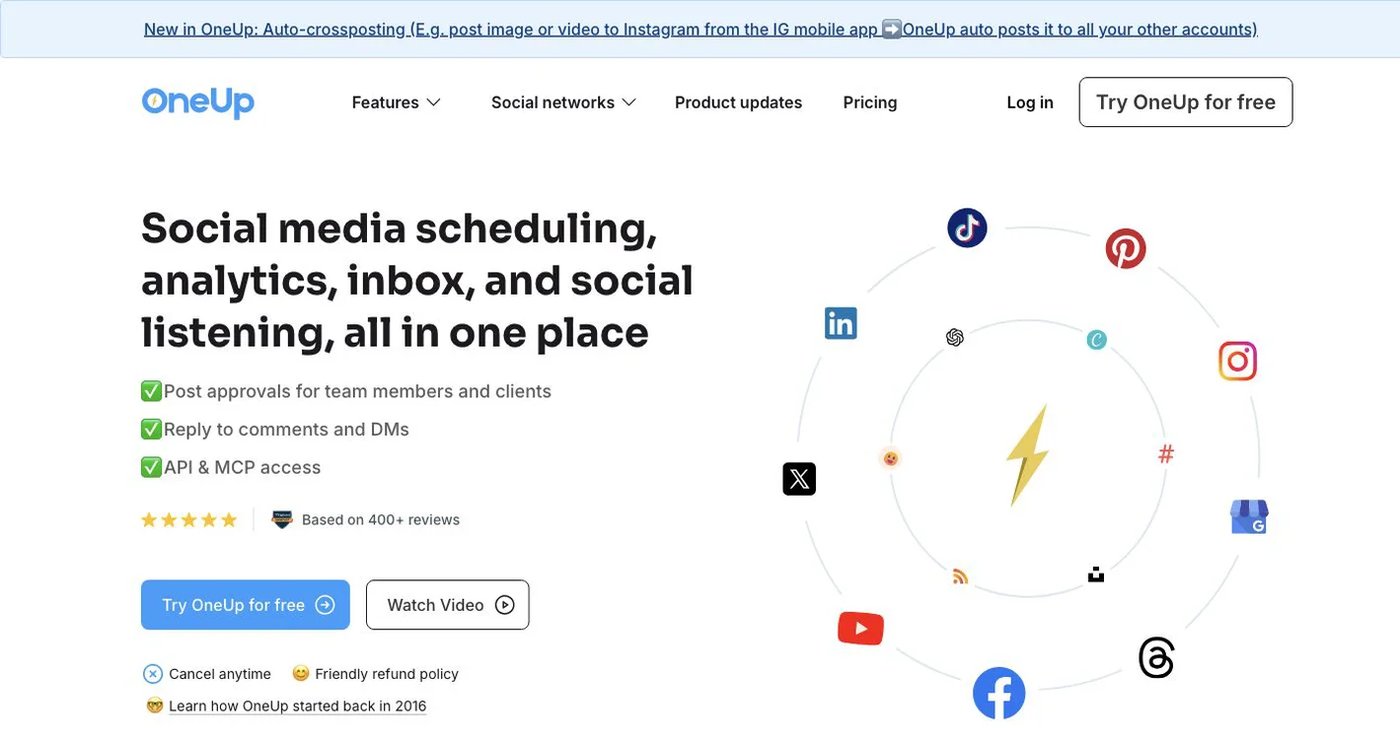
OneUp supports repeating posts, queue times, RSS feeds, bulk uploads, an inbox, listening, reports, client approval, API, and MCP. It is a closer workflow match than a one-time-post scheduler when recurring content is non-negotiable.
Its current pricing lists Starter at $25 monthly or $15 per month billed annually for five accounts, 300 scheduled posts, one workflow, and API/MCP scheduling. Intermediate is $60 monthly or $48 billed annually for 15 accounts, unlimited posts, three workflows, two additional team members, and API/MCP comment replies.
Choose OneUp when feeds, repeating posts, and its wider inbox justify the switch. Postqued remains better aligned with revision-aware team review and a shared agent workflow.
5. RecurPost — best for evergreen libraries
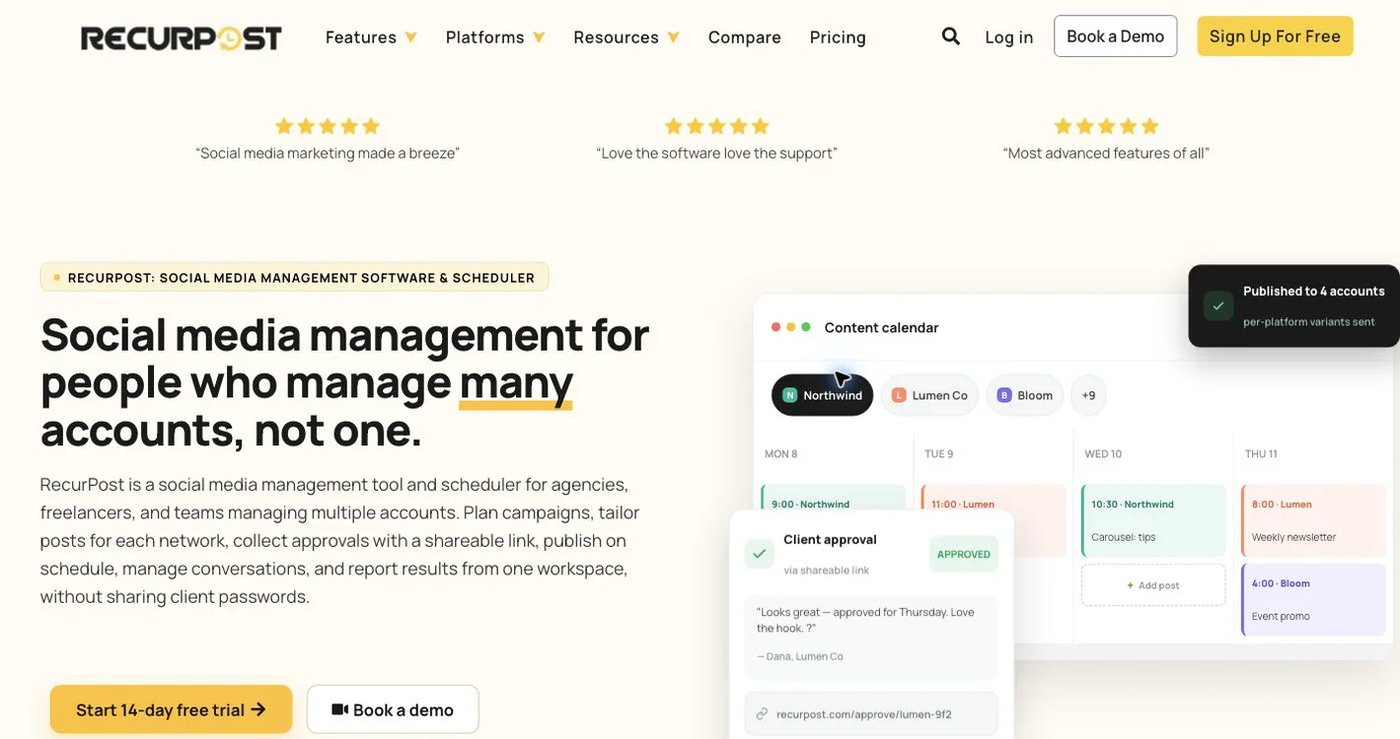
RecurPost is built around maintained content libraries that can publish repeatedly. It also supports scheduling and bulk workflows, making it a direct candidate for teams that use Post Planner as an evergreen engine rather than mainly as a discovery tool.
The current pricing page lists Starter at $9 monthly for two social accounts, Personal at $25 for five, and Agency at $79 for 20. Compare library, user, account, and format allowances against the exact plan you need.
Choose RecurPost when evergreen libraries are the deciding requirement. Do not assume historical scheduled posts or recycling rules will transfer automatically; rebuild and test a representative library before cancelling Post Planner.
6. Buffer — best for a straightforward editorial queue
Buffer is a simpler option for teams that already know what they want to publish. Free includes three channels, one user, and 10 scheduled posts per channel. Essentials is $6 per channel monthly or $5 billed annually; Team is $12 monthly or $10 billed annually and adds unlimited users, access levels, and approvals.
Buffer now provides a public GraphQL API on every current plan, with plan-specific key and request limits. That corrects older comparisons that said it had no API. It still does not reproduce Post Planner’s content-discovery and evergreen-category workflow.
Choose Buffer when a clean queue and per-channel billing are enough. Calculate the real channel set on Buffer’s pricing page.
7. Metricool — best for analytics and reporting

Metricool combines publishing with cross-network analytics, competitor tracking, advertising dashboards, reports, and a link-in-bio tool. Its Free plan manages one brand but excludes LinkedIn and X and limits scheduling to 20 posts per month.
The current pricing page lists Starter from $25 monthly for up to five brands, unlimited publishing subject to fair use, competitor analysis, LinkedIn connection, and report exports. Advanced starts at $67 monthly for 15 brands and adds team and client management, roles, approvals, customizable reports, Looker Studio, API, Zapier, Make, and MCP.
Choose Metricool when measurement, competitor data, or report production matters more than Post Planner’s discovery library. Do not compare Starter with an API requirement: Metricool places its API and MCP on Advanced.
How to choose a Post Planner replacement
Start with the workflow you would lose:
- Export or inventory future posts, categories, sources, and evergreen rules.
- Separate content discovery from recycling; they are related but different jobs.
- Confirm each network, account type, post format, and daily or queue limit.
- Recreate one category, one recurring post, and one approval flow in the replacement.
- If API or MCP matters, verify the exact plan, operations, keys, rate limits, and workspace scope.
- Connect a non-critical account through the real provider authorization flow and test publishing.
- Keep Post Planner active until the sample workflow publishes correctly and the new queue is complete.
Postqued is the strongest choice here for controlled team-and-agent publishing. SocialBee, OneUp, and RecurPost are closer to Post Planner’s evergreen model. Publer handles flexible bulk and recycling, Buffer simplifies the queue, and Metricool prioritizes analytics and reporting.
Primary sources
- Post Planner pricing, allowances, features, and trial
- Postqued pricing, About Postqued, and MCP setup
- SocialBee pricing and public API status
- Publer plans and pricing, API access, and API documentation
- OneUp pricing and features
- RecurPost pricing
- Buffer pricing and Buffer API
- Metricool pricing, plans, API, and MCP