7 Best Postcron Alternatives in 2026
Postqued is the best Postcron alternative for teams that want dependable multi-network publishing, revision-aware approvals, and API or MCP automation in one workspace. Plans start at $9 per month for five connected accounts, with unlimited posts across 10 supported networks.
Postcron still has public product, pricing, sign-in, and support pages, but its commercial information needs care. The readable Spanish pricing page displays plan allowances and annual-billing prices while retaining a 2022 footer. Its English pricing URL now opens an application route that does not expose plan details to a normal page reader. Confirm that new accounts are accepted and verify the price at checkout before planning a migration.
Postcron alternatives at a glance
| Product | Starting point | Best fit | Important boundary |
|---|---|---|---|
| Postqued | $9/month | Publishing, approvals, API and MCP | No automatic evergreen recycling |
| OneUp | $25 monthly; $15/month billed annually | Repeating posts, RSS, bulk scheduling | Starter has a 300-post queue limit |
| RecurPost | $9/month | Evergreen content libraries | Verify network and format support |
| Sendible | $29/month billed annually | Client workspaces and reports | White-label options sit on higher tiers |
| Loomly | $65 monthly; $49/month billed annually | Calendar-led approvals | No public posting API is advertised |
| Nuelink | $18/month | RSS and store automations | Standard has one brand and one user |
| Vista Social | $79/month | Inbox, listening, and reviews | Developer integrations start higher |
What can be verified about Postcron now?
Postcron’s public pricing page lists Facebook, Instagram, TikTok, LinkedIn, Pinterest, and X. It displays a free tier and four paid plans, plus a seven-day premium trial. The page shows bulk uploads, watermarks, video, post history, team members, insights, and moderation as plan-dependent capabilities.
The same page displays annual-billing equivalents of $12 for Personal, $24 for Entrepreneur, $58 for Corporate, and $166 for Enterprise. Those values should not be presented as unquestionably current: the page footer says 2022, and its English counterpart does not render the same details outside the app. A recently reachable Postcron support article says subscriptions renew monthly or annually and include a seven-day trial, but it does not publish prices.
Before choosing Postcron or replacing it, check four things in a live account:
- Whether new-account registration and the required social connections complete successfully.
- The checkout price, currency, billing interval, account allowance, and pending-post limit.
- Direct-publishing support for every format you use, not just the network name.
- Whether bulk upload, history, moderation, and team access are included in the selected plan.
That verification burden is itself a reasonable reason to compare products with clearer current documentation.
1. Postqued — best for approvals and developer automation

Postqued brings planning, feedback, approval, publishing, supported analytics, and engagement work into a shared workspace. It publishes to TikTok, Instagram, Facebook, Threads, LinkedIn, YouTube, X, Pinterest, Mastodon, and Bluesky.
Solo costs $9 monthly for five connected accounts. Creator is $29 for 20, Pro is $49 for 30, and Agency is $199 with no connected-account cap. Every paid plan includes unlimited posts and REST API plus remote MCP access. Pro and Agency include unlimited workspaces and team seats.
The limits matter. Postqued analytics cover TikTok, Facebook, Instagram, Threads, and YouTube—five of the 10 publishing networks. Its Engagement Inbox supports comments and replies for Facebook, Instagram, Threads, YouTube, X, LinkedIn, and Mastodon. It does not provide DMs, reviews, social listening, competitor tracking, or automatic evergreen recycling. LinkedIn video publishing is not currently enabled.
API and MCP do not remove platform authorization. A person with the necessary provider permissions still connects each social account through the provider’s supported OAuth flow. Automations then operate within the workspace and connected-account permissions.
Choose Postqued when publishing, revision-aware approval, and permissioned agent workflows are the daily job. Choose a recycling specialist when the core requirement is to keep an evergreen library reposting indefinitely.
Review Postqued pricing or compare Postqued and Postcron.
2. OneUp — best for repeating individual posts
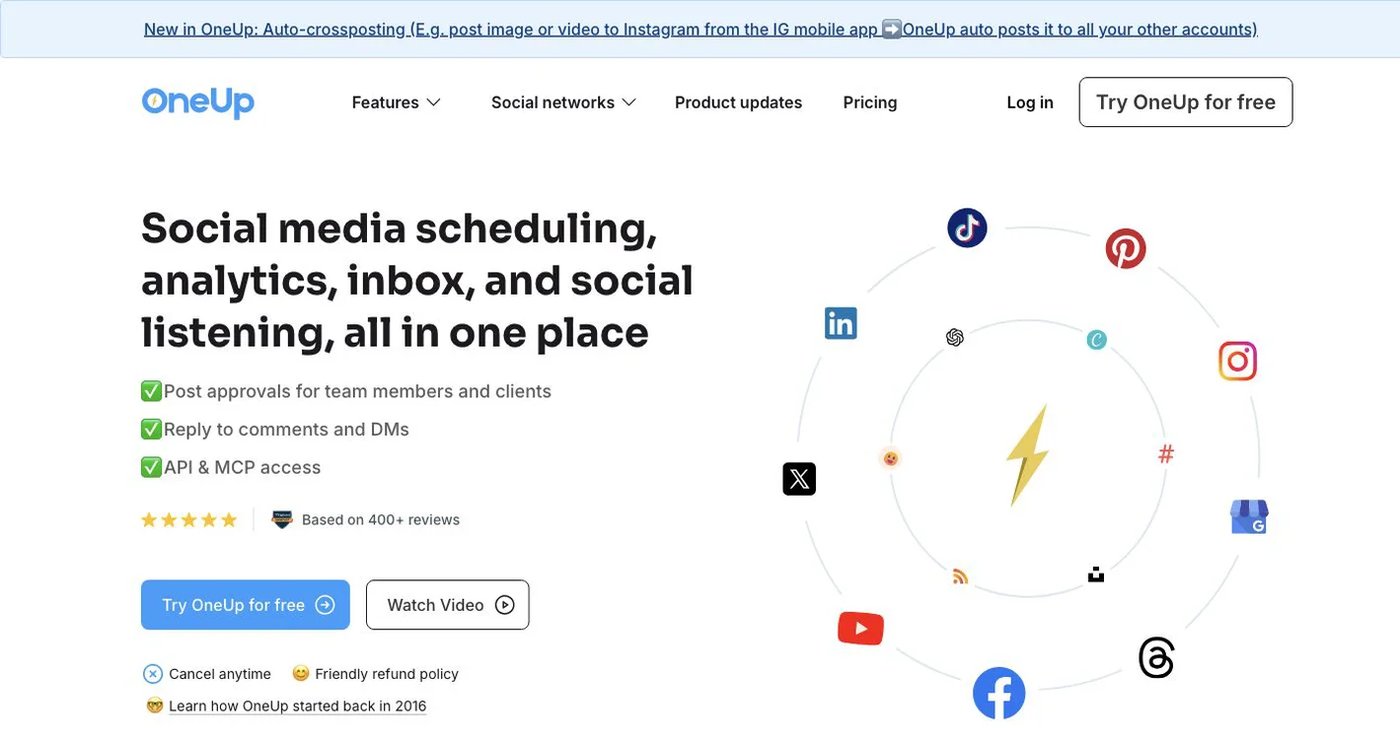
OneUp is a close workflow match for people who used Postcron to repeat content. It supports recurring posts, RSS feeds, bulk scheduling from CSV, image and video bulk tools, cross-posting workflows, an inbox, and social listening.
Starter costs $25 month to month or $15 per month billed annually. It includes five accounts, 300 scheduled posts, one workflow, and API/MCP scheduling. Intermediate costs $60 monthly or $48 per month billed annually and adds 15 accounts, unlimited scheduled posts, three workflows, two additional team members, video bulk uploading, and API/MCP comment replies.
OneUp is the better fit when repeating a post at a fixed interval is non-negotiable. Postqued offers deeper revision-aware approval and broader agent operations, but it does not replace that recurring-post mechanism. Check OneUp’s current plans against your account count and queue volume.
3. RecurPost — best for evergreen content libraries
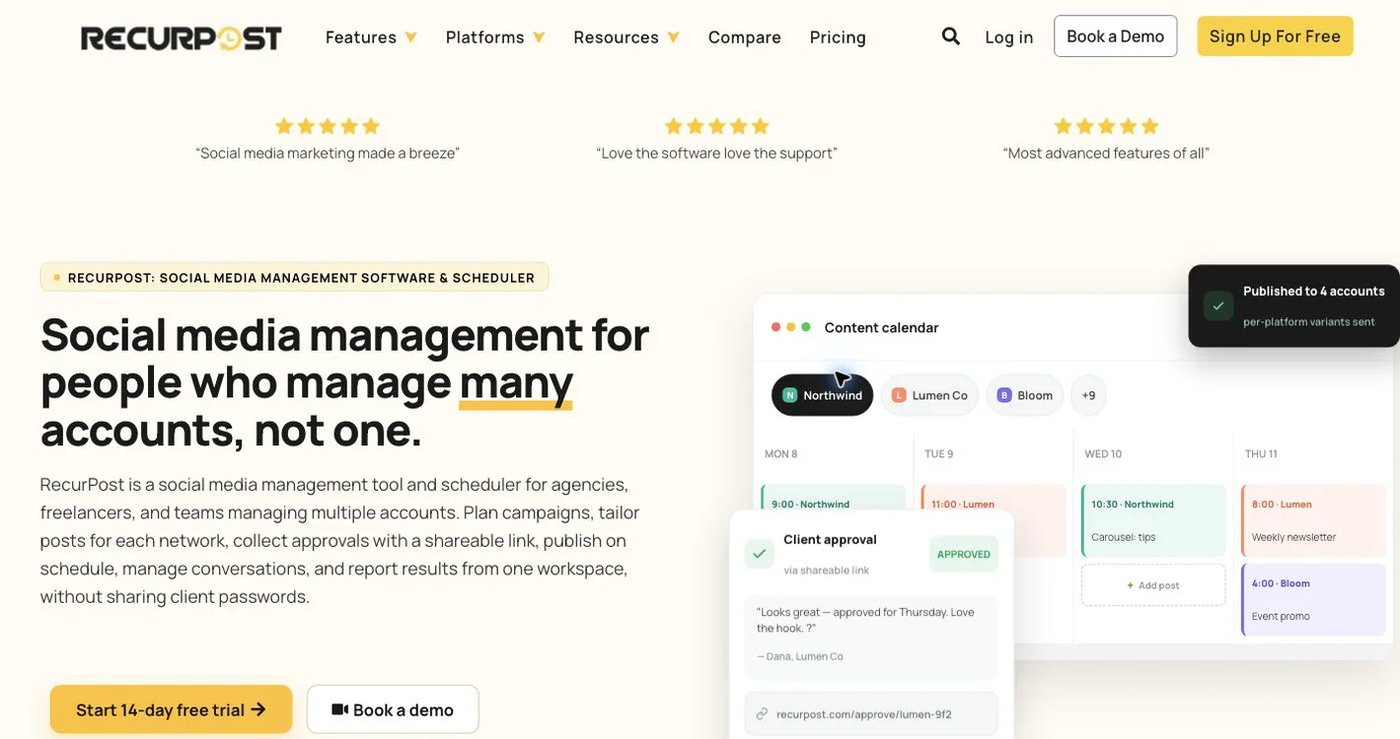
RecurPost organizes reusable posts into content libraries and republishes them according to schedules. Its current pricing page lists Starter at $9 monthly for two social accounts, Personal at $25 for five, and Agency at $79 for 20.
Its appeal is the library model: add evergreen content once, assign it to a schedule, and let eligible items return to the queue. CSV bulk scheduling is also documented. That is closer to Postcron’s repeat-content use case than a calendar that only publishes each scheduled item once.
Treat the network list as a starting point, not proof that every format is supported. Connect a non-critical account and test the exact combinations you need—video, carousels, first comments, location fields, or business-profile destinations—before importing a large library. See RecurPost pricing for current allowances.
4. Sendible — best for client workspaces and reporting
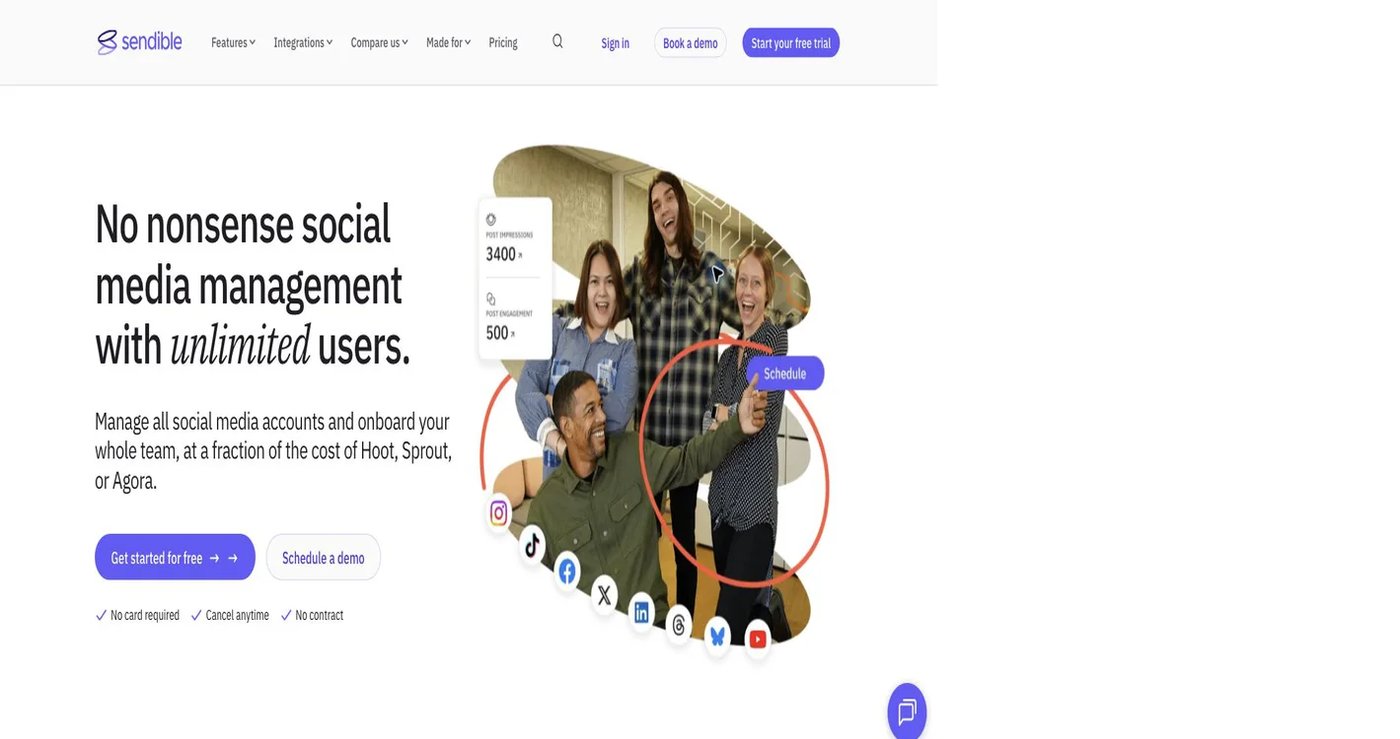
Sendible is designed for agencies that organize publishing, approvals, inbox work, and reports by client. Core starts at $29 per month billed annually and includes one workspace, six profiles, and unlimited users. Plus and higher plans expand workspaces, profiles, approvals, and reporting.
This is a different reason to leave Postcron. Sendible is less about maintaining an evergreen engine and more about separating client access, calendars, conversations, and deliverables. Optional white-label features appear on larger plans, so agencies should price the plan they would actually deploy rather than the entry tier.
Sendible does not advertise a general public posting API on its current pricing page. If a custom integration is required, obtain written confirmation of the available interface and plan before signing a contract.
5. Loomly — best for calendar-led approvals
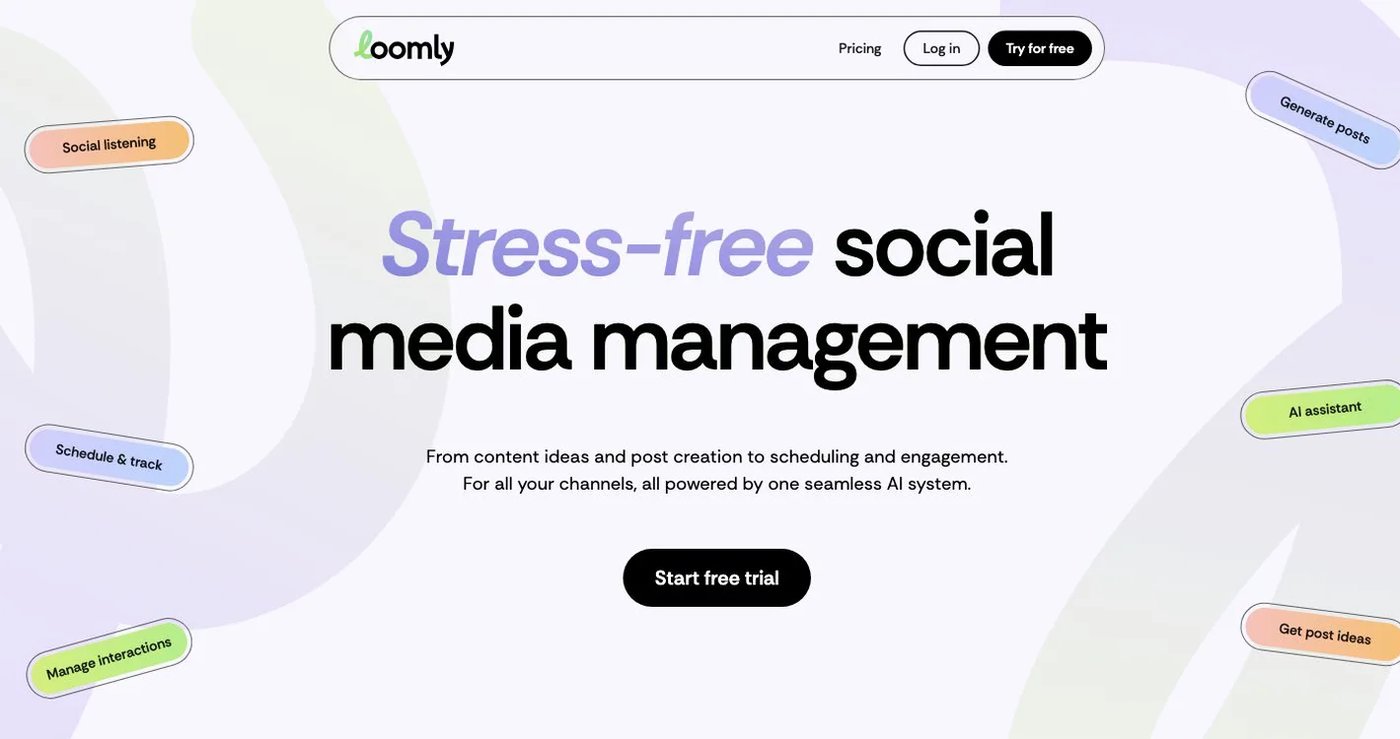
Loomly combines a visual calendar, post creation, approval workflows, roles, previews, an inbox, and analytics. Starter is listed at $65 monthly or $49 per month billed annually for 12 social accounts and three users. Beyond raises capacity to 60 accounts and unlimited users; Enterprise is custom.
Loomly is useful when stakeholders want to see content in a calendar, leave feedback, and move it through a defined review process. It is not the nearest replacement for automatic post recycling, and its public pricing materials do not advertise a general developer posting API.
Compare approval states, external-review access, and account limits in Loomly’s current plans. A short live trial with a reviewer is more useful than comparing the word “approval” across feature lists.
6. Nuelink — best for RSS and ecommerce automations

Nuelink can pull content from RSS feeds and supported ecommerce or content sources, then place it into automated social queues. Standard is currently listed at $18 monthly for 10 social channels, one brand, one member, 10 automations, and 365 queued posts. Premium is $48 monthly with 30 channels, three brands, three members, 30 automations, and unlimited queued posts.
Nuelink fits a team that wants source-driven content ingestion more than detailed human review. Postqued does not provide an equivalent RSS or store-ingestion workflow. On the other hand, Postqued’s approval and agent tools are designed for content that needs deliberate review before publishing.
Check the source integrations, refresh behavior, and format mapping on Nuelink’s pricing page before moving a live feed.
7. Vista Social — best for inbox, listening, and reviews
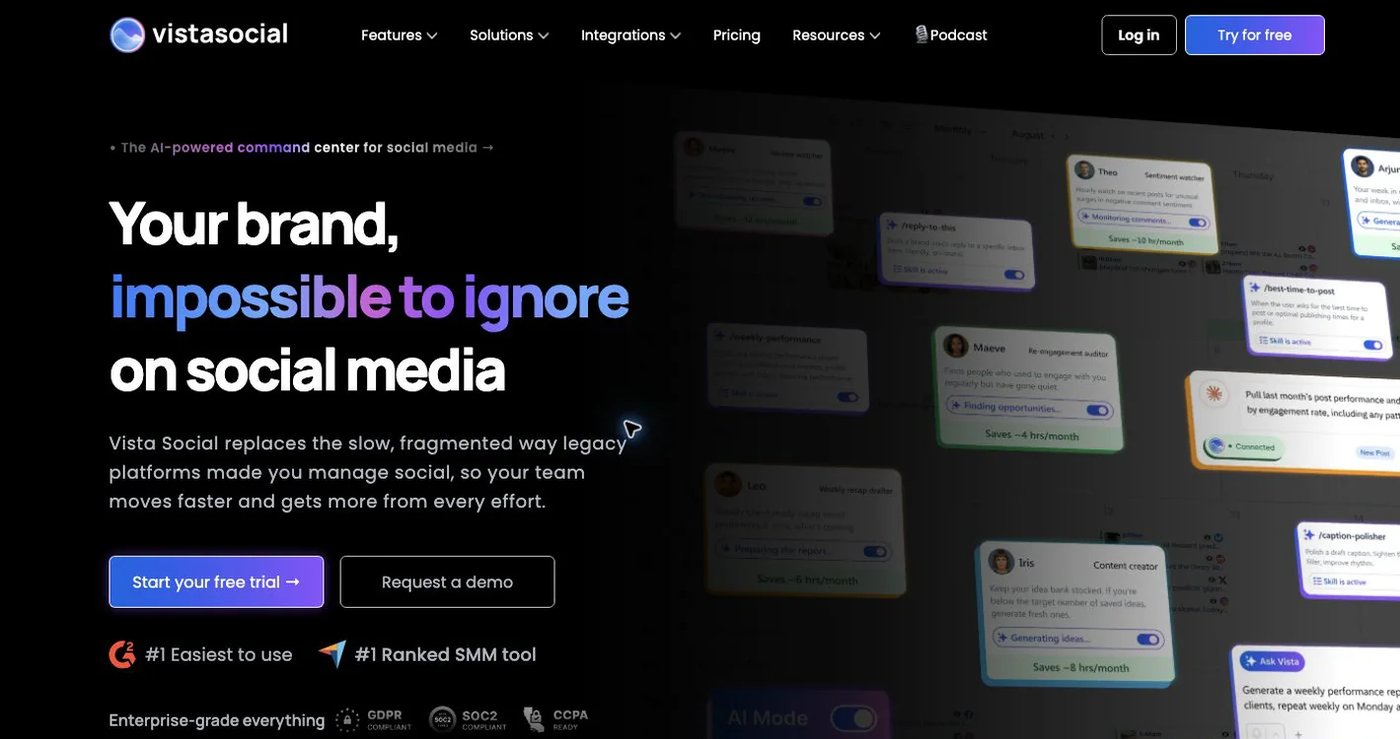
Vista Social combines publishing with a broader engagement suite. Professional starts at $79 monthly for 15 profiles and two users, and includes inbox, reporting, review management, and listening capabilities. Higher plans add more profiles, users, workflow controls, and integrations.
Vista Social makes sense when DMs, review sites, social listening, or reputation work are part of the buying decision. Those are explicit Postqued boundaries: its inbox handles supported comments and replies, not direct messages or reviews, and it does not provide listening.
Vista Social lists MCP, Make, and Zapier on its Advanced plan rather than its entry plan. Confirm the exact automation surface and quotas on Vista Social’s pricing page if developer or agent access is essential.
How to choose a Postcron replacement
Start with the workflow that would be costly to lose:
- Choose Postqued for reviewed publishing and API/MCP agent workflows across 10 networks.
- Choose OneUp for repeating individual posts and broad bulk tools.
- Choose RecurPost for evergreen content libraries.
- Choose Sendible when client workspaces and reports drive the purchase.
- Choose Loomly for visual review and approval.
- Choose Nuelink for RSS and ecommerce-source automation.
- Choose Vista Social for DMs, reviews, and listening alongside publishing.
Do not cancel the old tool after comparing a feature table. Export the post history you need, connect a test account through the provider’s official authorization flow, publish every important format, invite a real reviewer, and run one automation end to end. Scheduled items and analytics history generally do not move automatically between vendors.
Primary sources
- Postcron pricing page and subscription support article
- OneUp pricing
- RecurPost pricing
- Sendible pricing
- Loomly pricing
- Nuelink pricing
- Vista Social pricing
Postqued product details come from the current pricing page, platform directory, API documentation, and MCP page.