7 Best Upload-Post Alternatives in 2026
Postqued is the best Upload-Post alternative for teams that want a complete scheduling workspace around their automation: a visual calendar, revision-aware approvals, unlimited posts, and REST API and MCP access on every paid plan.
Upload-Post remains the more specialized developer product when you need one API across 22 social networks and business tools, automatic media adaptation, an FFmpeg editing API, or a white-label connection flow. Those are real advantages, not details to hide in a comparison.
Upload-Post alternatives at a glance
| Product | Current starting point | Best fit | Important boundary |
|---|---|---|---|
| Postqued | $9/month | Scheduling, approvals, REST API and MCP | 10 publishing networks; no general transcoding API |
| Mixpost | Free; Pro $299 one-time | Self-hosted control and data ownership | You operate the infrastructure |
| Buffer | Free; Essentials $6/channel monthly | A simple queue with a documented API | Price and API allowance scale by plan |
| Metricool | Free; Starter $25/month | Analytics, ads, reports, and competitors | Conventional API requires Advanced |
| Publer | Free; Professional from $5/month | Bulk publishing, RSS, and recycling | API requires Enterprise or eligible Business standing |
| Zapier | Free; Professional from $19.99/month | No-code workflows across many apps | It orchestrates; a publishing app performs the post |
| Make | Free; Core $9/month at 10,000 credits | Visual, branching automation | It also needs a destination app or API |
What Upload-Post offers now
Upload-Post is an API-first publishing service. Its current documentation describes a unified API for 22 destinations, media transcoding, scheduling, webhooks, normalized analytics, JavaScript and Python SDKs, an OpenAPI specification, and an official MCP server. Supported endpoints vary by content type, so video, photo, and text calls do not all cover the same destinations.
The live pricing page offers a free plan with 10 uploads per month, two profiles, analytics, scheduling, 30 minutes of FFmpeg use, and 10 AI Shorts analyses. Its annual display lists Basic at $16 per month for five profiles, Professional at $33 for 25, Advanced at $118 for 75, and Business at $350 for 225. Paid plans list unlimited uploads, higher media-processing allowances, and progressively larger seat and profile limits. White-label integration starts on Professional.
Upload-Post’s “no OAuth app” positioning needs a precise reading. Customers do not build their own TikTok, Meta, or LinkedIn developer application or maintain refresh tokens. The account owner still clicks Connect, signs in through the provider’s authorization window, and approves permissions. Upload-Post then stores and refreshes the resulting credentials. Some destinations such as Discord, WordPress, and self-hosted services use manually supplied webhooks or credentials instead.
Look elsewhere when people need a complete planning and approval workspace, when infrastructure ownership is mandatory, or when the workflow is better modeled in a visual automation system. Keep Upload-Post when broader API coverage and media-processing infrastructure are the core purchase.
For an embedded integration, verify commercial rights as carefully as endpoint coverage. Test whose branding appears on the connection screen, which plans allow white-label use, how many profiles and seats are included, and whether your customers need separate workspaces. A technically successful API call does not by itself make the product suitable for a multi-tenant SaaS workflow.
1. Postqued — best for scheduling, approvals, and agent workflows

Postqued publishes to TikTok, Instagram, Facebook, Threads, LinkedIn, YouTube, X, Pinterest, Mastodon, and Bluesky. It combines a visual calendar, platform-specific post versions, revision-aware approvals, a REST API, and a remote MCP server in the same organization workspace.
Postqued’s paid ladder is based on connected accounts rather than API calls: Solo is $9 for five, Creator $29 for 20, Pro $49 for 30, and Agency $199 without an account cap. Unlimited publishing and both REST API and MCP access are standard. Pro and Agency also remove workspace and team-seat limits.
Postqued is not a 22-destination media pipeline. Analytics cover TikTok, Facebook, Instagram, Threads, and YouTube. The Engagement Inbox handles supported comments and replies for Facebook, Instagram, Threads, YouTube, X, LinkedIn, and Mastodon. It does not provide DMs, social listening, reviews, competitor tracking, or a general FFmpeg editing and transcoding API. LinkedIn video publishing is not enabled.
Provider authentication still applies. An account owner or authorized administrator connects each social network through the provider’s OAuth flow. The Postqued API key or MCP connection works afterward within organization and connected-account permissions; it does not replace that authorization.
Choose Postqued when people and automation need to share one reviewed publishing system. Choose Upload-Post when your application needs its larger destination list, media processing, or white-label account connection layer.
Review Postqued pricing or compare Postqued and Upload-Post.
2. Mixpost — best for self-hosted control
Mixpost is self-hosted social media management software. Its current pricing page lists the open-source Lite edition for free, Pro at a $299 one-time license, and Enterprise at $1,199. Pro includes all supported social platforms, analytics, engagement, approvals, API, MCP, webhooks, unlimited accounts, and unlimited team members. Enterprise adds white-label subscription and customer-management features for teams building a SaaS business.
The trade-off is operational ownership. Your team supplies the server, deployment, security updates, backups, monitoring, and provider configuration. Paid licenses include one year of updates and a perpetual fallback license; continuing updates after that year require renewal.
Choose Mixpost when data location, source access, and self-hosting are requirements. Upload-Post and Postqued are hosted services, so they remove infrastructure work but do not give you the same deployment control.
3. Buffer — best for a straightforward queue and developer API
Buffer offers a familiar queue across its supported networks. Free includes three channels, one user, and 10 scheduled posts per channel. Essentials costs $6 per channel monthly for the first 10 channels; Team costs $12 and adds unlimited users, permissions, and approvals. Annual billing is lower, and volume discounts reduce the unit price above 10 channels.
Buffer’s developer access has improved. Its GraphQL API is available on current plans with different API-key and request allowances. The pricing table shows one API key and 100 requests per 24 hours on Free, three keys and 250 requests on Essentials, and five keys and 500 requests on Team.
Choose Buffer when users want a simple UI and the automation volume fits those published limits. Upload-Post is the stronger fit for a developer-facing product that needs broader destinations, asynchronous processing, and media adaptation.
4. Metricool — best for analytics and competitor reporting
Metricool combines a planner with analytics, ad data, competitor tracking, reports, an inbox, and SmartLinks. Free supports one brand and 20 posts per month but excludes LinkedIn and X from its base connections. Starter begins at $25 monthly for five brands and adds unlimited publishing, reports, competitor allowances, and unlimited analytics history.
Advanced starts at $67 monthly for 15 brands and adds roles, approvals, team and client management, customizable reports, Looker Studio, and conventional API access. Metricool’s plan and API guide says MCP is available on all plans while API access requires Advanced or Custom. X and advanced analytics can involve add-ons.
Choose Metricool when measurement and reporting drive the purchase. Upload-Post is more direct for embedding publishing inside another product; Postqued is more direct when reviewed publishing and agent actions must share a workspace.
5. Publer — best for bulk publishing, RSS, and recycling
Publer combines multi-network publishing with bulk tools, RSS automations, reusable content, workspaces, and platform-specific versions. Free supports three eligible accounts with 10 pending scheduled posts per account. Professional starts at $5 per month for one account, while Business starts at $10; the total changes as accounts and members are added.
Professional includes unlimited scheduling, drafts, workspaces, RSS feeds, and permanent post history. Business adds analytics, best-time suggestions, hashtag tools, and automatic recycling. Publer’s API documentation says its REST API is available to Enterprise and eligible Business customers in good standing; it covers publishing, media, account data, analytics, and competitor information.
Choose Publer for a marketer-operated workflow with bulk and evergreen tools. Choose Upload-Post for a developer product that needs media processing or more destination types, and verify every required endpoint before deciding.
6. Zapier — best for no-code workflows across business apps
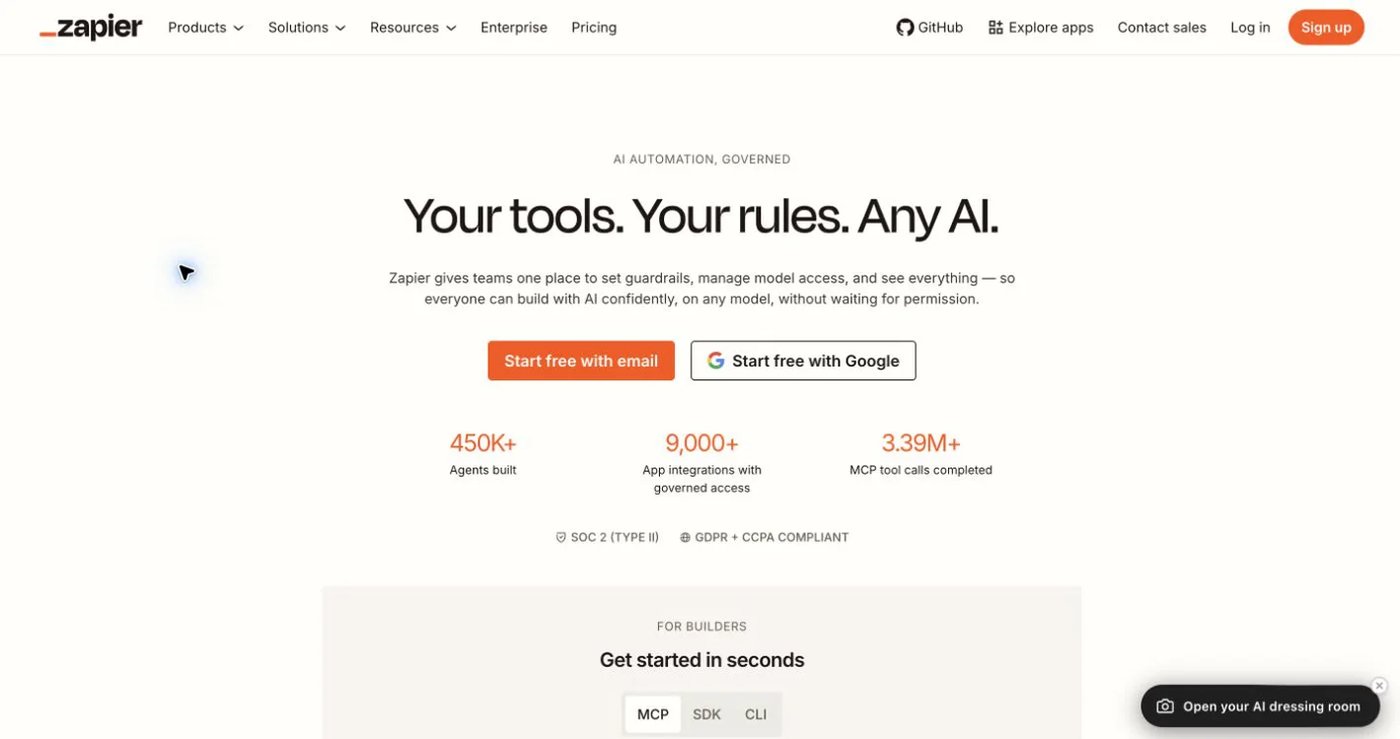
Zapier connects events and actions across more than 9,000 apps. The free plan includes 100 tasks per month and two-step workflows. Professional starts at $19.99 per month and adds multi-step workflows, premium apps, webhooks, and more advanced logic. Team starts at $69 and adds shared connections, folders, and 25 users.
Zapier is an orchestrator, not a social publishing backend. A workflow can collect content from a form, transform it, request approval, and send it to a supported scheduler or API. The final publishing capability, network coverage, OAuth connection, and media limits come from that destination service. Every successful action also consumes tasks under Zapier’s current model.
Choose Zapier when social publishing is one step in a much larger business workflow. Do not compare its subscription alone with Upload-Post; budget for the connected publishing product and task volume too.
7. Make — best for visual, branching automation

Make uses a visual scenario builder with routers, filters, webhooks, app modules, and HTTP requests. Free includes 1,000 credits per month and a 15-minute minimum schedule interval. At the 10,000-credit selection, Core is $9 monthly, Pro $16, and Teams $29. Core adds unlimited active scenarios, one-minute schedules, and Make API access.
Like Zapier, Make does not replace the destination’s publishing API. It coordinates data and calls Upload-Post, Postqued, another scheduler, or a provider integration. Each module action consumes credits, and file-size, interval, retention, and execution limits vary by plan.
Choose Make when branching logic, transformations, and visual debugging matter. Pair it with the publishing layer whose platforms, authorization model, status callbacks, and media support match the application.
How to choose an Upload-Post alternative
Test the workflow at endpoint level rather than comparing logo counts:
- List every destination and content type: video, photo, carousel, text, document, or link.
- Record platform-specific fields, media limits, visibility controls, and daily caps.
- Decide whether users need a dashboard, approvals, workspaces, or a white-label connection page.
- Verify how the account owner authorizes each provider; no scheduler API key replaces provider permission.
- Test idempotency, asynchronous status, webhooks, retries, partial failure, and published URLs.
- Price profiles, seats, API requests, automation tasks or credits, and media processing together.
- Run a small multi-platform batch and inspect every provider result before migrating production work.
Choose Postqued for reviewed publishing, Mixpost for self-hosting, Buffer for a simple queue, Metricool for measurement, Publer for recycling, Zapier for broad app workflows, or Make for visual automation. Keep Upload-Post when its wider destination and media-processing layer is the real requirement.
Primary sources
- Upload-Post pricing, documentation, API reference, and account connection guide
- Mixpost pricing and platform table
- Buffer pricing and Buffer API
- Metricool plan and API guide
- Publer plan guide and API documentation
- Zapier pricing
- Make pricing and credit model
Verify Postqued against its live pricing, About Postqued, API v2 reference, and remote MCP description.