7 Best Planable Alternatives in 2026
Postqued is the best Planable alternative for teams that want unlimited publishing, revision-aware approvals, and API or MCP automation in one workspace. Plans start at $9 per month for five accounts across 10 networks.
Planable is still the more specialized review product. Its realistic previews, contextual comments, version history, internal and external collaboration, required approvals, and Enterprise multi-level approval stages are good reasons to keep it. The right replacement depends on whether you need that depth or a broader publishing, inbox, reporting, or automation workflow.
Planable alternatives at a glance
| Product | Current starting point | Best for | Important boundary |
|---|---|---|---|
| Postqued | $9/month | Publishing, revision-aware approvals, API and MCP | No configurable multi-level approval chain |
| Loomly | $65/month | Shared calendars and approval workflows | No documented public API or MCP |
| Agorapulse | Free; Standard $99/user/month | Inbox, moderation, and reports | Per-user pricing and plan-based limits |
| Buffer | Free; paid plans price by channel | A simple queue with approvals | Less specialized visual review than Planable |
| SocialPilot | $20/month | Bulk publishing and client work | Advanced agency tools vary by plan |
| Sendible | Core from $35/month in current USD structured data | Client dashboards and reports | Pricing and plan display vary by region |
| Sprout Social | $99/seat/month | Social care and governed reporting | Per-seat pricing and paid add-ons |
What Planable offers now
Planable gives new accounts 50 total created posts for free with no time limit. The allowance does not reset if a post is deleted. Its current pricing help lists:
- Basic: $39 per workspace monthly or $390 yearly; 60 posts per month, four social pages, unlimited users, and optional approvals.
- Pro: $59 per workspace monthly or $590 yearly; 150 posts, 10 social pages, required approvals, bulk approval, internal-external collaboration, and a public API.
- Enterprise: custom pricing; unlimited posts and pages, multi-level approvals, SSO, and unlimited campaigns.
The effective annual rates shown on the live pricing page are about $33 for Basic and $49 for Pro. Analytics and the social inbox are separate workspace add-ons. Planable lists its MCP connector across plans, while the public API begins on Pro.
Planable’s per-workspace model is useful when each workspace represents a brand or client, but it needs to be priced as a complete setup. Count workspaces, required pages, expected monthly posts, and add-ons—not just users.
1. Postqued — best for publishing and agent workflows
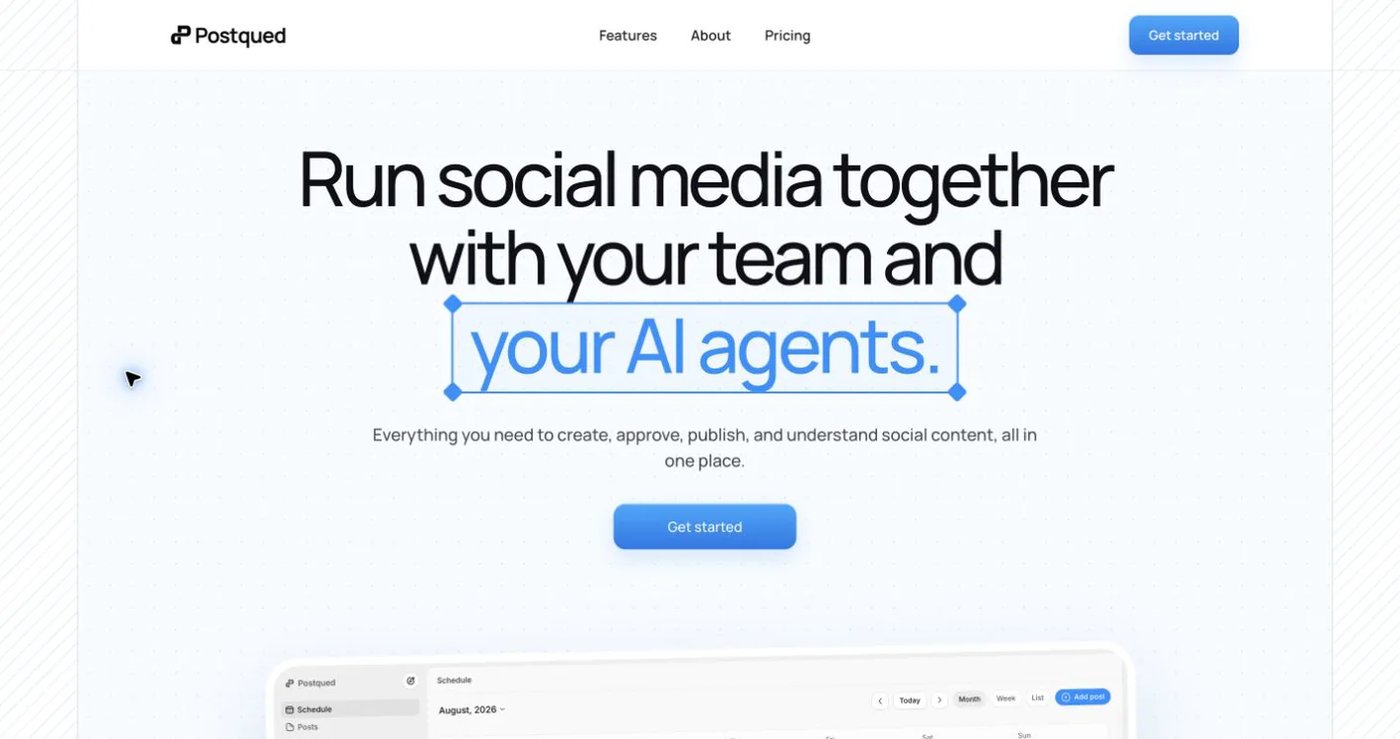
Postqued publishes to TikTok, Instagram, Facebook, Threads, LinkedIn, YouTube, X, Pinterest, Mastodon, and Bluesky. Its review workflow supports comments, exact caption suggestions, change requests, and approval of the specific revision a reviewer saw. Accepted suggestions create a new revision, so publishing can remain tied to approved content.
Solo costs $9 monthly for five accounts, Creator $29 for 20, Pro $49 for 30, and Agency $199 with no connected-account cap. Every paid plan includes unlimited posts and API/MCP access. Pro and Agency include unlimited workspaces and team seats.
Postqued is not a feature-for-feature copy of Planable. It does not claim configurable sequential approval levels, visual annotations on creative files, non-social “universal content,” DMs, or social listening. Analytics cover TikTok, Facebook, Instagram, Threads, and YouTube. Comments and replies cover Facebook, Instagram, Threads, YouTube, X, LinkedIn, and Mastodon. LinkedIn video publishing is not enabled.
Each social provider account still needs a person to complete OAuth authorization. API and MCP clients work within those connected-account and workspace permissions; they do not bypass provider authentication.
Choose Postqued when publishing volume and controlled human-agent workflows matter more than Planable’s deepest review features.
Review Postqued pricing or compare Postqued and Planable.
2. Loomly — best for a shared calendar and approvals
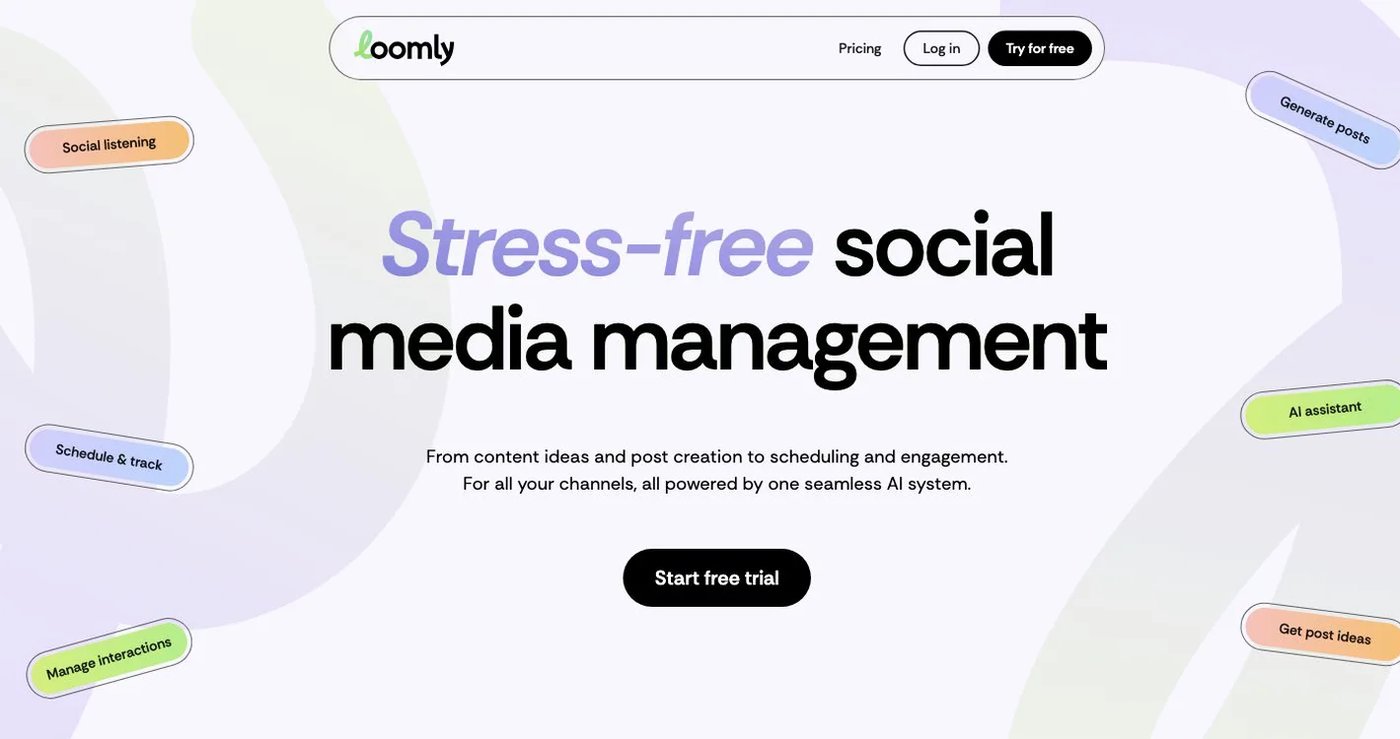
Loomly combines calendars, post previews, approval workflows, interaction management, reports, and content ideas. It is a closer alternative when the team wants a polished collaborative calendar without buying a larger social-care suite.
The current pricing page lists Starter at $65 monthly for 12 social accounts, three users, and unlimited calendars, or $49 per month billed yearly. Beyond costs $332 monthly for 60 accounts and unlimited users, or $249 per month billed yearly. Enterprise is custom.
Loomly’s current product and pricing pages do not document a customer-facing public API or MCP server. Choose it for calendar-led collaboration; verify integration terms directly if programmatic publishing is required.
3. Agorapulse — best for inbox and moderation work

Agorapulse combines publishing with a unified inbox, assignments, moderation rules, reports, social listening, and ROI tools. This is a broader operational replacement for teams whose work continues after a post is approved.
Its current pricing page lists a free plan and Standard at $99 per user monthly or $79 per user per month billed annually. Professional and Advanced add deeper inbox, moderation, reporting, assignment, and collaboration features. API integration belongs to custom packaging.
Choose Agorapulse when incoming conversations and team response workflows are more important than Planable’s specialized visual review. Model the full user count and listening or reporting needs before comparing totals.
4. Buffer — best for a straightforward queue
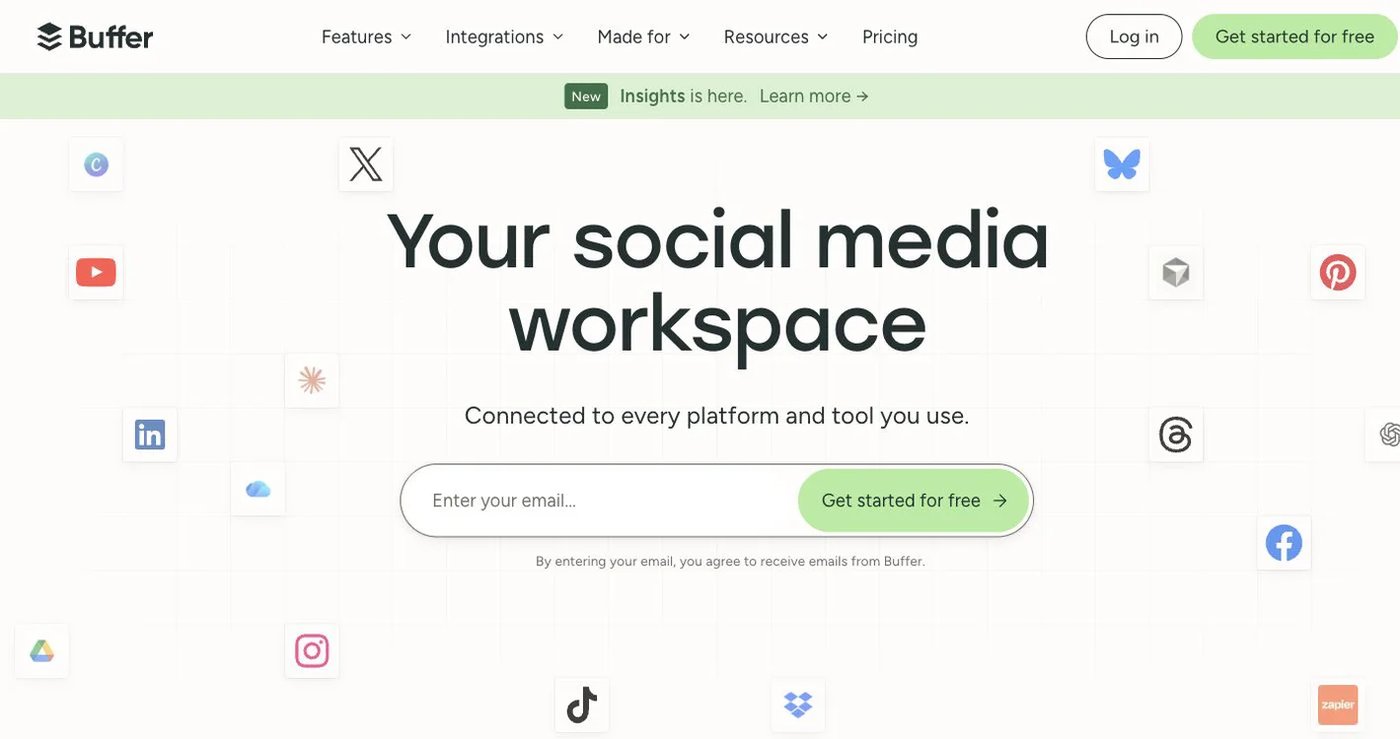
Buffer is easier to size when a small team needs scheduling, a calendar, analytics, and a lighter approval workflow. Its free plan includes three channels, one user, and 10 queued posts per channel. Paid plans use channel-based pricing and provide unlimited scheduled posts subject to fair-use limits.
Buffer also offers a GraphQL API with plan-specific operations and allowances. It does not provide Planable’s multi-level approvals, contextual creative annotations, or broader non-social content review.
Choose Buffer when simplicity matters more than approval depth. Review Buffer pricing with the actual channel count because the total grows as channels are added.
5. SocialPilot — best for bulk publishing and client work

SocialPilot combines scheduling, bulk upload, approvals, client onboarding, reporting, and an inbox on relevant plans. Its pricing is organized around bundled accounts and users rather than Planable workspaces.
The current pricing page lists monthly billing at $20 for five accounts and one user on Essentials, $40 for 10 accounts and three users on Standard, $100 for 20 accounts and six users on Premium, and $200 for 40 accounts and unlimited users on Ultimate. Annual billing lowers the effective monthly rates.
SocialPilot also documents an MCP server on current paid plans. Choose it when bulk work and account capacity matter more than Planable’s visual feedback experience; check which client and white-label features belong to the plan you need.
6. Sendible — best for client dashboards and recurring reports
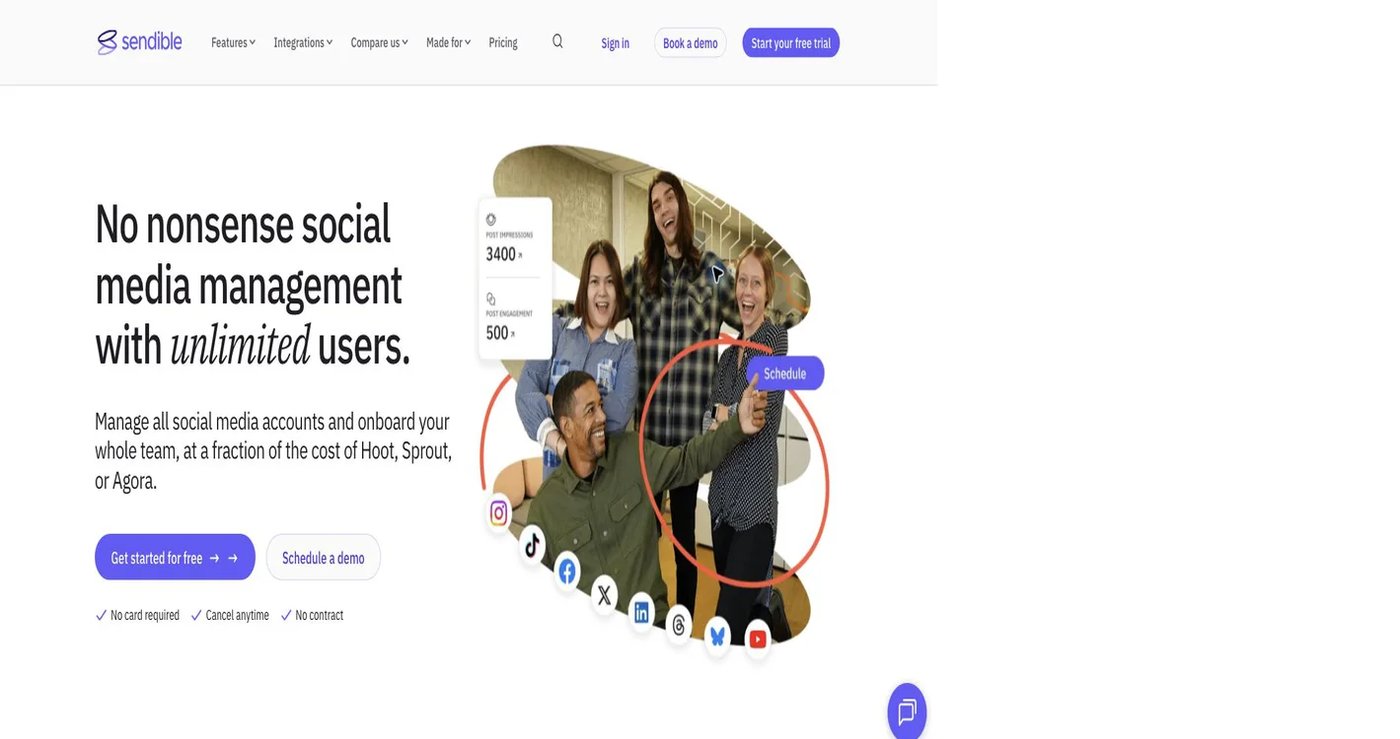
Sendible is designed for agencies that need separated client views, content approvals, a priority inbox, monitoring, and scheduled reports. Its client authorization workflow helps agencies connect profiles without asking clients to share passwords.
Sendible pricing now uses Core, Plus, Premium, Elite, and Enterprise rather than the retired Creator, Traction, and Scale names. Its current USD structured data starts Core at $35. The plans list 1, 3, 7, 15, and 50 workspaces with 6, 18, 42, 90, and 300 social profiles respectively, plus unlimited users. Because the visible selector is dynamic and regional, confirm the currency and billing cadence at checkout.
Sendible does not advertise a general customer-facing posting API; its documented API use is tied to white-label single sign-on. Choose it when agency organization and reporting matter more than general developer access.
7. Sprout Social — best for governed reporting and social care

Sprout Social combines publishing, a unified inbox, reviews, monitoring, reports, approval workflows, and customer-care tools. It is the enterprise-leaning option in this list for organizations that need formal governance and richer post-publication operations.
Sprout’s 2026 pricing guide lists Essentials at $99 per seat monthly or $79 per seat per month billed annually for five profiles. Standard, Professional, and Advanced add progressively deeper inbox, reporting, approval, automation, and external-review capabilities. Add-ons and seat count can materially change the total.
Choose Sprout when reporting and social care justify per-seat pricing. It is not positioned as a low-cost replacement for Planable’s review workspace.
How to test an approval replacement
Approval tools often look similar in a feature table and behave differently during revisions. Test the real handoff:
- Create a workspace with one internal reviewer and one external client.
- Submit a post containing text and the media format you use most.
- Request a precise caption change, then confirm whether the prior approval still applies.
- Test required versus optional approval behavior and what happens at the scheduled time.
- Confirm who can edit, approve, connect accounts, and publish.
- Repeat the test through the API or MCP connector if automation is required.
- Price every workspace, user or seat, page, add-on, and expected post volume.
Postqued is the strongest choice for revision-aware publishing and agent workflows. Loomly keeps collaboration calendar-led, Agorapulse and Sprout extend into social care, Buffer simplifies the queue, SocialPilot emphasizes bulk and account capacity, and Sendible organizes client service.